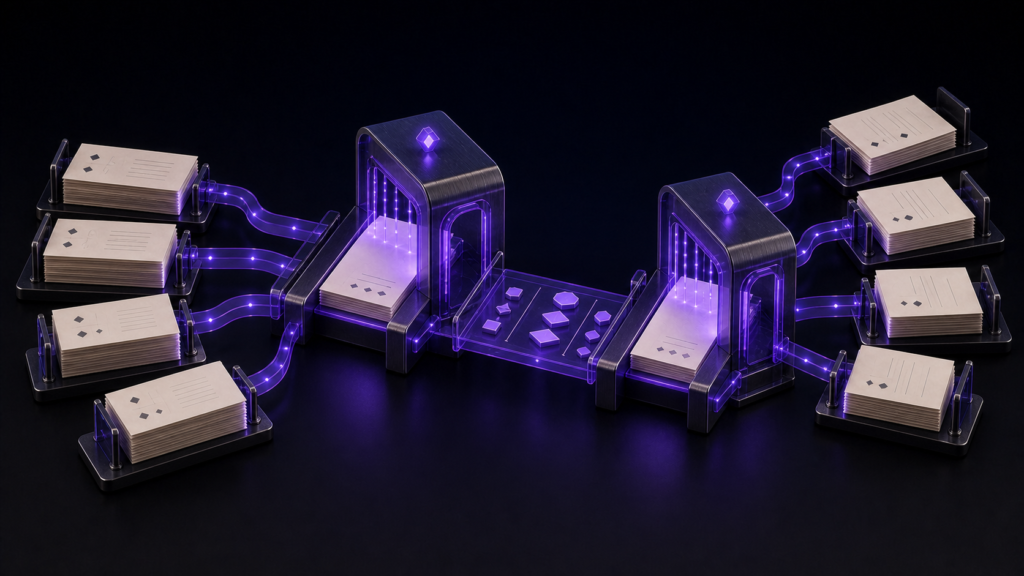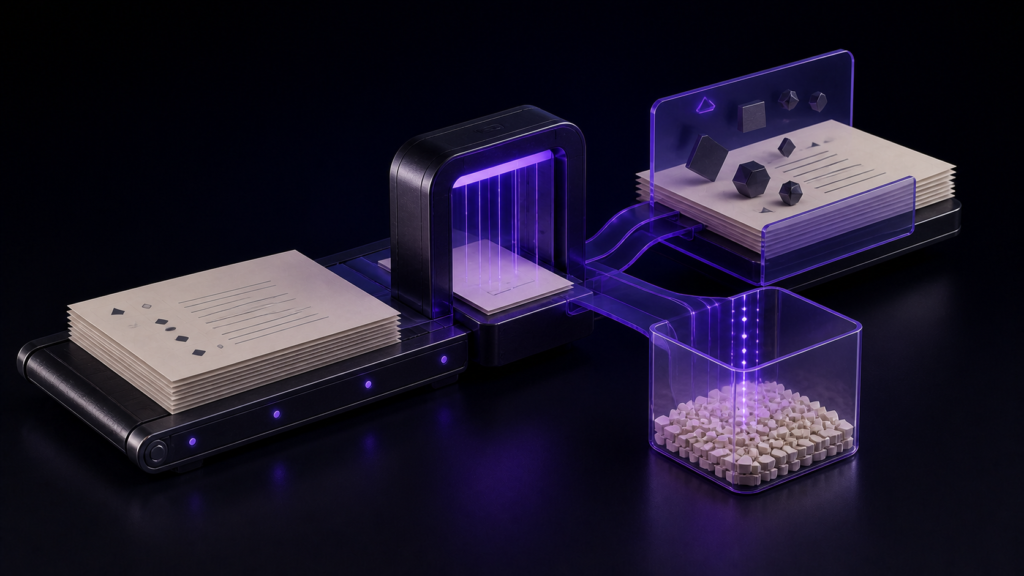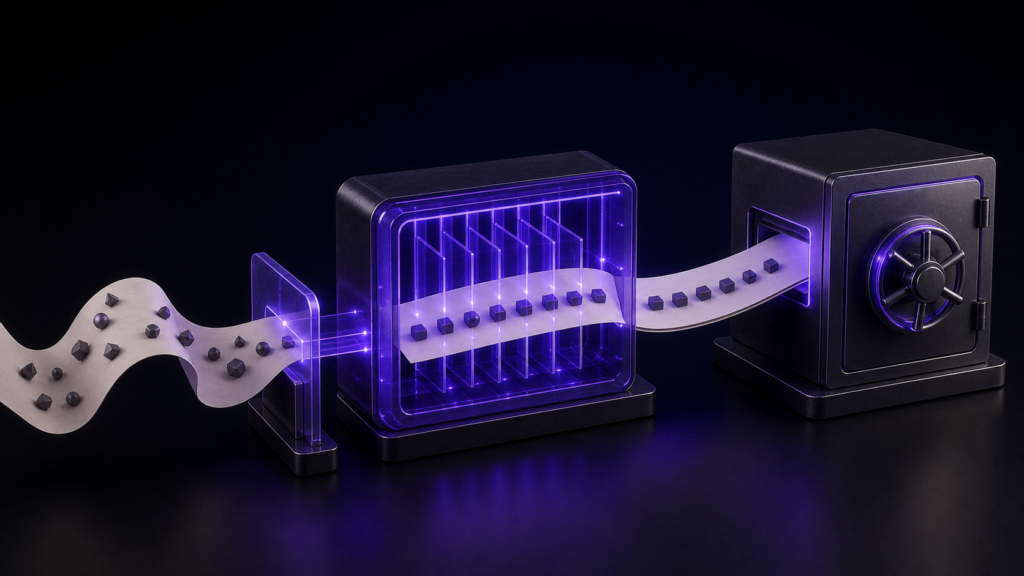
When choosing a UTF-8 text editor for Mac, test more than its ability to produce a UTF-8 file. A suitable editor should let you verify the source encoding, line endings, character count, and positions of unrepresentable characters, then check the same properties after saving under a new name and reopening the result. In this specimen, the requested length was 1,200 characters, but the inspection reported 1,199. That mismatch prevents a full pass even though the repaired files matched.
The run found one character that Shift_JIS could not represent: 😀 at index 18. An approved substitution reduced the count to zero. Reopened UTF-8 and Shift_JIS copies contained matching repaired text and retained CR+LF line endings. The status remains partial because of the one-character starting mismatch, two unrecorded legacy-character candidates, and untested visual warnings.
Choose an editor for reproducibility, not the UTF-8 label
“Supports UTF-8” says little about how an editor handles an existing Japanese file. For a Mac editor selection test, treat these four capabilities as one set:
- Report or expose the encoding used to read the source.
- Save a UTF-8 copy under a new name without overwriting the source.
- Preserve or deliberately change CRLF line endings with a visible setting.
- Let you reconcile character counts and unrepresentable positions after reopening.
If any one of these checks cannot be completed, postpone adoption for migrating existing Shift_JIS manuscripts. The central question here is whether the editor is auditable enough for that work, not how to perform encoding conversion in general.
The 1,200-character request measured 1,199
The selection specimen was specified as Shift_JIS-derived text with a requested length of 1,200 characters, one emoji, two legacy-character candidates, and CRLF line endings. The title-specific result recorded source_character_count=1199, one character fewer than requested.
Do not round that value up or report it as a match. CR+LF counting and specimen construction may have contributed to the discrepancy, but the available evidence does not establish a cause. A selection test should preserve the failed starting condition so that the counting method can be reproduced before the editor is approved.
Record the source, then reopen a separately named UTF-8 copy
Before conversion, record the observed length of 1,199, CR+LF line endings, and the representative failure at index 18. Apply the approved substitution for 😀, then repeat the Shift_JIS representability check. Continue only after the remaining count reaches zero.
Save the repaired text under a new UTF-8 name. Keep a separately named Shift_JIS copy for comparison, close both, and reopen them from disk. Reconcile the detected encoding, line ending, character count, and complete repaired text. Changing a menu setting to UTF-8 or viewing readable text in the still-open tab is not enough for this selection test.
Return to the check that failed:
- Requested and observed counts differ: return to specimen construction and counting rules.
- Source encoding cannot be established: stop before conversion and revisit the open settings.
- Unrepresentable characters remain: return to substitution approval.
- CR+LF changes unexpectedly: return to the line-ending setting before save-as.
- Reopened text differs: discard the outputs and return to the zero-finding repaired state.
One finding reached zero, but the one-character mismatch remained
The title-specific Stage 4 record contains three commands. It reports requested_characters=1200 and source_character_count=1199. Before repair, there was one Shift_JIS failure, 😀 at index 18. After the approved substitution, the count was zero. The reopened files read back as UTF-8 and Shift_JIS, the source line ending was CR+LF, and repaired_text_matches=true.
A separate common Stage 4 run inspected the same short text in five encodings. UTF-8, Shift_JIS, and EUC-JP each read as 39 characters with LF; UTF-16LE and UTF-16BE each read as 40 characters with LF. The working tab’s setting read back as UTF-8. This five-file result is useful evidence that encodings can be inspected, but it does not resolve the one-character discrepancy in the CR+LF specimen.
Keep the selection result partial
The run passed the position check for one unsupported character, reached zero after repair, read back two output encodings, retained CR+LF, and matched the repaired text. It did not match the requested starting count. The result data also does not identify the two legacy-character candidates anticipated by the test material.
The CLI did not verify Rune Studio’s pre-save warning, red highlighting, visual mis-decoding state, or autosave stop and resume. Complete recovery of damaged data, OCR, binary repair, and performance or price comparisons with other Mac editors were outside scope. This evidence does not justify calling the editor a complete pass for every selection criterion.
What Rune Studio can be tested for
Current Rune Studio documentation describes detection of major Japanese encodings, highlighting Unicode characters that the selected encoding cannot represent, pausing autosave while such errors remain, and changing encoding and line-ending settings. Those are documented Stage 3 product capabilities.
This Stage 4 run verified counts, one position, output encodings, CR+LF, and matching reopened text through the CLI. It did not compare products or test the warning visually.
Conclusion: choose the editor that exposes the mismatch
A Mac UTF-8 editor should preserve enough evidence to compare the source and reopened output: encoding, line ending, character count, and unsupported-character positions. Here, 😀 at index 18 was repaired, the remaining count reached zero, and the UTF-8 and Shift_JIS copies matched with CR+LF.
The requested 1,200 characters still measured 1,199. Refusing to hide that difference is part of preventing garbled or missing text from moving downstream. Keep the tool decision conditional until the counting discrepancy and two unrecorded candidates are resolved. The documented Mac feature scope is available on the Rune Studio product page.