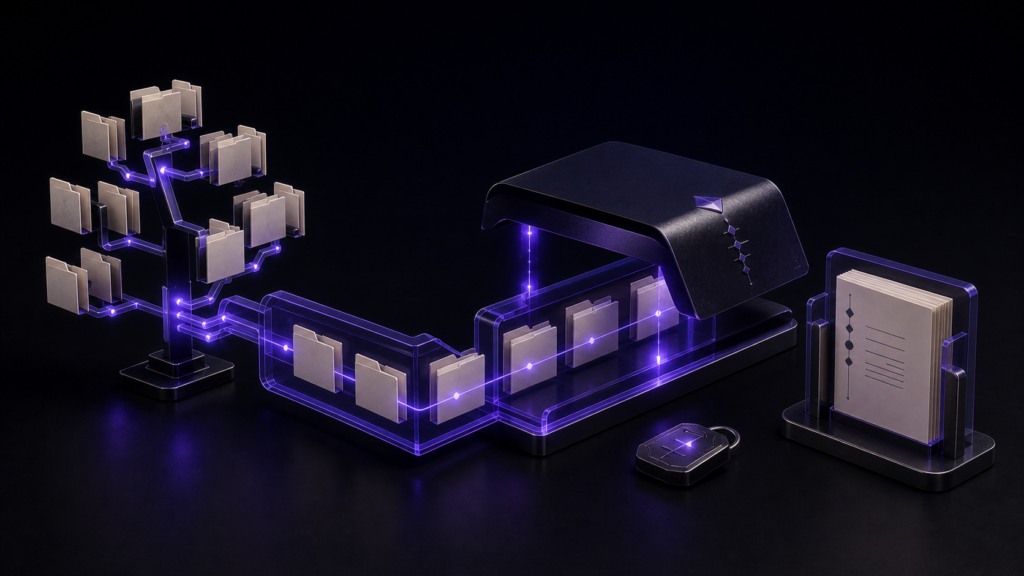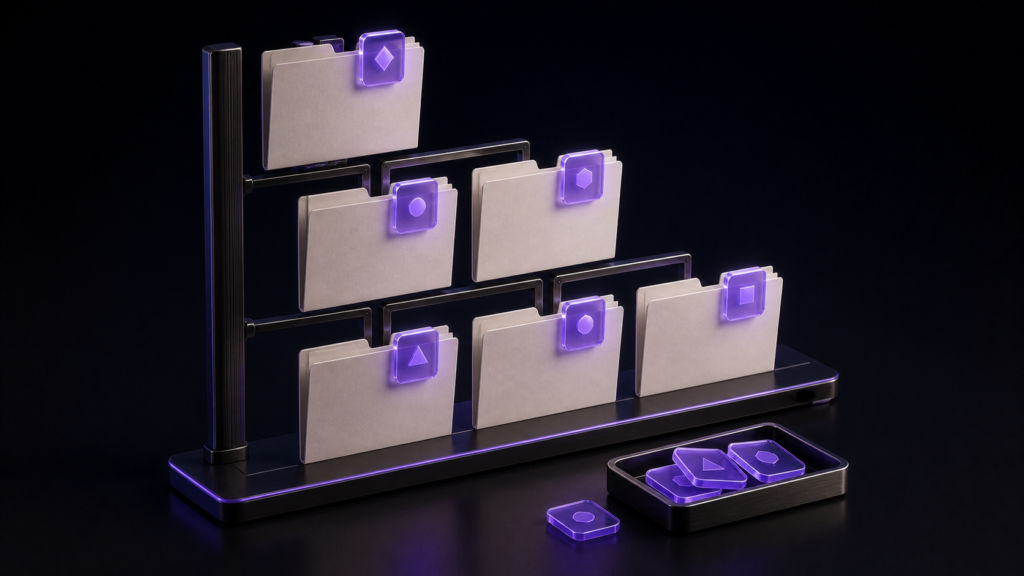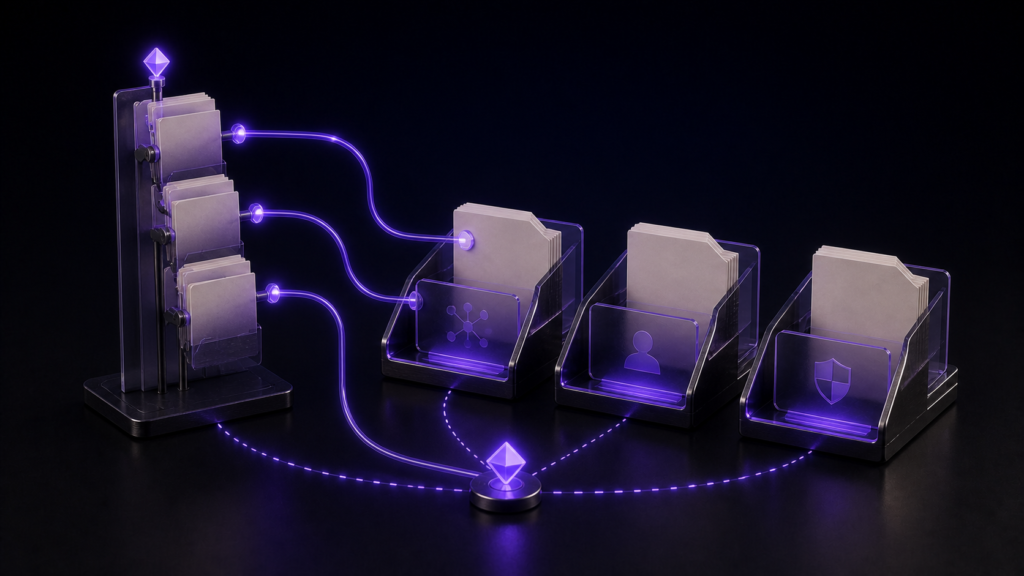
Opening multiple files from a manuscript tree is useful only when the tabs form a working set. In a project with twelve chapters, a character sheet, and a timeline, do not open all fourteen files. Open the chapter you will edit, the character reference that answers naming questions, and the timeline that answers sequence questions.
For this example, Chapter C07 is the return point. It stays open while the two references come and go.
Open the return file first
Expand chapters in the project tree and open C07 before anything else. Then open the character sheet and timeline from refs. This order makes the leftmost or central tab the authoritative draft instead of whichever reference happened to be clicked last.
If another chapter is needed for comparison, keep C07 open. Close the temporary comparison when the question is answered. The purpose of the working set is to preserve the next edit, not to display the whole project at once.
Select only the files needed today
Rune Studio’s file tree places folders before files, excludes hidden items, and can open selected text files inside the editor. It supports range selection and opening multiple files together. Non-text items can be handed to their default Mac application instead of becoming misleading manuscript tabs.
Choose C07, the character sheet, and the timeline. If similar filenames create doubt, use Copy Path or Show in Finder before editing. Opening all twelve chapters and then hunting through overflowing tabs simply moves the navigation problem from the tree to the tab bar.
Assign one question to each tab
C07 answers “what text changes now?” The character sheet answers “which name or form of address is correct?” The timeline answers “did this event happen before or after the previous scene?” Tabs can be reordered by dragging, and a reference can move to another pane when side-by-side reading helps.
Keep C07 in its chosen position. Reorder the references around it, not the manuscript around every new question. Check the active-pane appearance before typing so an answer does not accidentally become an edit inside a reference file.
In Rune Studio, select the needed files in the project tree and open them with the file action or a double-click. In the checked workspace, C07, the character sheet, and the timeline returned as three tabs after closing and reopening. Before typing, confirm that C07 is the active manuscript.
End the session with the next edit visible
After consulting the character sheet and timeline, return to C07 and reread the changed paragraph. Confirm the save state. Rune Studio warns before an unsaved tab closes, but the warning should not replace a deliberate decision about which version is authoritative.
If the work continues tomorrow, leave the three-tab set in place and close the workspace. On the next opening, verify that C07, the character sheet, and the timeline return. When work moves to C08, replace the manuscript tab intentionally rather than accumulating both indefinitely.
Do not confuse tabs with tree expansion
This workflow is about creating and restoring a three-file work set. Remembering which folders are expanded in the tree is a separate navigation feature. A restored tab does not prove that every tree branch reopened, and an expanded folder does not prove that the correct manuscript is active.
Add a fourth tab only when you can name the decision it supports—a map, perhaps, or a terminology list. If it has no current question, close it. Success is measured by returning to C07 quickly, not by the number of documents on screen.
Start with C07, the character sheet, and the timeline in that order, then revise one paragraph. Rune Studio’s current tree and tab capabilities are listed on the product page.
Handle similar tab names without losing the source
Files named C07.md, C07_notes.md, and C07_old.md are easy to confuse. Keep the current source in a fixed tab position and assign the other positions by role rather than by the order in which files happened to open. Add the old draft only while a comparison question is active, then close it.
Renaming files is a separate maintenance task. Performing it in the middle of a three-file editing session can change links and make the restored work set harder to interpret. Finish the C07 paragraph first, preserve the return tab, and schedule file cleanup independently.
When using a second pane, move only the reference that must remain visible. The timeline may need a side-by-side view for sequence work, while the character sheet can stay behind it as a tab. This retains a compact working set even on a laptop.