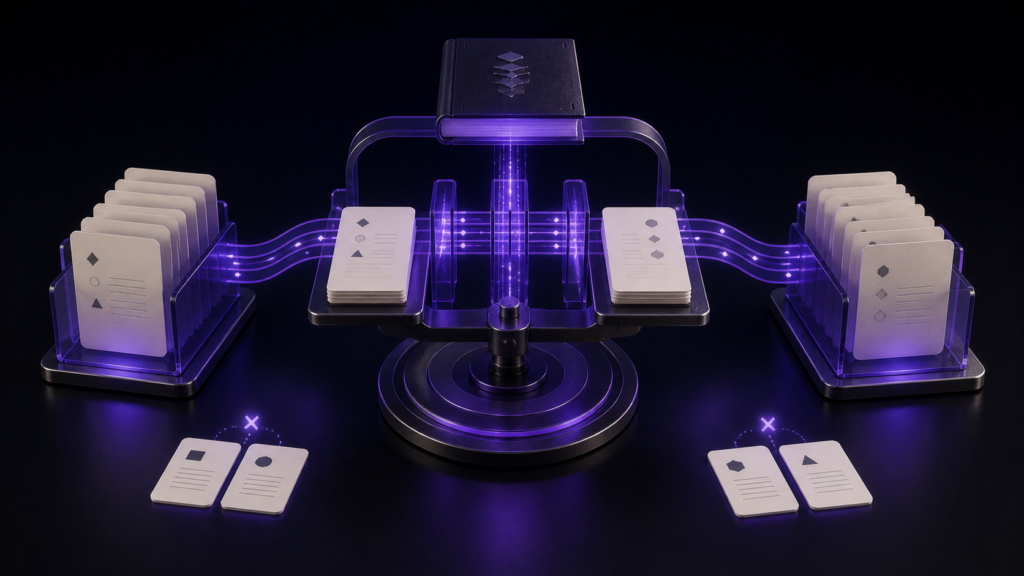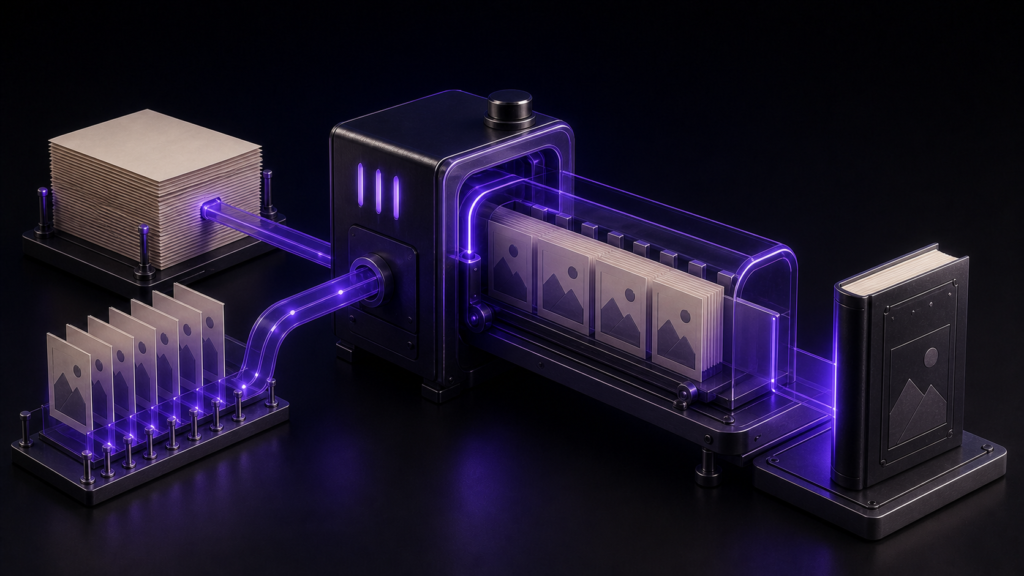
Before submitting to KDP, do not mix contents, cover, and colophon into one undifferentiated “required” list. Separate the EPUB interior that rune Studio can inspect, the edition information the publisher must confirm, and the rendering checked for KDP.
This structure keeps the checklist within verified product boundaries while allowing one complete decision on the current submission file. STUDIO-396 covers the detailed input-to-output conversion map.
Assemble only the current submission set
Place these items together:
- One EPUB intended for submission
- The cover image for this edition
- The intended contents labels and order
- The title, author, publication date, edition, and other colophon values to compare
- A note for Kindle Previewer findings
Do not mix older EPUBs into the active set. Write the selected filename at the top of the checklist and attach every decision to that exact file.
Layer 1: clear the pre-export findings
rune Studio preflight names missing input. In the operation test, an empty state returned missing items; after input was supplied, the result changed to no missing items.
That evidence does not establish that one fixed list of three fields is universally required, or that every possible omission is detected. Use the feature within its verified scope: resolve the findings returned for the current build and record that none remain.
A clear preflight result does not prove that the supplied values are correct for this edition. The editorial comparison belongs to layer 2.
Layer 2: compare the EPUB interior with the edition record
The verified post-export inspection covers reading order, navigation, images, leftover source notation, and empty pages. Add the publisher's content comparison to that result.
Contents
- Chapter labels match the current manuscript
- Chapter order matches the intended list
- Each link opens the intended content
- Navigation and reading order do not contradict one another
This article does not claim an unregistered rune Studio control for excluding a navigation item. Compare the planned list with the exported navigation in the same order.
Cover
- The image matches this edition
- No missing-image finding is reported
- The intended cover page is present
- The cover renders in Kindle Previewer
In the operation test, an absent referenced image changed the verdict and was named. A verified cover page could also appear in the empty-page list while the overall result remained valid. Do not reject an intentional image-only cover page from that label alone.
This article makes no unregistered claim about rune Studio cover placement or configuration.
Colophon
- Title and author match the intended KDP record
- Publication date and edition match this release
- Publisher information appears only as intended
- Previous-edition history is correct when retained
This is a comparison between the finished colophon and the edition record, not a claim about rune Studio's automatic colophon generation or language-specific behaviour.
Body for an English-language reflowable book
- Reading order is complete
- Body images are present
- No source notation is left behind
- Intentional and accidental empty pages are distinguished
This English checklist is limited to horizontal, reflowable publishing and uses checks relevant to that reader and production task.
Layer 3: perform the current KDP checks
KDP's official help lists EPUB as a supported eBook manuscript format and recommends validating it with Kindle Previewer before upload. Check the current supported eBook formats when submitting.
In Kindle Previewer, inspect:
- Order from cover through body
- Contents link targets
- Reflow after changing text size
- Presence and placement of body images
- Headings, lists, symbols, and other representative structures
KDP's eBook manuscript formatting guide also directs publishers to preview before publication. Keep this stage even when internal inspection reports no finding.
Record the decision in three lines
- Before export: no unresolved preflight findings
- EPUB interior: contents, cover, colophon, and body match this edition's record
- KDP side: Kindle Previewer and submission-screen checks completed
Line 1 covers missing input, line 2 covers the file and edition, and line 3 covers the publication environment. No one line substitutes for the others.
After any revision, generate a new EPUB and repeat all three lines against the new filename. Do not reuse the decision from an older build.
Summary
- Divide KDP preparation into pre-export, EPUB-interior, and KDP-side checks
- Use rune Studio preflight only for the findings it actually returns on the current build
- Compare contents, cover, and colophon with the edition record rather than asserting unverified product behaviour
- Keep Kindle Previewer after internal inspection
Write the current EPUB filename at the top of the checklist and date all three layers. Submit only when the contents, cover, and colophon records describe that same file.
See the current product scope on the Rune Studio product page.