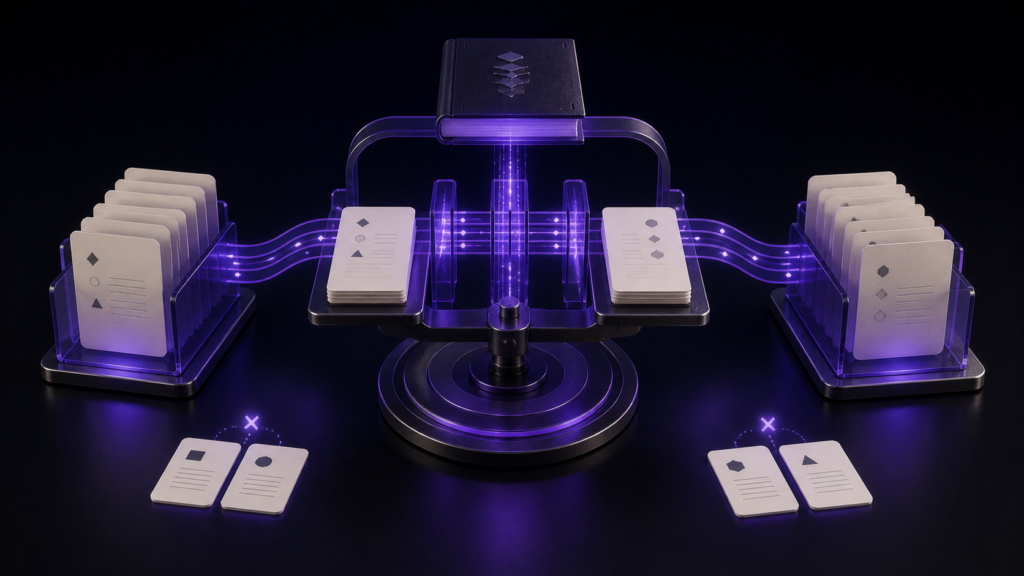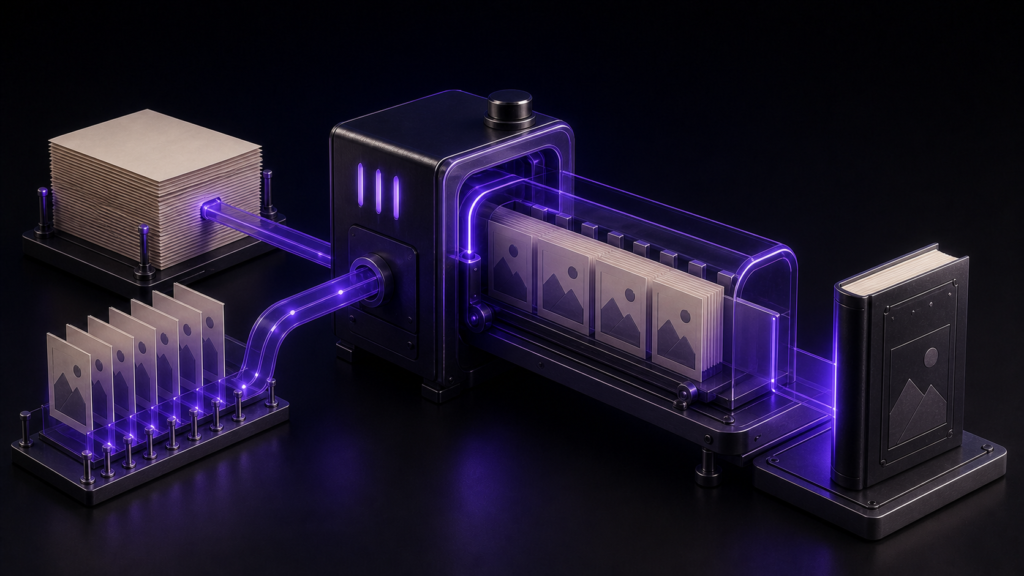
Choosing a format for KDP requires two separate decisions: the upload file format and the layout model. The KDP guidance checked on 27 August 2026 lists DOC/DOCX, KPF, EPUB, HTML-based formats, RTF, TXT, and PDF. PDF support is limited to English, French, German, Italian, Portuguese, Spanish, Catalan, Galician, and Basque manuscripts. For a text-driven book whose exported package you want to build and inspect yourself, reflowable EPUB is a practical choice.
This article separates current upload formats from reflowable and fixed-layout decisions. How reflow works internally and how navigation is built are covered elsewhere.
KDP file formats and layout are separate axes
KDP's supported eBook formats include:
- DOC/DOCX — submit a word-processing document and inspect the Kindle conversion
- KPF — Kindle Package Format produced by Kindle Create
- EPUB — an EPUB that meets the Kindle Publishing Guidelines
- Others — HTML (ZIP, HTM, or HTML), RTF, and TXT; PDF is supported only for English, French, German, Italian, Portuguese, Spanish, Catalan, Galician, and Basque manuscripts
Reflowable versus fixed layout is a different decision. Reflowable content changes line breaks with font size and screen width; fixed layout preserves page placement. Text-driven novels, guides, technical books, and essays that do not depend on fixed composition are candidates for reflow. Picture books and photo books may need fixed layout.
DOC and DOCX can also be previewed before submission
DOC/DOCX lets you keep a familiar word-processing file as the source. It is not accurate to say the conversion remains unknowable until you upload it to KDP.
KDP's Kindle Previewer guidance says Previewer 3 opens EPUB, HTML/XHTML, OPF, KPF, DOC, and DOCX. You can therefore inspect chapter breaks, navigation, and images from a DOC or DOCX file locally.
However, a local Previewer result and KDP's upload processing and acceptance are separate. Opening locally does not guarantee store acceptance. The same limitation applies to an EPUB.
Choose by the artifact you want to control
The useful distinction is not simply whether the file can be opened locally, but which production artifact you want to manage.
- DOC/DOCX — keep the word-processing file as the master and inspect the Kindle conversion in Previewer
- KPF — work through the Kindle Create production path
- EPUB — build and retain the upload package, then inspect metadata, navigation, reading order, and resource references
Every route still needs a pre-submission preview and a current KDP-guidance check. EPUB's advantage is not that DOC/DOCX cannot be previewed. It is that you retain the actual package you intend to submit and can rebuild and compare it locally.
Reflowable books also have unstable page numbers because pagination changes with the device and font size. Point to a chapter, heading, or named figure instead of “page 35.” Fixed-layout books preserve pages and are a different case.
rune Studio builds and inspects the EPUB locally
rune Studio exports EPUB 3 from manuscripts. In the development-build operation test, a horizontal export recorded horizontal text flow and left-to-right page progression; a vertical export recorded vertical flow and right-to-left progression.
Its EPUB inspection reports reading order, navigation presence, missing images, leftover markup, and empty pages. The clean test export returned ten packaged entries, five reading-order items, navigation present, and no findings.
Rebuilds remain comparable
Exported files receive timestamped names. The operation test confirmed that a fixed clock value appeared in the file name, making it less likely that a prior build will be overwritten and easier to compare before and after.
Who should choose which route
Reflowable EPUB suits a text-driven book whose publisher wants to retain and inspect the upload package. If your DOC/DOCX workflow plus Previewer already gives you the control you need, that route remains valid. Kindle Create users may prefer KPF.
Photo books, picture books, and diagram-led titles are different. If page composition is part of the content, check KDP's current fixed-layout guidance and choose the appropriate production format.
What was verified for Rune Studio is EPUB generation and internal inspection. KDP acceptance and device-by-device rendering were not tested.
Summary
- KDP supports DOC/DOCX, KPF, EPUB, HTML-based formats, RTF, and TXT; PDF support is limited to the nine languages named above. Reflowable versus fixed layout is a separate axis
- Kindle Previewer 3 opens both DOC/DOCX and EPUB, so local preview and KDP acceptance must remain separate
- Reflowable EPUB is practical when you want to retain and inspect the upload package for a text-driven book
- rune Studio builds the EPUB locally and checks writing direction, reading order, navigation, and missing resources
For a first step, decide which artifact you want to own before upload. Choose EPUB when you want to inspect the package itself; choose DOC/DOCX when the document-plus-Previewer workflow already meets your needs.
See the current product scope on the Rune Studio product page.