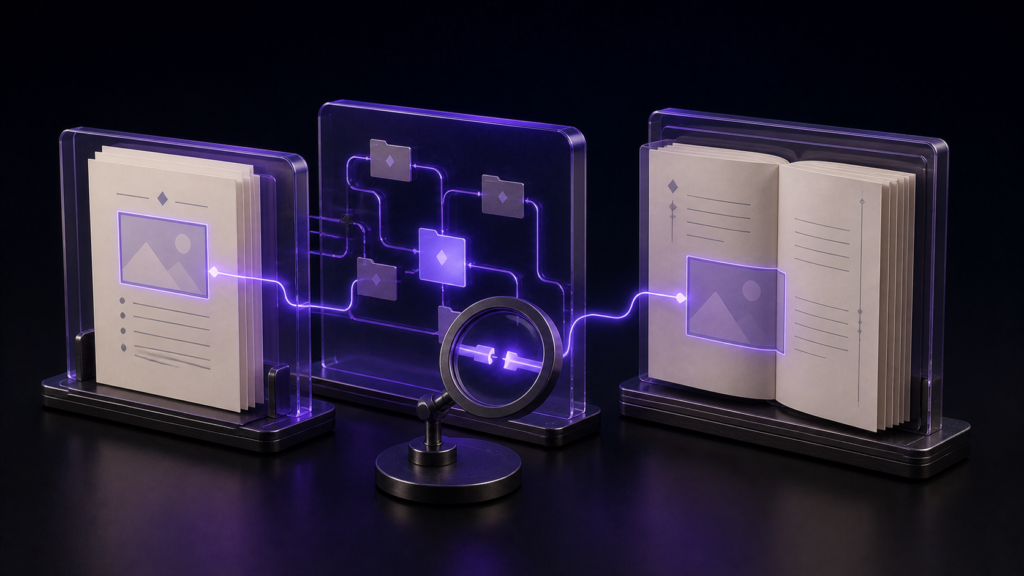
When an EPUB looks wrong, four useful first checks are a writing-direction setting that does not match what you intended, leftover markup in the body text, a missing image, and an empty page. Inspecting the exported file can separate these manuscript and settings problems. If none fits, widen the investigation to causes outside this inspection, such as CSS, package structure, body markup, or the reading app.
This article is for the moment when you open the file, something is clearly off, and you have no idea where to start. Fixing missing images in detail is covered separately.
Four first checks
These are the four conditions rune Studio's inspection can test first, not an exhaustive list of every cause of EPUB rendering trouble.
- A writing-direction mismatch — the text flows the wrong way, or the page-turn direction is reversed
- Leftover markup — notation you wrote in the manuscript was not converted and appears as literal symbols
- A missing image — the body points at an image that is not inside the EPUB
- An empty page — a page with no content sits in the reading order
Settings mismatches are fixed in the settings. Leftover markup is a manuscript problem. A missing image means the location written in the manuscript and the location of the actual file disagree.
Notation differs by application. In rune Studio, ruby and emphasis marks are written into the manuscript in specific forms and converted into proper EPUB markup at export. Leftover markup means that conversion did not run and the raw form reached the body. With a different application, different symbols would be left behind.
Opening it and reading through
The obvious approach is opening the exported EPUB in a reading app and reading it start to finish. Breakage is visible, so this finds it.
The other approach is unpacking the EPUB and reading the files inside. It is a bundle of files, so all of it is readable as text.
Reading through finds symptoms, not causes
Finding a problem and knowing its cause are different things.
Say the text is flowing the wrong way. Candidate causes: the setting was left on the wrong value; you exported a different volume than you thought; or the reading app does not support what you set. Looking at the page cannot separate those three.
Worse, some breakage produces no visible symptom until you reach it. One missing image in chapter nine is invisible until chapter nine. An empty page is easy to swipe past. Reading a three-hundred-page book end to end after every export is not a plan.
Unpacking the file is accurate but assumes you already know which file to open and what to look for — the folder structure, where the direction setting lives, where the image list is. Until you know that, opening it yields nothing.
rune Studio inspects the finished file and names what is wrong
rune Studio can inspect an exported EPUB: reading order, presence of navigation, missing images, leftover markup, and empty pages, all in one pass.
I verified this by driving the development build from the command line. Inspecting a cleanly exported EPUB returned ten entries, five items in the reading order, navigation present, legacy navigation present, and no findings.
Then I moved an image the manuscript pointed at into a different folder, exported again, and ran the same inspection. The result flipped to invalid, reporting that the body references an image that is not present in the EPUB, and naming which body file pointed at which image. No three-hundred-page read-through required.
A settings mismatch is verifiable inside the file
Reading inside an exported EPUB shows the writing direction and the page-turn direction that were actually written. Exported with horizontal settings, the file recorded horizontal flow and left-to-right page progression.
So you can confirm your settings landed as intended before you ever open a reading app. If the file says what you meant it to say, remove writing-direction configuration from the suspect list and continue with CSS, body markup, or reader behaviour.
An empty page is not automatically a fault
Exporting with a cover attached made the inspection list the cover as an empty page, while the overall verdict stayed valid. A cover is an image-only page; having no text is normal for it.
A listed empty page is a prompt to look, not a verdict. Check what that page is supposed to be.
Who this suits, and who is fine without it
It suits anyone whose rhythm is edit, export, edit, export. Reading through after every export is not sustainable, so a single inspection pass is what makes the loop workable.
For a short piece released once, reading it through is more reliable. Twenty pages takes ten minutes, and some things are easier to judge by eye.
Scope note: this inspection looks inside the EPUB file. Differences between reading apps, and store validation criteria, are outside it.
Summary
- Start by checking direction mismatches, leftover markup, missing images, and empty pages
- Reading through shows symptoms but not causes, and some breakage stays invisible until you reach it
- rune Studio inspects the exported file and names problems such as missing images
- Settings are verifiable inside the file, so you can rule out your own configuration before blaming the reading app
For a first step, take one EPUB you already have and check it against these four. If none fits, widen the investigation to CSS, package structure, body markup, and the reading app.
See the current product scope on the Rune Studio product page.