
To prevent missing or oversized formatting in a text editor, inspect four states: the original text, the marked-up source, the preview, and the text after formatting is removed. Test bold, italic, and strikethrough on separate lines before combining them. That small round trip reveals selection errors that a finished preview can hide.
Build a three-line specimen
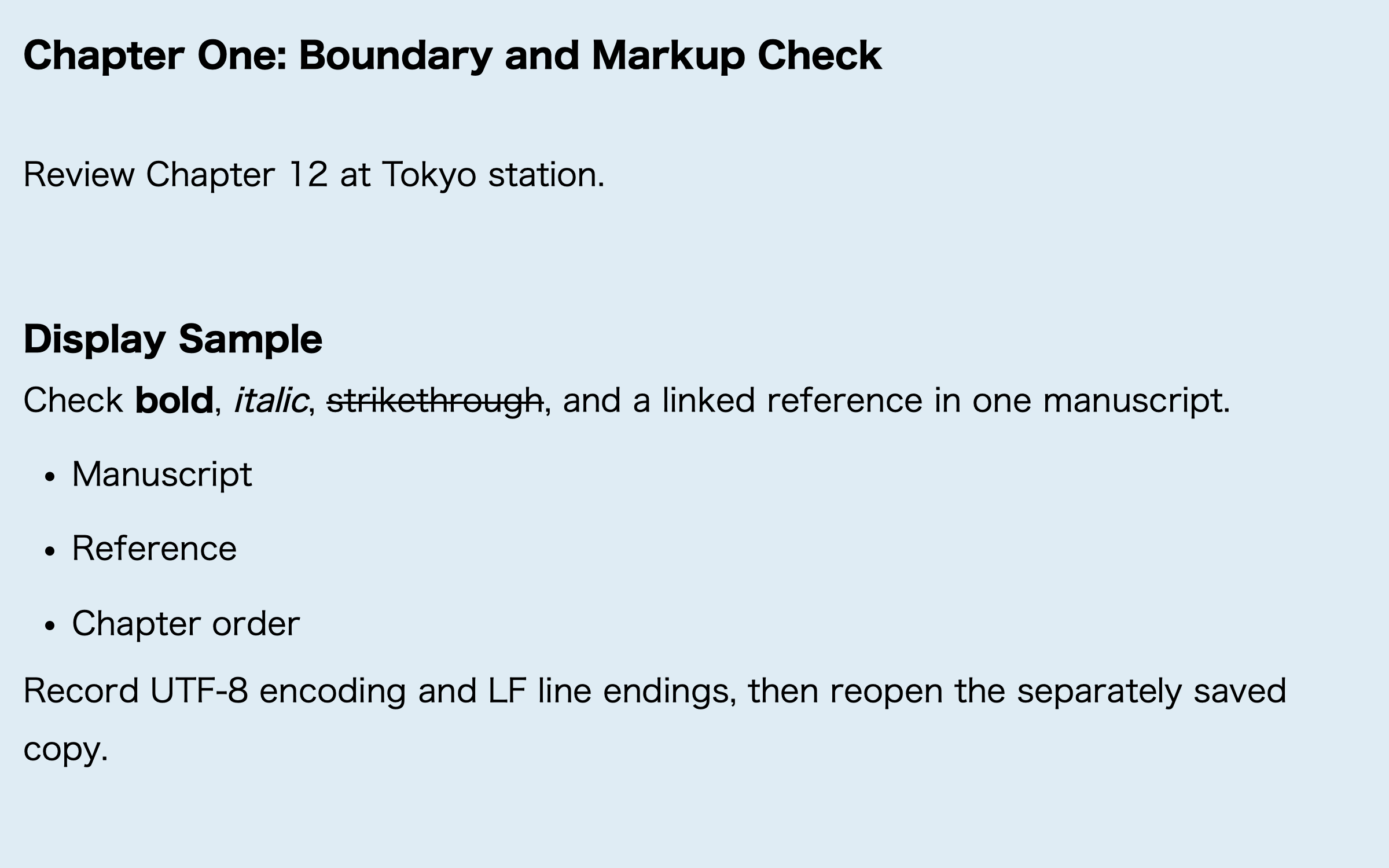
Copy one sentence onto three lines. On the first line, make only a key conclusion bold. On the second, italicize a title or term. On the third, apply strikethrough to a phrase that is being considered for deletion. Place punctuation or parentheses immediately beside each target so that a one-character selection error is visible.
For example, in “We will adopt this approach,” bold only “adopt.” A passing result preserves every character and changes only the intended word. Use the same standard for italic and strikethrough. Do not stack all three formats on one phrase until each format passes by itself.
Inspect source markers and preview separately
In an editor that uses lightweight markup, the editing view may show delimiters while the preview shows the visual format. Check that the source has a complete pair of delimiters around the intended text. Then check that the preview changes only that text. Neither view is sufficient on its own.
A preview may appear correct even when a delimiter has drifted onto the next line, which can expand the formatted range during a later conversion. The reverse can also happen: the source appears balanced, but the preview leaves the text unchanged because that notation is not supported in the current context. Record the failure by format and line instead of describing the entire specimen as “broken.”
Remove the format without removing the words
Strikethrough is especially useful for a removal test. After applying it, remove only the formatting and compare the line with the original. The words, spaces, and punctuation should return to the initial state. A deleted word, doubled space, or missing period is a failure even if the formatted preview looked correct.
Repeat the same round trip for bold and italic. Writers often test insertion but not cleanup. During revision, however, formatting is frequently changed or removed. A safe workflow must preserve the manuscript when those markers are taken away.
Give each format a stable editorial purpose
In a long manuscript, define what each format means. Bold might mark a conclusion, italic might identify a work title, and strikethrough might flag text under discussion. When every strong sentence becomes bold, formatting stops helping the reader. A one-line style note keeps later chapters consistent.
Typography, color, CSS themes, and the final appearance on every reading device are separate concerns. This test covers the editor round trip: insert one of three inline formats, inspect its preview, and remove it without damaging the text.
The documented Rune Studio scope
Current documentation for the Mac version of Rune Studio lists bold, italic, and strikethrough among the editing notations available from the sidebar or the Format menu. Supported Markdown-like and Rune-specific notations are converted for preview and EPUB XHTML, and a notation-removal action is also documented.
That is a description of the available feature set, not proof that a particular specimen has passed. It is also not a claim of complete CommonMark support or identical rendering on every device. Use the three-line specimen to verify the range and cleanup behavior needed by your own manuscript.
A five-point check for each line
Confirm that the selected word is correct, adjacent punctuation is excluded when intended, the source delimiters form a complete pair, the preview shows only one requested format, and removing the format restores the original line. Pass all five checks for all three lines before applying the same editorial convention across a chapter.
If one line fails, revise only that format. The separation is deliberate: a bold problem should not force you to rebuild the italic and strikethrough tests. Keeping the failure small makes the cause and the return point clear.
Start with one sentence, not a chapter
The practical answer to missing text-editor formatting is a controlled round trip. Create three copies of one sentence, apply bold, italic, and strikethrough separately, inspect source and preview, and then remove each format. This checks both insertion and cleanup before the notation spreads through a manuscript.
To evaluate the documented notation and preview features in one Mac workspace, see the current scope on the Rune Studio product page.