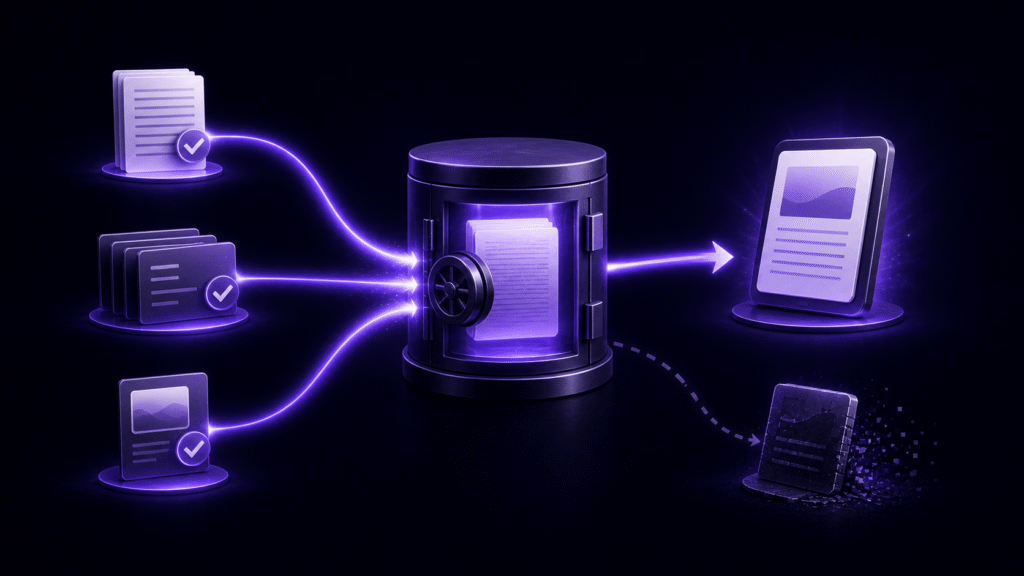
When choosing EPUB editing software for a Mac, do not stop at a feature table. Test where the software expects you to make corrections after proofreading. Change one line of body text, one chapter detail, and one piece of book metadata, then follow each change all the way into a new EPUB. That short correction cycle reveals whether the software fits the way you actually publish.
Products described as EPUB editors can follow very different models. A source-first tool treats the manuscript and project settings as authoritative, then generates a fresh EPUB. A package editor treats the EPUB itself—including files such as XHTML, CSS, and OPF—as the material to edit. Neither model is universally better, but mixing them without a clear source of truth creates a serious revision risk.
This article does not repeat a broad checklist of preview, cover, and export features. It focuses on one decision: after a proof correction, can every change return to one authoritative source without leaving a second manual fix behind?
Decide what will be authoritative
Imagine finding a typo in a finished EPUB. Editing only the EPUB may solve the immediate problem quickly. However, if the original manuscript still contains the typo, the error can return the next time someone regenerates the book.
In a source-first workflow, you correct the manuscript or project setting and generate the EPUB again. The entry point for revisions remains consistent across later editions. In a package-first workflow, you open the delivered EPUB and change its internal files directly. That can be the right choice when the EPUB is the only surviving deliverable or when the task specifically requires a low-level CSS or OPF adjustment.
Before trying any candidate, write down which statement describes your work:
- The manuscript and project settings are authoritative; every EPUB is generated from them.
- The received EPUB is authoritative; its internal package files must be edited directly.
If most of your work follows the first statement, prioritize a repeatable generation path. If it follows the second, confirm genuine package-editing support rather than assuming that “EPUB export” means “open and repair any EPUB.”
Run three corrections on the same test book
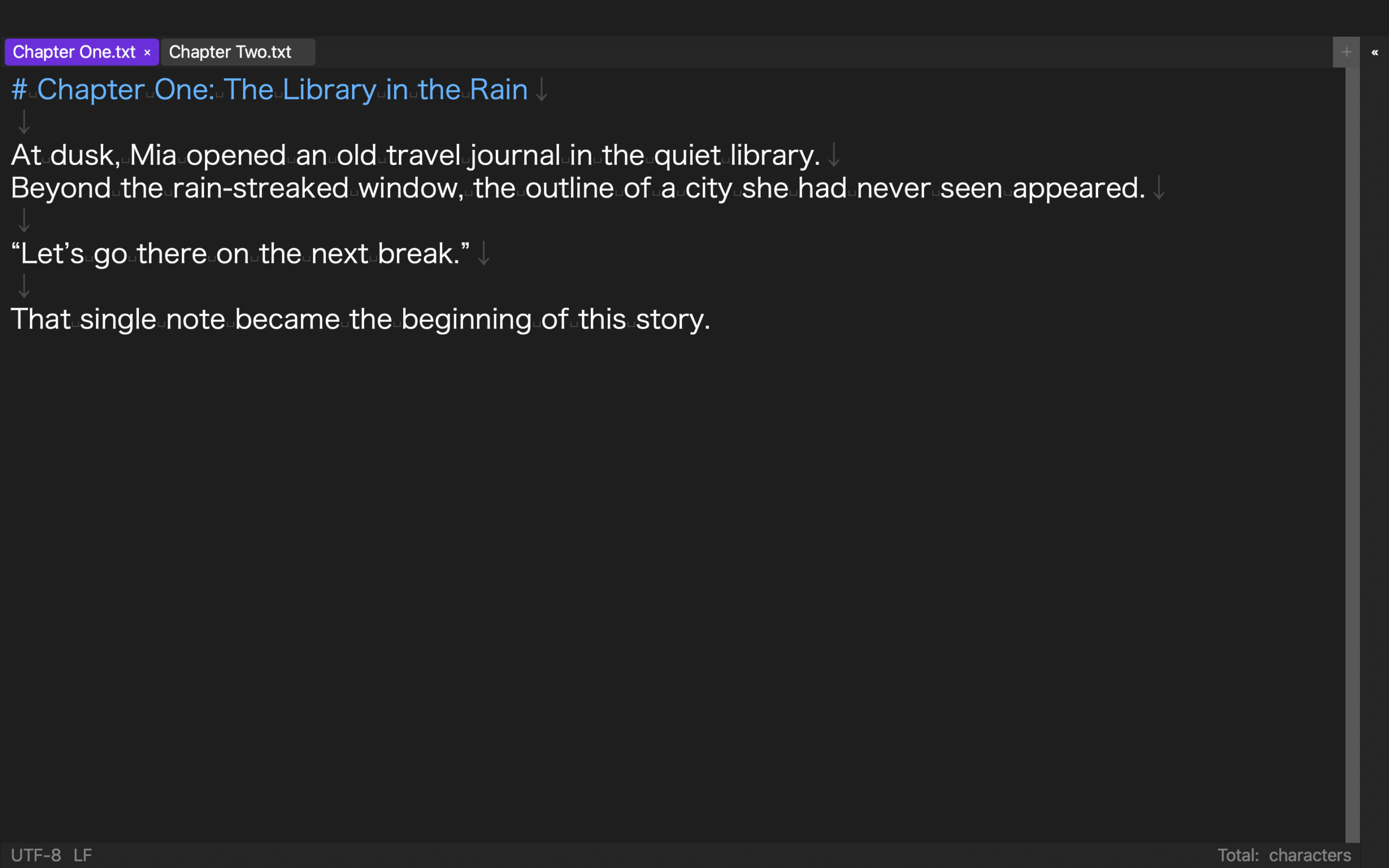
Use one small but realistic test project with at least two chapters. Do not give different sample files to different candidates. A consistent test makes workflow differences visible.
1. Correct body text
Change a sentence in the first chapter, save it, and generate the book again. Note whether you can return to the correction point quickly and whether the process requires copying the revised text into another format. If the workflow leaves a manual correction inside the previous EPUB, you now have two places that can disagree.
The important measurement is not the number of clicks alone. Record which file remains authoritative after the export. A slightly longer workflow with one reliable source is often safer than a fast one that requires matching two versions by hand.
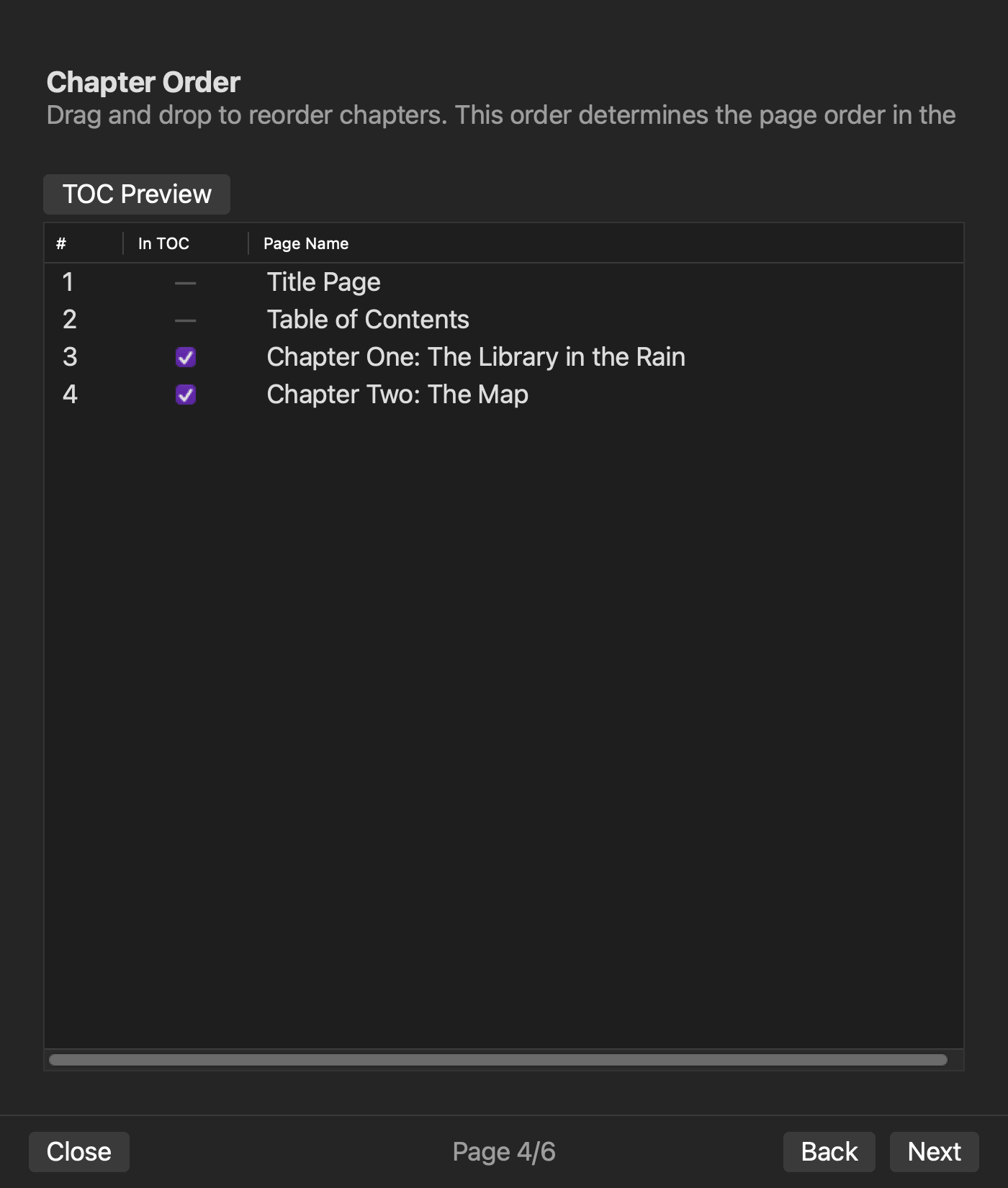
2. Change a chapter title or order
Rename the second chapter or swap the two chapters. Then check both the reading order and the navigation document in the new EPUB. A production tool should make it clear whether chapter order comes from file order, a project list, or a separate table-of-contents setting.
If you must repair the visible chapter title, the navigation label, and the spine order in unrelated places, later corrections become harder to audit. The candidate does not necessarily need to hide every technical detail, but it should make the authoritative location unambiguous.
3. Change publication metadata
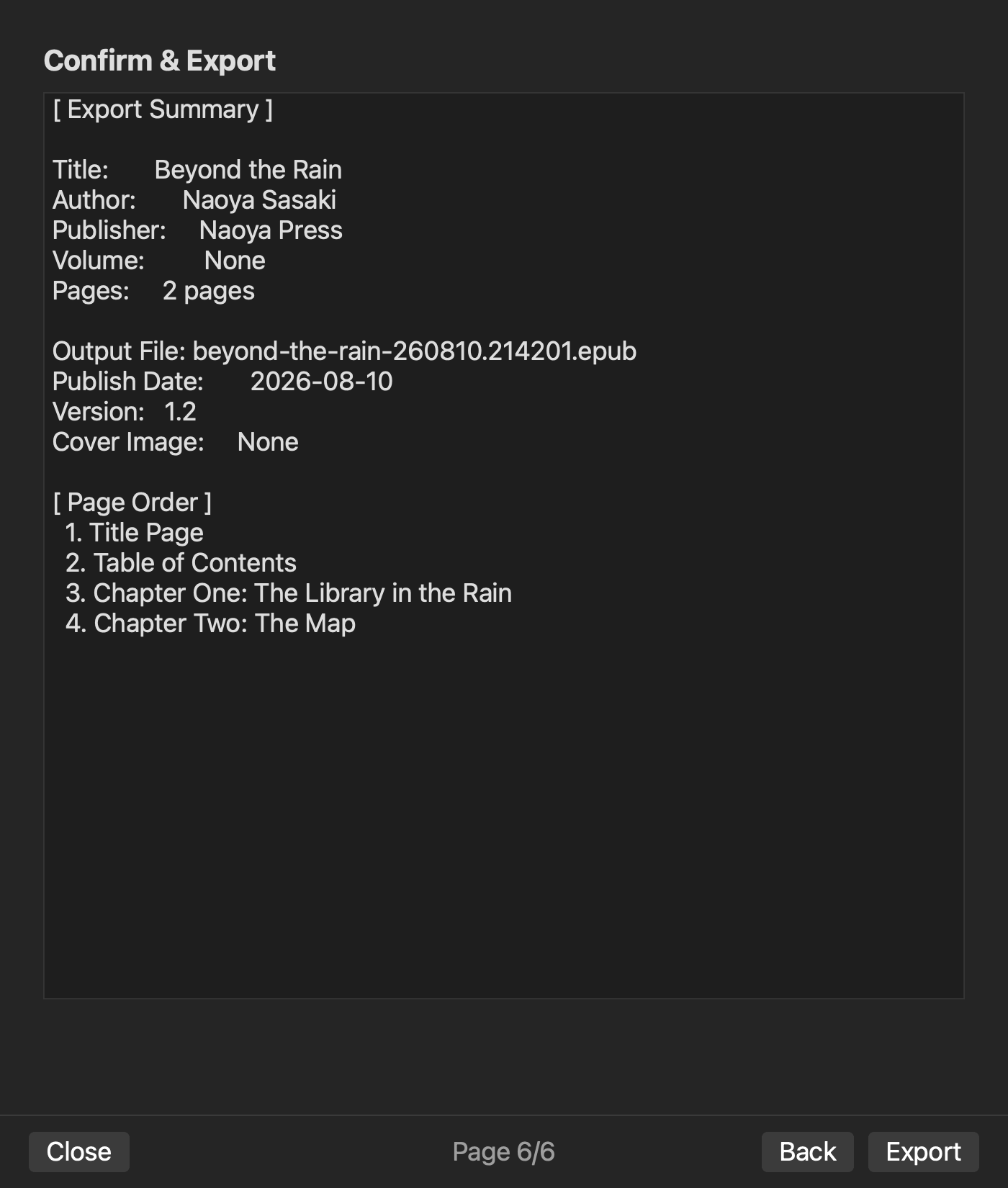
Update one value that changes in a real release, such as the title, author, volume number, edition, or publication date. Close and reopen the project if possible, then confirm that the value remains available for the next export.
Body text and metadata may live in different project files. That is acceptable when the application brings them together through one repeatable export process. The warning sign is an undocumented value that must be retyped into the finished EPUB after every generation.
Score the route back to one source
After the three corrections, score each candidate with a simple four-level scale:
- A: One authoritative source produces the revised body, navigation, and metadata.
- B: An additional check is required, but all corrections still originate from one source.
- C: Some changes must be repeated manually in both the source and the EPUB.
- D: It is difficult to tell which file contains the latest version.
For a book that will receive later editions, avoiding C and D matters more than saving a few seconds on a single export. Also keep each generated edition as a distinct file instead of silently overwriting the only previous output. A volume, edition, or date in the filename makes rollback and comparison easier.
Where rune Studio fits
The current Mac version of rune Studio follows the source-first side of this decision. It treats a folder of manuscript files as a workspace, stores book-level and volume-level settings, and generates an EPUB from selected source files.
In a command-line verification, two manuscript files were exported as two chapters. The generated package included navigation and NCX data. An internal inspection reported no missing images, leaked source notation, empty pages, or other listed issues in that test output. This is evidence for the tested generation route, not a promise that every manuscript or reading system will behave identically.
rune Studio therefore fits authors who want to correct their manuscript and settings, then regenerate the EPUB. It is not a direct repair tool for opening an existing EPUB and editing its XHTML, CSS, or OPF files in place. If your only input is a delivered EPUB, or if low-level package repair is the main job, choose software that explicitly supports direct package editing.
The internal inspection also does not replace a distribution platform’s validation or checks in the reading apps your audience will use. Those remain separate release steps.
Choose after completing one correction cycle
The best EPUB editing software for your Mac is not necessarily the product with the longest feature list. It is the one that sends body, chapter, and metadata corrections back through a clear and repeatable source of truth.
Choose a source-first tool when you expect to revise manuscripts and generate new editions. Choose a direct package editor when the EPUB itself is the asset you must maintain. Run the same three corrections in every candidate, score the revision route, and select the option that does not leave two versions to reconcile later.


