An EPUB creation tool should be shortlisted for image-heavy work only when the same two chapters, three body images, and one cover can be traced through source references, resolved files, packaged assets, and a rebuild. One successful preview is not enough. Keep candidates whose evidence remains attributable after a controlled move, and do not treat an unresolved cover-review route as a pass.
This sample uses IMG-A through IMG-C and COVER-A. Image editing, rights decisions, and the long-term availability of external URLs are outside the test. Repairing one Markdown reference and managing assets across an entire book are separate workflows. This article compares candidates with one unchanged sample.
Require four pieces of evidence for every image
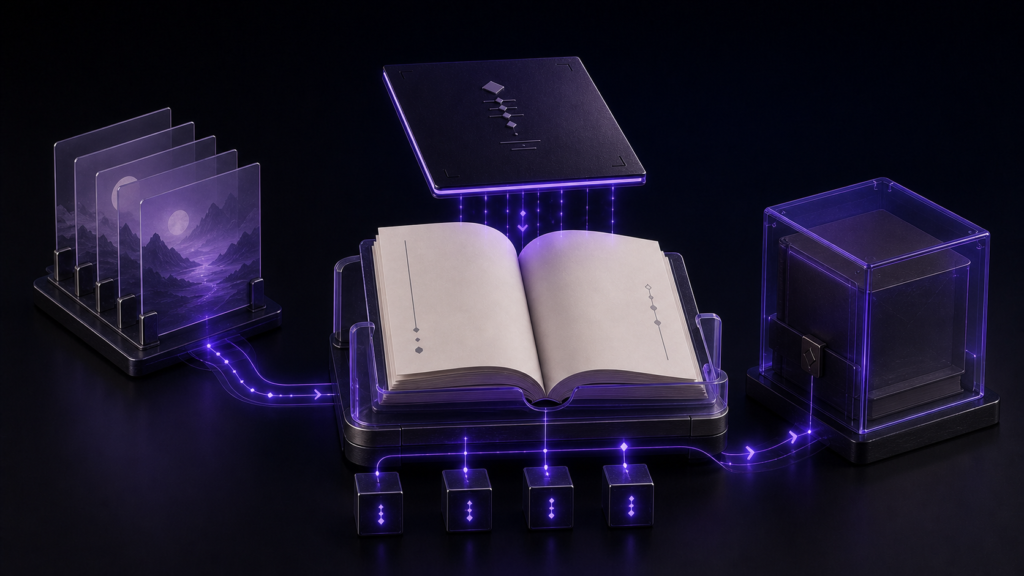
Give every image four separate results: source notation, the real file resolved from the manuscript, the packaged asset, and the relationship after rebuilding. An image visible from a cache does not prove that its source notation is current. A changed packaged filename is not automatically a failure when the intended image remains traceable.
Use one row per image with image ID, chapter ID, source notation, resolved file, packaged filename, alt text, decision, and evidence file. Any unobserved field keeps that row on hold. Feature count and one preview cannot compensate for a missing relationship.
Prepare one path-sensitive sample
Place two chapters under book-source/chapters/. Put IMG-A and IMG-B below the manuscript folder, reach IMG-C through a sibling ../assets/ path, and keep COVER-A in a dedicated cover folder. Give every image distinct dimensions and alt text so that a wrong target can be detected.
Duplicate the entire sample for every candidate. Keep filenames, image bytes, source notation, export settings, and action order identical. If a candidate requires a different layout, record that requirement as a condition of use instead of silently changing the common input.
Retain the pre-move build as the comparison build
Before moving anything, open the real file reached by each source notation and copy its ID, dimensions, and alt text into the comparison build sheet. Generate one EPUB and map each manuscript reference to its packaged asset. Keep this output as pass-1; do not overwrite it with a later build.
Score body images and the cover separately. Body images are reached from chapter XHTML, while the cover also needs package registration. An incomplete cover route cannot inherit a pass from a body-image row.
Separate rename from explicit reference rewriting
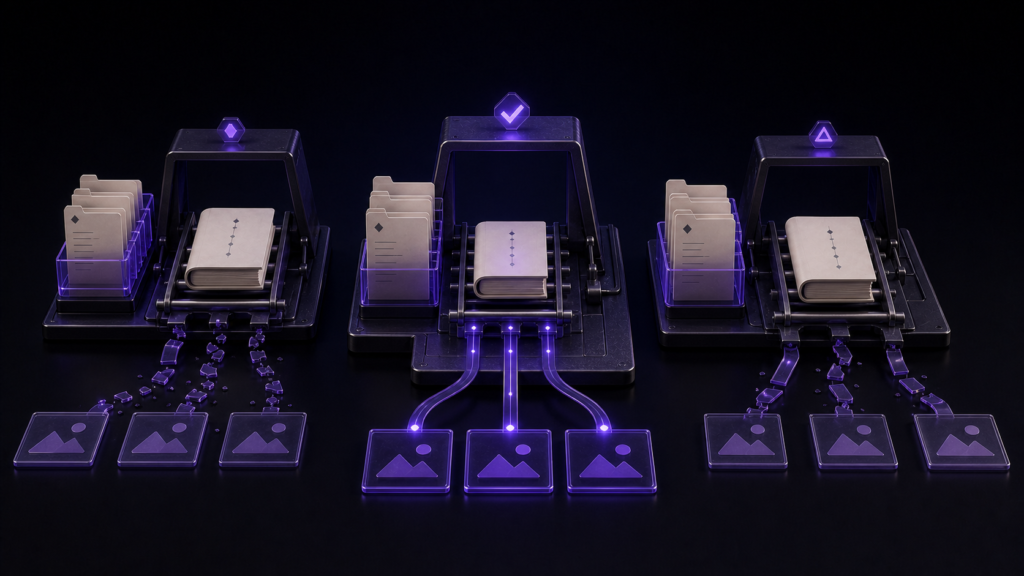
Move or rename one image or parent folder, then count old and new references before repairing the manuscript. If a candidate provides an explicit rewrite operation, run it as a separate step and search again. Classify each row as unchanged and reachable, rewritten and reachable, stale, wrong target, or not checked.
In a Rune Studio check, renaming cover.png left two Markdown references in two files on the old name, and usage of the new name was zero. Running the separate reference-rewriting function then changed both locations in both files. The external URL and page anchor did not change. The observed result therefore supports explicit rewriting, not automatic follow-through from rename alone.
Compare packaged assets after rebuilding
Generate pass-2 from the moved source. Compare source resolution, chapter XHTML, packaged image identity, and alt text with pass-1. Keep each difference tied to its image ID.
A cover-bearing EPUB contained cover.png, a body image, OPF manifest entries, and XHTML references in the ZIP. However, the completion screen treated both images as missing. This is neither proof that the files are absent nor proof that the route is complete. Keep the cover-bearing route on hold until the ZIP contents and the completion result agree.
Change one image for the repeatability pass
Rename only IMG-B and build pass-3. Its source, resolved target, and packaged asset should move to the new relationship while IMG-A, IMG-C, and COVER-A remain stable. Changing every asset at once makes a failure impossible to locate.
Stop when the old image remains referenced, both versions are packaged without explanation, or an unrelated row changes. Locate the first difference in source notation, explicit rewriting, generated XHTML, or package contents.
Bound the Rune Studio result to observed evidence
Current documentation describes Markdown image and link handling in txt, text, md, and markdown manuscripts. Observed behavior is narrower: explicit reference rewriting changed two locations in two files. It did not confirm automatic follow-through during rename, preservation of a closed Shift_JIS manuscript, or completion of this four-image sample.
Apply the same comparison sheet during a Rune Studio trial. Use separate tools for image editing and rights review, and keep the cover-bearing route on hold while the ZIP and completion result remain inconsistent.
Choose the candidate whose relationships remain explainable
For the query “EPUB creation tool image paths,” choose the candidate that can explain the relationship among source notation, intended file, packaged asset, and rebuilt result for IMG-A through IMG-C and COVER-A. Do not assume rename success; count the stale references and test explicit rewriting as a distinct operation.
Start by copying two chapters and three labeled body images, then record every pre-move path. If Rune Studio is on the shortlist, check the Rune Studio product page and score rename and reference rewriting separately.