
A text editor project tree becomes reliable when every file is identified by stable ID, role, and full path in one manifest. This controlled current set contains five C files, three S files, and four I files: exactly twelve. C03-M01 and C03-D01 are both included in the twelve, while archived C03-A01 remains outside the current count.
The central test is distinguishing chapters/CH03/draft.md from archive/CH03/draft.md and opening current C03-D01. Switching with unsaved tabs, designing a part/chapter/section hierarchy, and organizing files with Finder tags are separate checks.
Separate the current twelve from archive first
Place chapters, settings, and images under project-root. Chapters contain body work, settings contain references shared across chapters, and images contain the cover and body figures. Archive holds retired work and is not part of the current twelve.
Do not infer the count from folder names. Use the manifest status field to identify current and archived rows. The accepted count is twelve current rows; C03-A01 remains one separate archived row.
Freeze all IDs, full paths, and roles in one manifest
The complete current set is:
| No. | Stable ID | Full path | Role |
|---|---|---|---|
| 1 | C01-M01 | chapters/CH01/master.md | approved chapter 1 |
| 2 | C02-M01 | chapters/CH02/master.md | approved chapter 2 |
| 3 | C03-M01 | chapters/CH03/master.md | approved chapter 3 |
| 4 | C03-D01 | chapters/CH03/draft.md | next chapter 3 candidate |
| 5 | C04-M01 | chapters/CH04/master.md | approved chapter 4 |
| 6 | S01 | settings/characters.md | character sheet |
| 7 | S02 | settings/timeline.md | timeline |
| 8 | S03 | settings/glossary.md | glossary |
| 9 | I01 | images/I01_cover.png | chapter-neutral cover |
| 10 | I11 | images/CH01/I11_opening-map.png | chapter 1 figure |
| 11 | I31 | images/CH03/I31_station-map.png | chapter 3 station map |
| 12 | I32 | images/CH03/I32_route-note.png | chapter 3 route figure |
The arithmetic is five C plus three S plus four I, totaling twelve. Chapter labels such as C01 through C04 are not counted as file IDs; master and draft variants each receive one explicit ID.
Keep C03-M01 and C03-D01 in separate roles
C03-M01 is the approved source and C03-D01 is the next candidate. Both are under CH03, but their roles differ. Avoid time-dependent names such as final and new. Decide authority from stable ID and manifest role.
A renamed chapter title does not require replacing these IDs. Renumbering them would make prior character-sheet and figure notes point at a different object.
Keep archived C03-A01 outside the twelve
The retired draft is recorded separately:
| Status | Stable ID | Full path | Role |
|---|---|---|---|
| archived | C03-A01 | archive/CH03/draft.md | read-only retired chapter 3 draft |
Current C03-D01 and archived C03-A01 share the basename draft.md. Select by manifest ID before opening and verify the full path afterward. The archived row is retained, but it is not added as a thirteenth current item.
Track three settings and four images by exact ID
The settings set is exactly S01, S02, and S03. Keep a shared character sheet under settings rather than implying that it belongs only to chapter 3. A future working copy must receive a new derivative ID instead of silently replacing S01.
The image set is exactly I01, I11, I31, and I32. I01 is the cover, I11 belongs to chapter 1, and I31 plus I32 belong to chapter 3. Do not use an abstract range such as I01–I05 when those file identities do not exist.
Open by ID, then verify path and opening marker
To edit the chapter 3 candidate, select C03-D01 in the manifest and open chapters/CH03/draft.md. Confirm that tab name, full path, and the opening ID marker all identify C03-D01.
Open C03-A01 only as a comparison, verify archive/CH03/draft.md, and close it without editing. Modification time does not establish authority because a later archive note can reverse the timestamp order.
Distinguish same-named files in the tree
Rune Studio provides folder-first tree display, retained expansion state, range and multiple-file selection, renaming, Finder display, and path copying. Hands-on checks reproduced hierarchy creation, folder-first ordering, tree search, and full-path separation of two same-named files.
The exact twelve-file sequence, every file-display mode, and the Finder screen were not completed as one run. To test it yourself, copy the twelve-file specimen and require four results: twelve current rows, zero duplicate IDs, C03-D01 selectable by full path, and archive excluded from the count. The tree is not claimed to decide authority automatically.
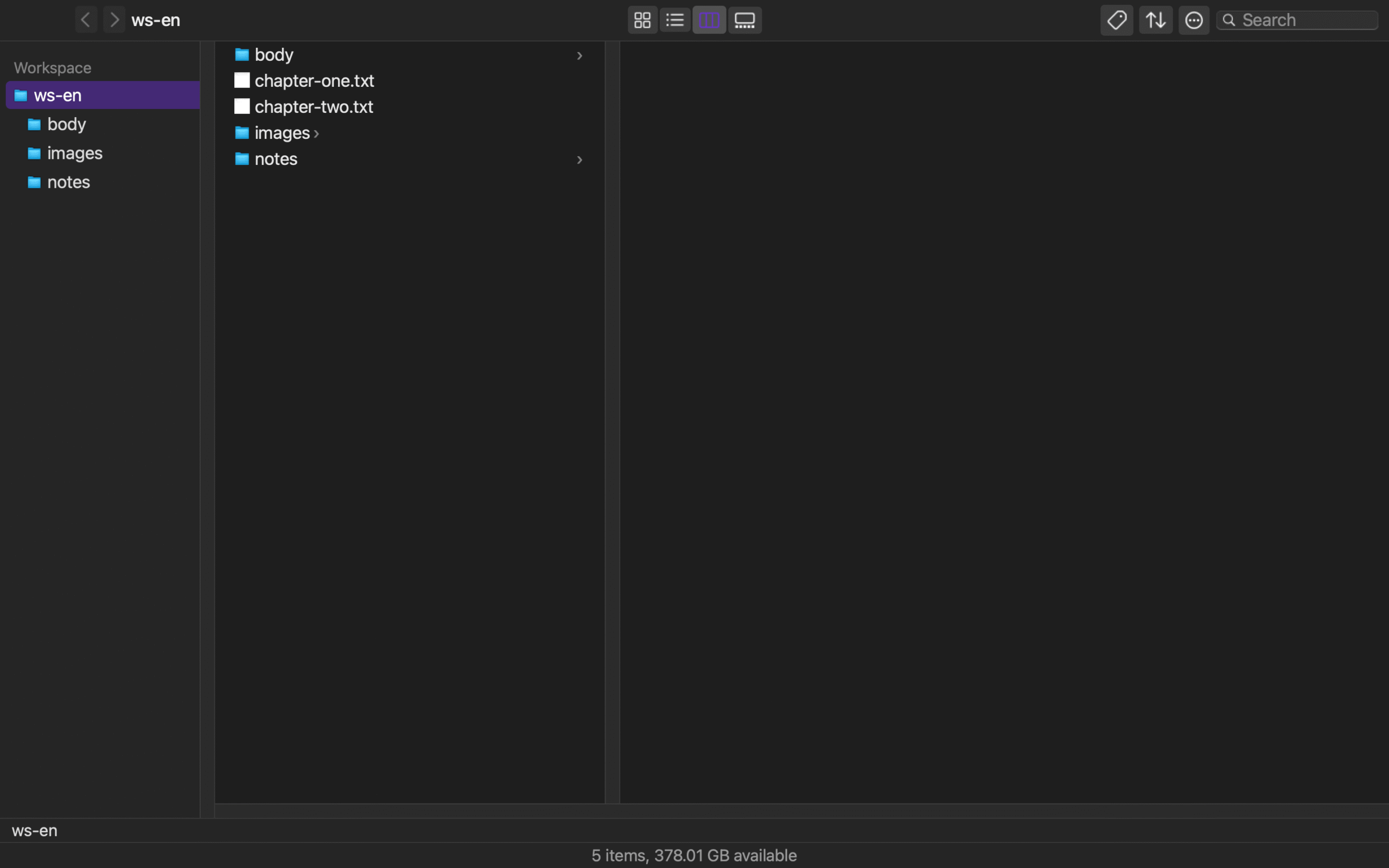
Require twelve rows, twelve files, and zero duplicate IDs
Count five current C rows, three S rows, and four I rows. Then verify twelve existing paths and zero duplicate IDs. Collapsing C03-M01 and C03-D01 into one C03 row fails the check.
Finally open C03-D01 and verify ID, role, and full path together. Preserve C03-A01 as a separate archived row and record that it did not enter the current total.
If the archive copy opens during the test, stop before editing, close it, and select C03-D01 again from the manifest. Recovery is complete only after the full path and opening ID marker both identify the current candidate; a familiar tab name is insufficient. Fail the run if any current path is missing, an ID appears twice, the archived row enters the current count, or the reopened file carries the wrong marker. Correct the affected manifest row or file placement, then recount all twelve instead of retesting only the mistaken pair. This recovery test matters because a successful first click does not show what happens after a same-name selection error. Record the selected ID, displayed path, opening marker, current-row total, and archived-row total together so another editor can reproduce the decision without relying on modification time.
Keep that record beside the manifest so a later handoff can repeat the selection and compare the same five facts before any edit begins.
Hand off one authoritative ID and path
A useful handoff says “edit C03-D01 at chapters/CH03/draft.md, role next candidate,” not merely “open chapter 3.” An approved-source handoff instead names C03-M01 and its master.md path.
That one line and the twelve-row manifest keep the same-named drafts explainable. For a Rune Studio trial, compare the current tree and path scope on the Rune Studio product page and preserve twelve current rows plus one archived row in the result.