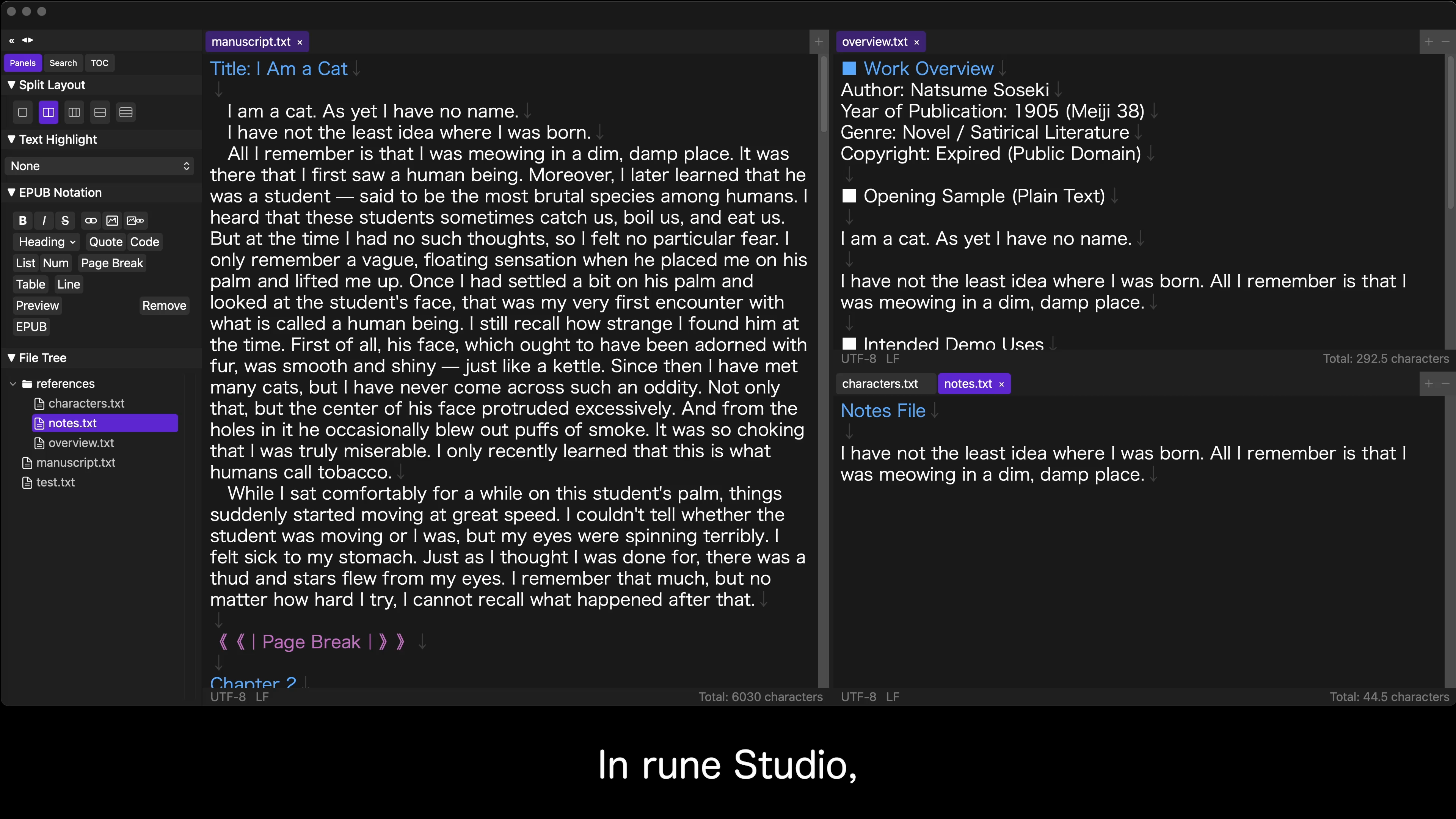
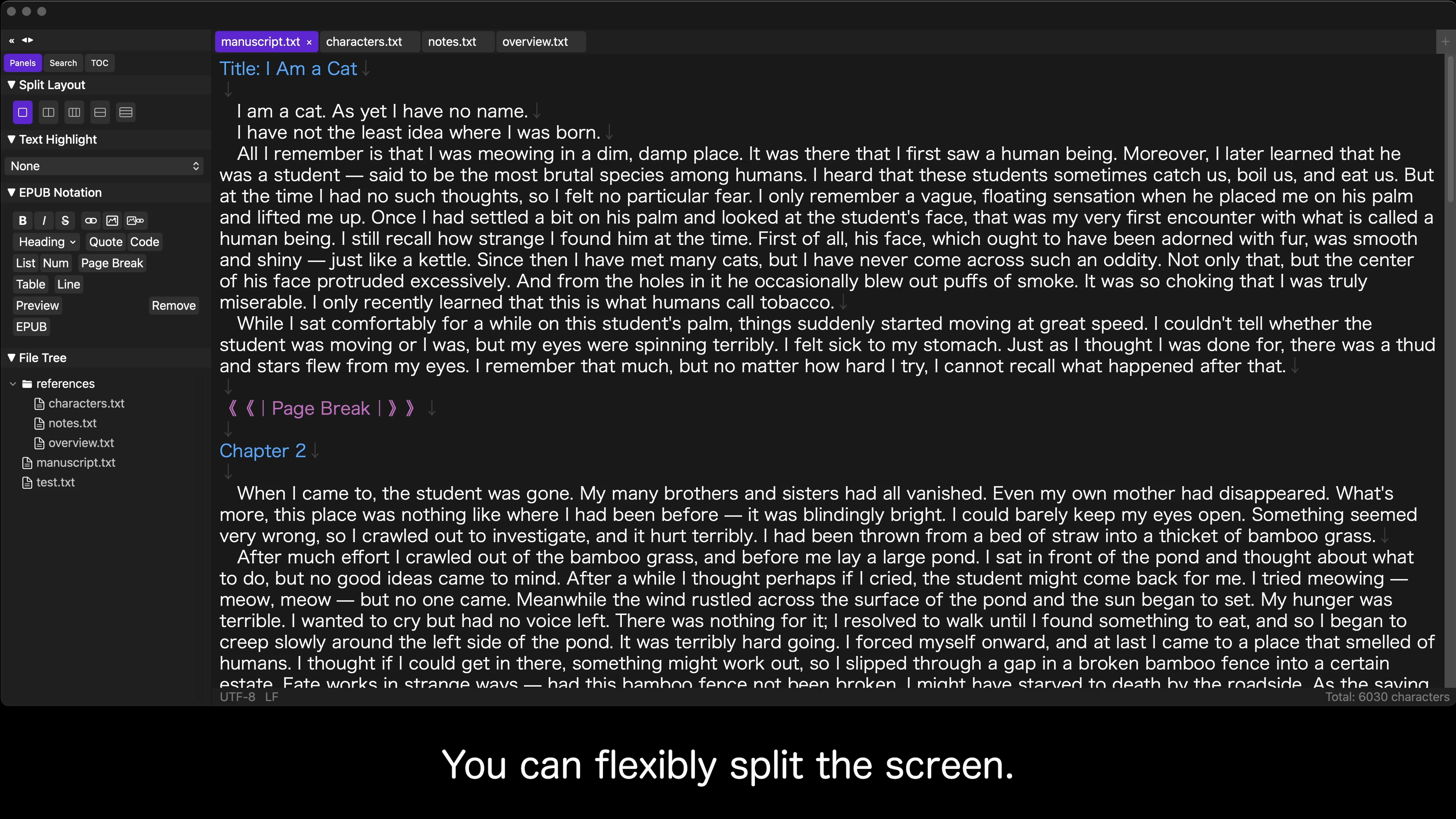
Open files, split panes, tab order —
everything is saved to your workspace and restored exactly as you left it.
With vertical text and ruby support, you can even export eBooks (EPUB).
A Mac text editor built to give your novel and long-form writing a running start.
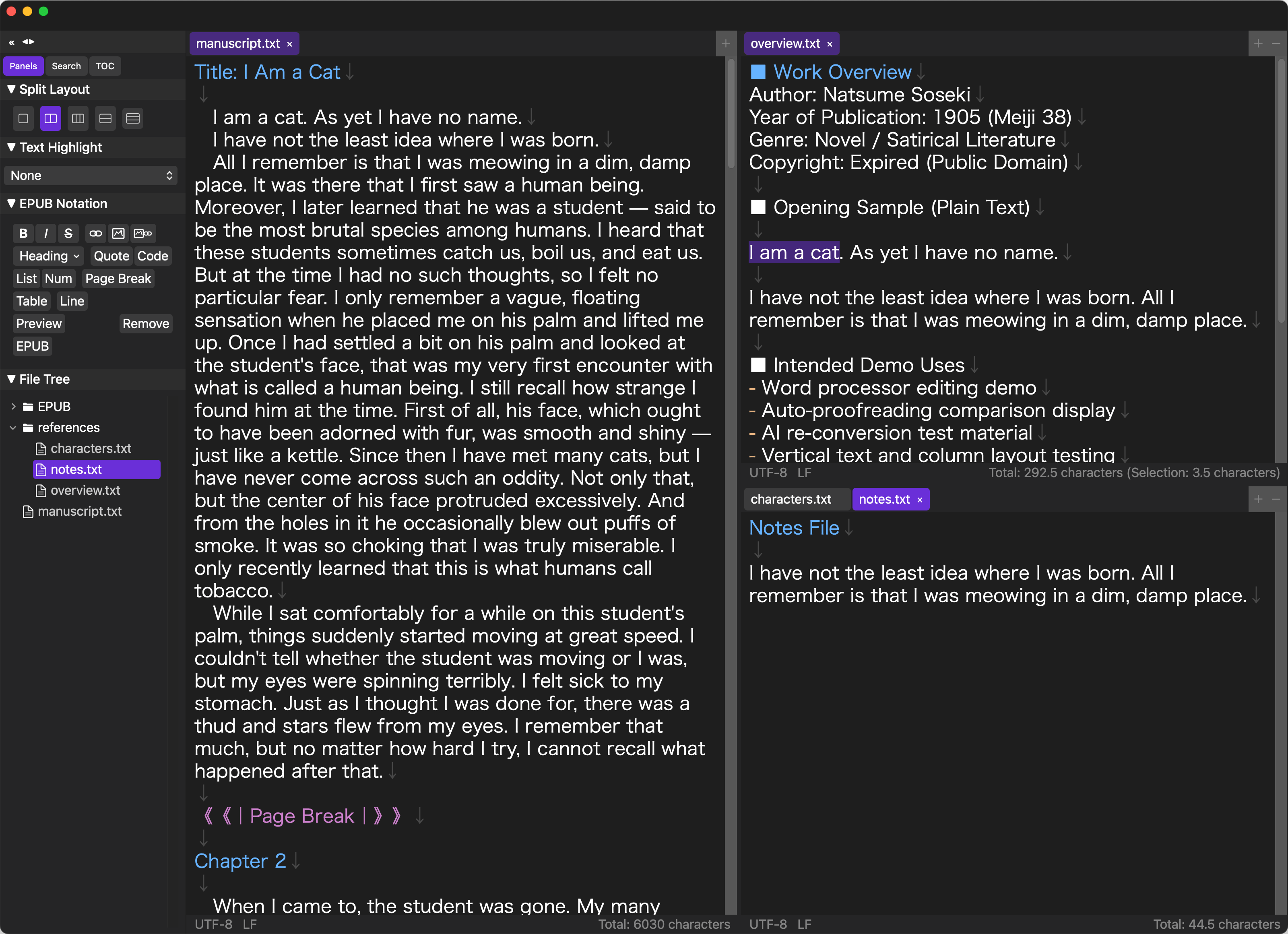
Save and restore your entire workspace on Mac.
With split views and vertical text support, it's packed with features to make novel and manuscript writing comfortable.
Open files, split pane layout, tab order, sidebar width — everything is saved to your workspace and restored exactly as it was. Pick up right where you left off, every time.
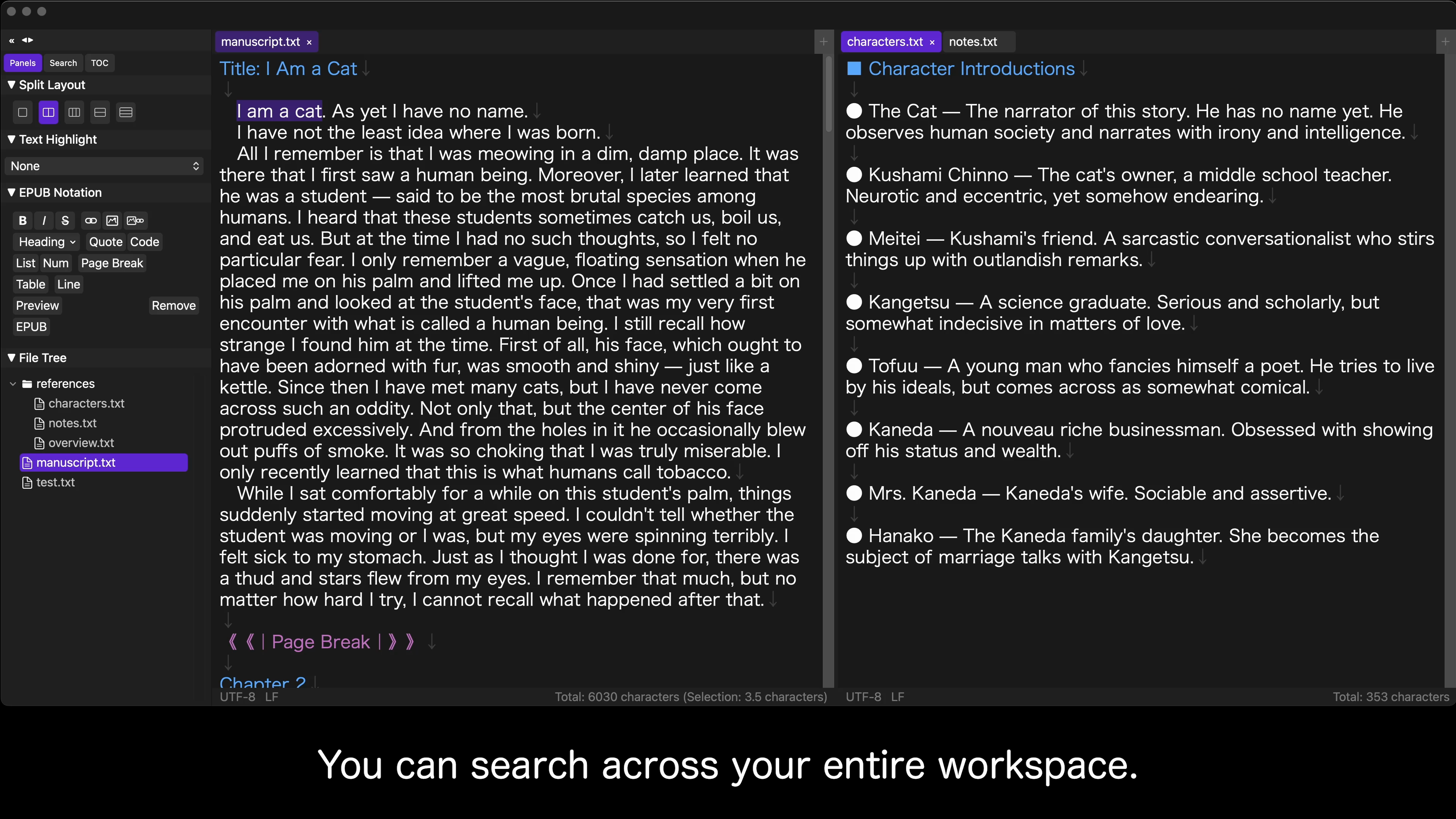
Split your screen into up to 9 panes. Place your manuscript on the left and reference material on the right, or stack different chapters vertically. Your split layout is remembered in the workspace too.
Search all files in a folder at once. Results are grouped by file, and a single click jumps you to the exact location. Find the passage you're looking for in seconds, even across hundreds of files.
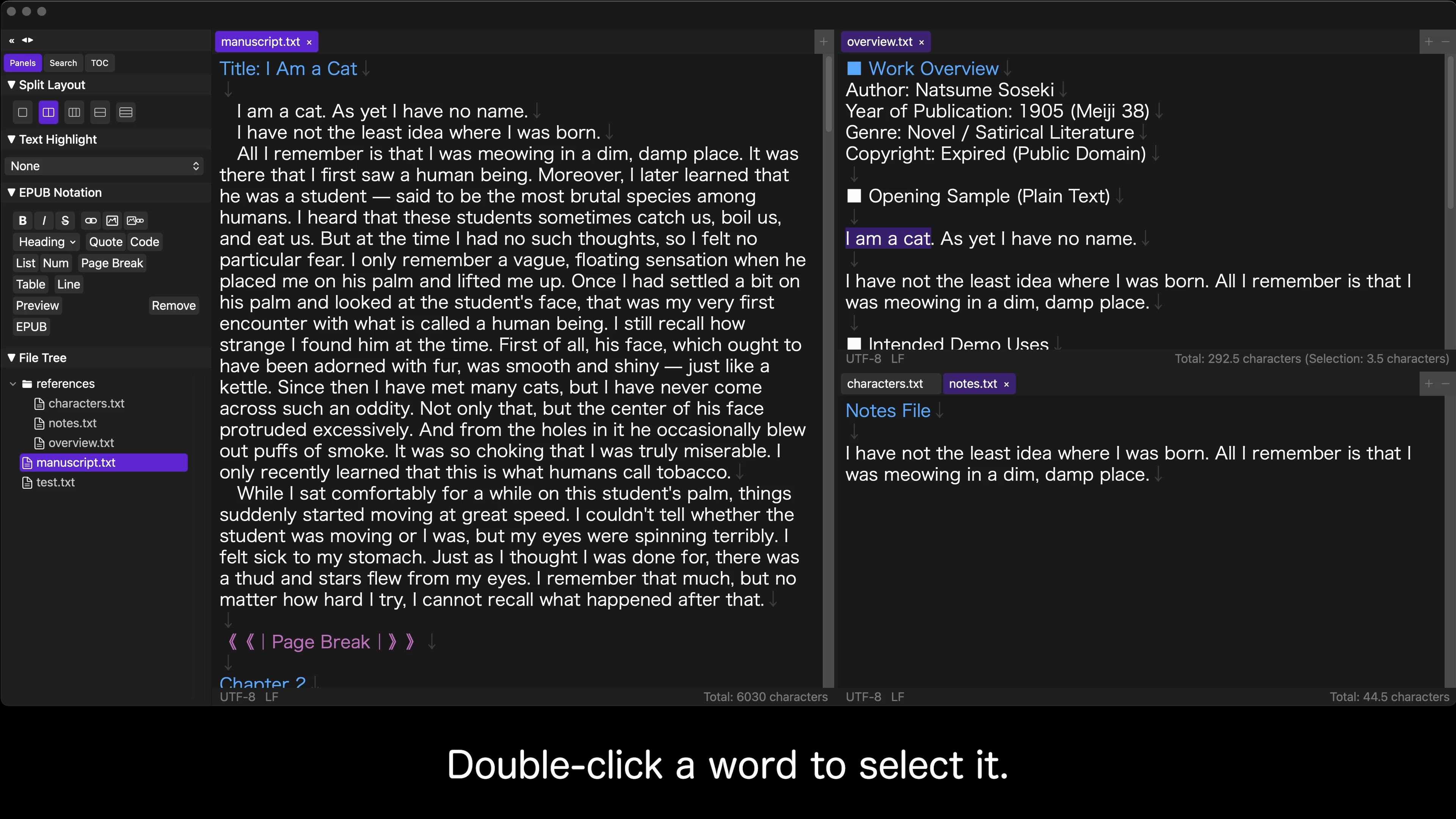
Smart double-click selection by character type, same-word highlighting, invisible character display, and auto-save after 1.2 seconds. Everything is designed to keep you in the flow of writing.
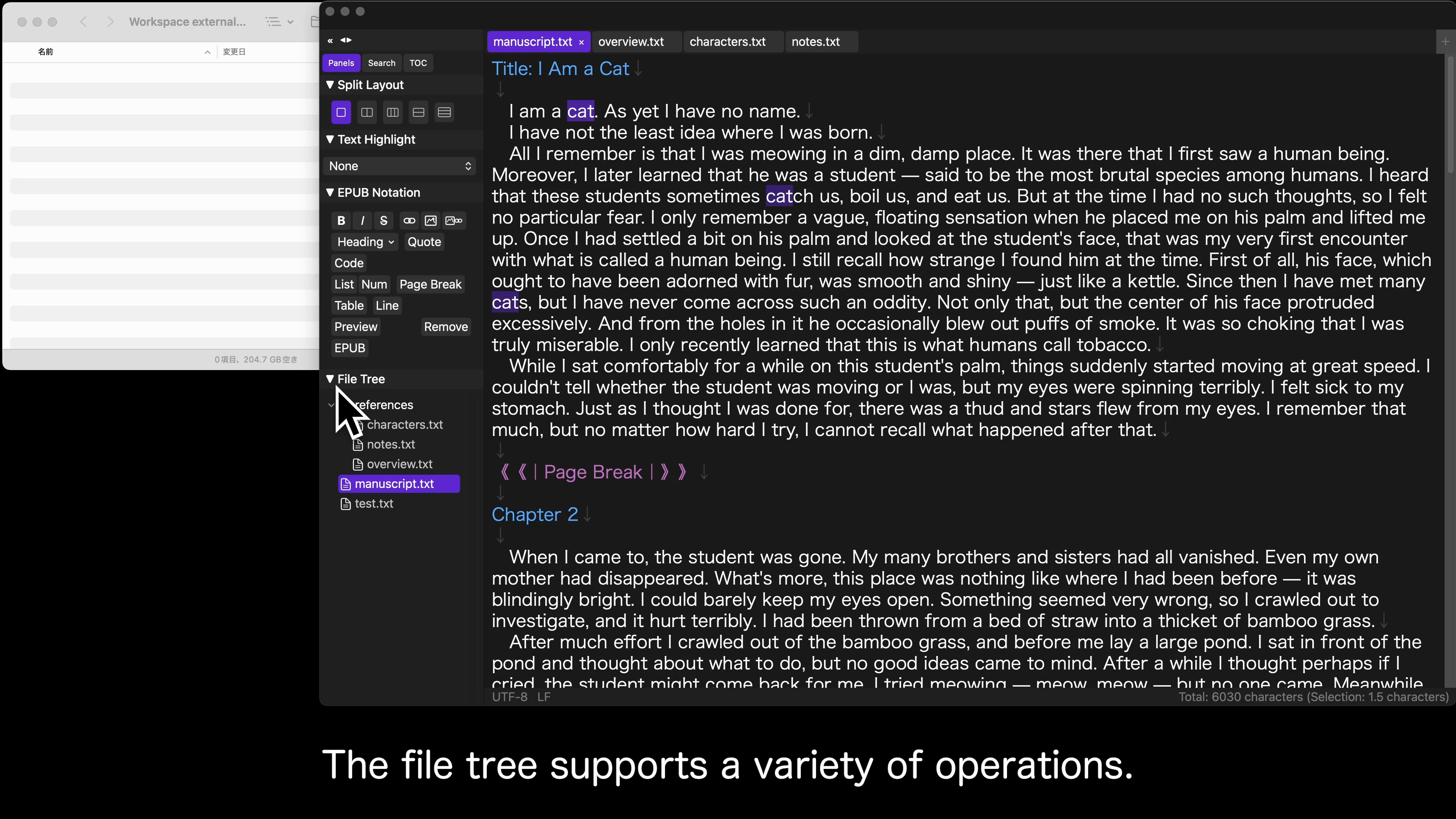
View your folder's files in a sidebar tree. Double-click to open, drag to select a range, right-click to create or rename. Folder changes are detected automatically, so the tree is always up to date.
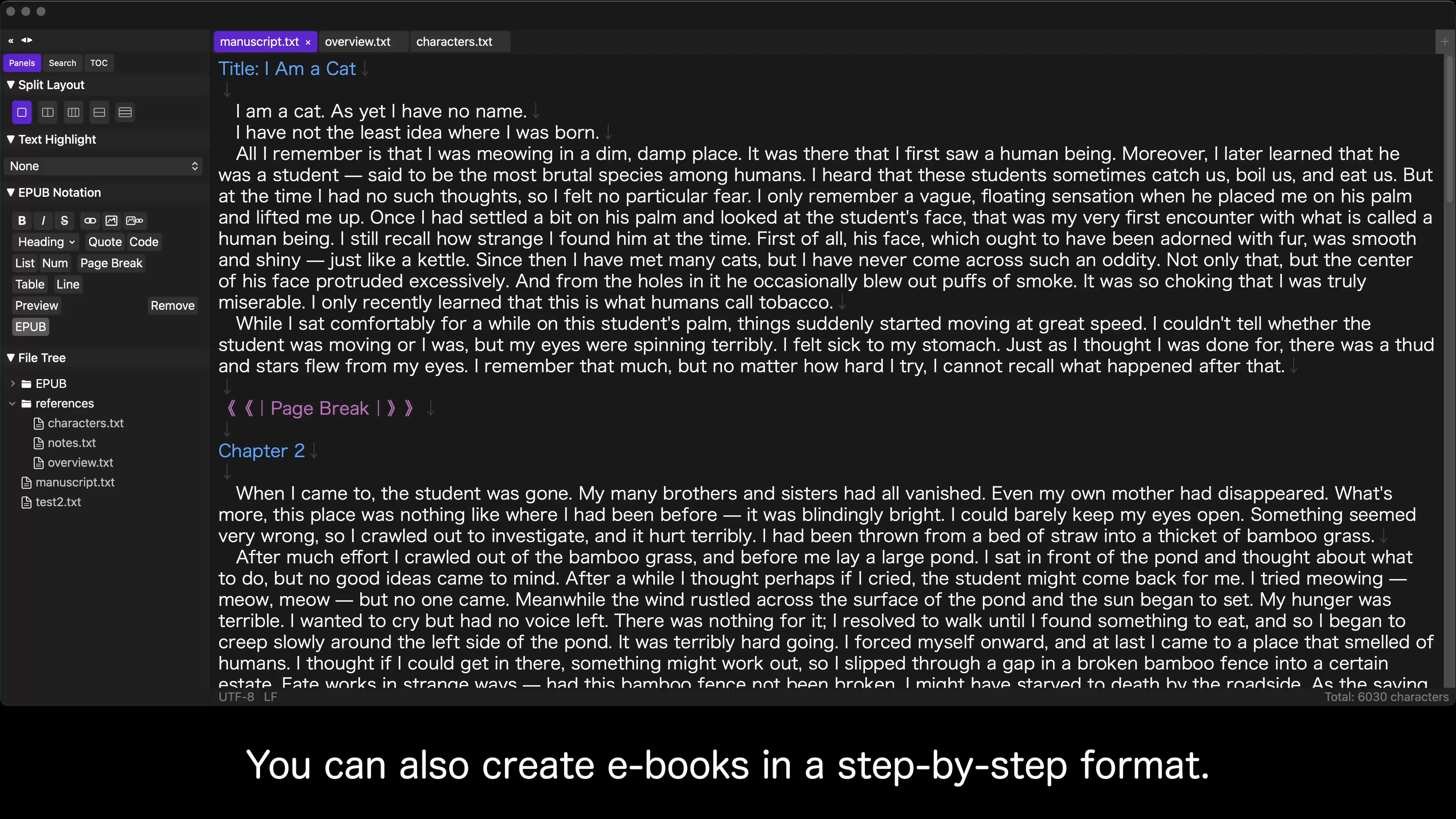
Follow a step-by-step wizard to convert your manuscript into an eBook (EPUB). Vertical text, ruby annotations, emphasis dots, page breaks, and more are entered with simple custom markup — no HTML knowledge required.
Just create a workspace, and all your open files and layout are saved automatically.
From there, you can resume writing with a single click — no setup needed.