
When EPUB output matters in a Mac text editor, the presence of an export button is not enough. Give every candidate the same two copied chapters, make one controlled character change, regenerate the EPUB, and verify that the change reaches the package. Repeat the test twice. Keep only candidates that preserve chapter and metadata settings, let you trace the revised source to the generated result, and support inspection outside the editor.
This article compares the route from source revision to regenerated artifact. It does not evaluate a covered EPUB, cover-resource references, store acceptance, or fixed-layout output. Those questions belong to product-state inspections such as STUDIO-232, which records the verified body and navigation scope while a covered package remains deferred.
Give every candidate the same two chapters
Start with identical inputs for candidates A and B: chapter one, chapter two, a temporary work title, author, language, and a fixed chapter order. Put each copy in a separate candidate workspace. Never open the authoritative manuscript for this test. Otherwise, a source change made during one run can be mistaken for a product difference.
Give the first output a filename that identifies the candidate and run time. The question is not only whether an EPUB file appears. You must be able to identify the source chapters, order, and metadata that produced it. Defer a candidate if its output cannot be traced back to a declared source and settings state.
Change one unique marker in chapter two
After the first export, change one marker that appears nowhere else in the test manuscript. For example, replace “Test Lighthouse A” with “Test Lighthouse B” in chapter two and leave chapter one and the metadata untouched. One controlled difference makes it possible to separate a source revision from an unrelated settings change.
The important result is not that the new character appears in the editing view. It must also appear in chapter two's generated XHTML. Reject a run if the old marker remains, chapter one changes unexpectedly, or nobody can identify which output is current. An integrated editing-and-export workflow has value only when the route back to the source and forward to the artifact stays clear.
Check whether chapter and metadata settings survive regeneration
Compare the first and regenerated outputs for chapter order, work title, author, and language. A candidate that resets those values on every export may work for a short demonstration but creates repeated verification work during a long revision cycle.
Do not write only “settings can be saved” in the comparison record. Store the first value, the regenerated value, and the place where a changed value can be corrected. This distinguishes a reusable project setting from a setting that must be rebuilt manually and turns a feature list into a workflow comparison.
Inspect the EPUB rather than the completion message
An “export complete” message is the start of inspection. Unpack the EPUB or use an inspection tool, then record the unique marker in chapter two's XHTML, the chapter sequence in the EPUB navigation document, the bibliographic values in the package document, and the reading order in the spine. Add NCX as an optional fifth row only when the project requires backward compatibility with EPUB 2 reading systems. Do not include cover resources in this score. Keeping cover-package inspection outside this article preserves its boundary from STUDIO-232.
Do not let a high total score hide an unverified required field. If change propagation is unknown, defer the XHTML row. If reading order is unknown, defer the spine row. When backward compatibility is a project requirement, judge the NCX row the same way. The phrase “can export EPUB” cannot tell an editor which parts of the production route are repeatable.
Run the same test a second time
If the first pass succeeds, change the chapter-two marker by one more character and export again. The second pass must preserve the source, settings, and output relationship and allow the same XHTML, nav, OPF, and spine checks.
Record any manual correction used only on the second pass. A manual step is not automatically disqualifying when its location and cost are clear. A candidate whose successful output cannot be explained, however, should not advance to a real manuscript because the result may not be reproducible.
Rune Studio is currently a conditional candidate
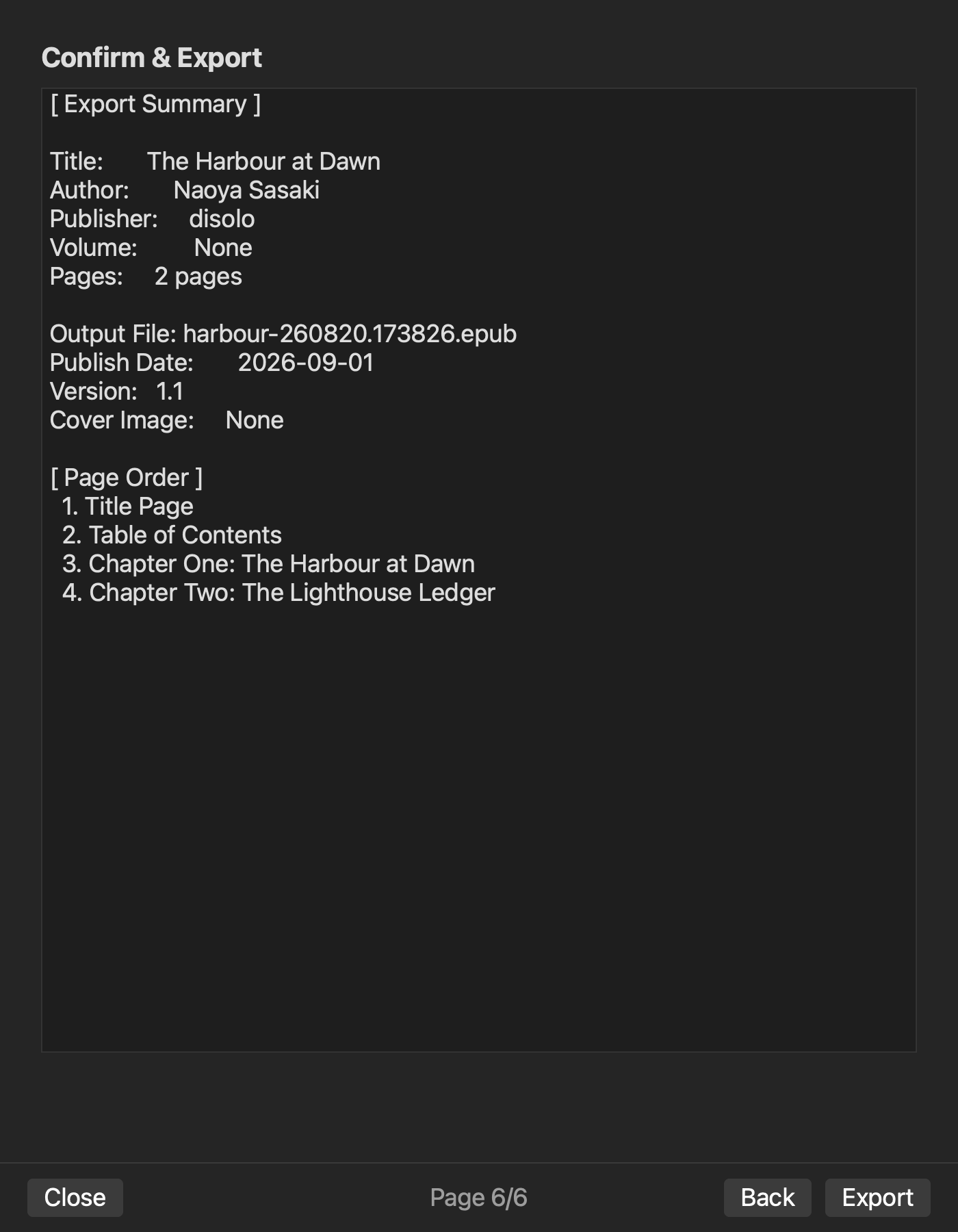
In a dedicated Rune Studio test, a cover-free two-chapter EPUB returned valid=true. Inspection confirmed the EPUB navigation document, title, author, language, and publisher values in the package document, and chapter order in the spine. An NCX was also present as supplemental output, but it is not an EPUB 3 required row and belongs in the score only when backward compatibility is required. That evidence keeps Rune Studio on the shortlist for testing Japanese long-form editing through cover-free EPUB 3 output in one production environment.
The two-pass one-character revision test defined in this article and an external-reader check have not yet been completed. The current evidence therefore supports “structurally inspected candidate,” not “recommended for a repeated revision-to-release workflow.” It should advance to a real-manuscript trial only after completing this matrix.
Keep only candidates that pass every required row twice
To compare EPUB output in Mac text editors, use the same two chapters and run one-character revision, settings continuity, regeneration, and package inspection twice. The deciding factor is not the number of features. It is whether the source change reaches the artifact through a route that can be explained and repeated.
Create a working copy for each candidate and give the first and revised outputs distinct names. Fill in four required rows for chapter-two XHTML, the EPUB navigation document, package metadata, and spine. Add NCX as an optional fifth row when backward compatibility with EPUB 2 reading systems is required. Do not advance a candidate with an unverified required row. This answers the editor-selection question without repeating a separate report about a covered package's current state. If Rune Studio is on the shortlist, confirm the documented scope on its product page before running the same test.