Large-manuscript handling should not be judged by a vague impression of speed. Test immediately below and at the product boundary, then add a larger file. Keep display features that may stop separate from editing, search, and saving operations that must remain available.
The sample uses UTF-8/LF files of 299,999, 300,000, and 450,000 characters. Each contains FIXED-LARGE-519 once. The run read character count and large-file status, searched the marker, created a named copy, and compared count and SHA-256. All three copies matched their originals. UI behavior and perceived performance were not observed, so status is partial. The unchanged originals are the return point.
Compare both sides of the boundary
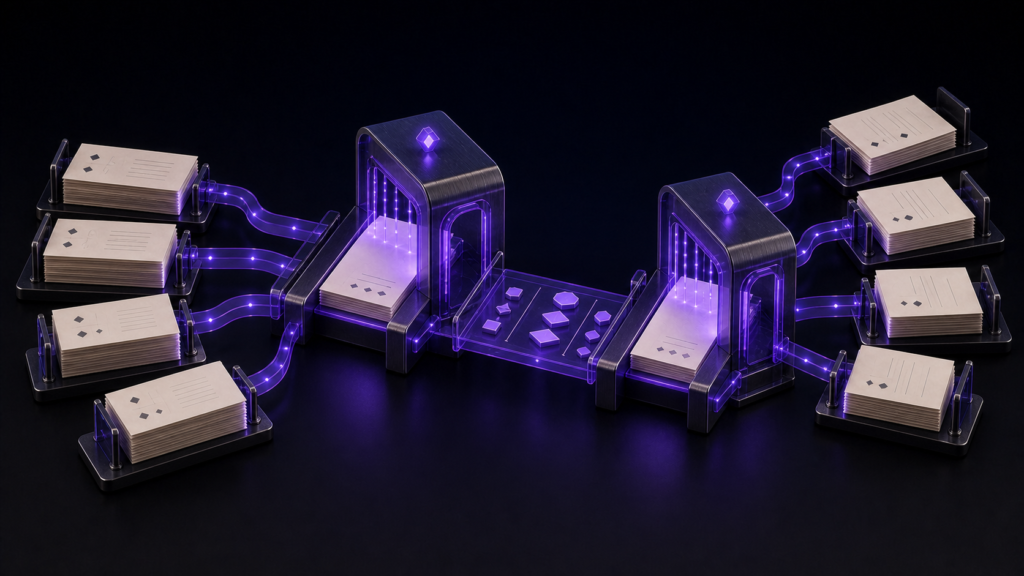
A product-independent test records count, encoding, line endings, and one search marker before opening a large file. The one-character difference between 299,999 and 300,000 prevents guesswork about the threshold. The 450,000-character file asks whether search and copy integrity still work beyond that edge.
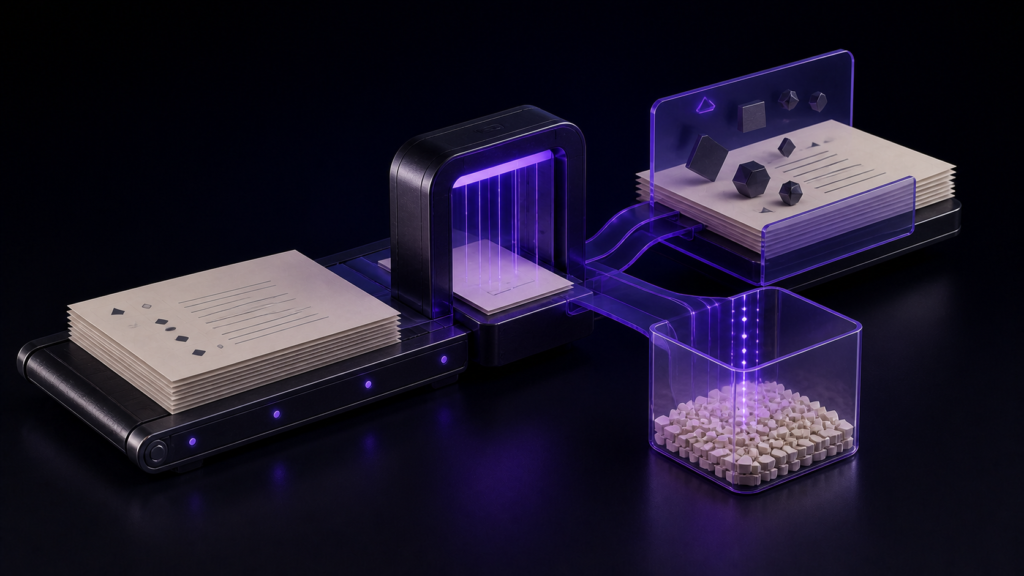
“Opened successfully” is not enough. Find the marker once in every file, save only to a named test copy, confirm the copied count, and compare its SHA-256 with the source. Never overwrite the three originals during this verification.
Separate stopped displays from retained operations
Rune Studio’s public documentation says that at 300,000 characters or more it stops syntax coloring, editing marks, same-word and registered-word highlighting, line numbers, and continuous character counting. Editing, find and replace, half-width search, save and autosave, cursor operation, and encoding checks remain available.
That is a Stage 3 product specification, not a promise that every MacBook is always fast. A desktop test must observe each stopped display and each retained operation separately. Autosave in particular needs content readback, not merely evidence that a setting exists.
The three Stage 4 results
The 299,999-character file returned is_large=false. The 300,000- and 450,000-character files returned is_large=true. FIXED-LARGE-519 appeared once in each. Named copies retained counts of 299,999, 300,000, and 450,000, and every SHA comparison returned true.
This establishes the boundary change and the controlled search/copy results. It does not establish which controls visibly disappeared, autosave completion, editing latency, or a speed ranking across Macs.
Expand to production without risking the source
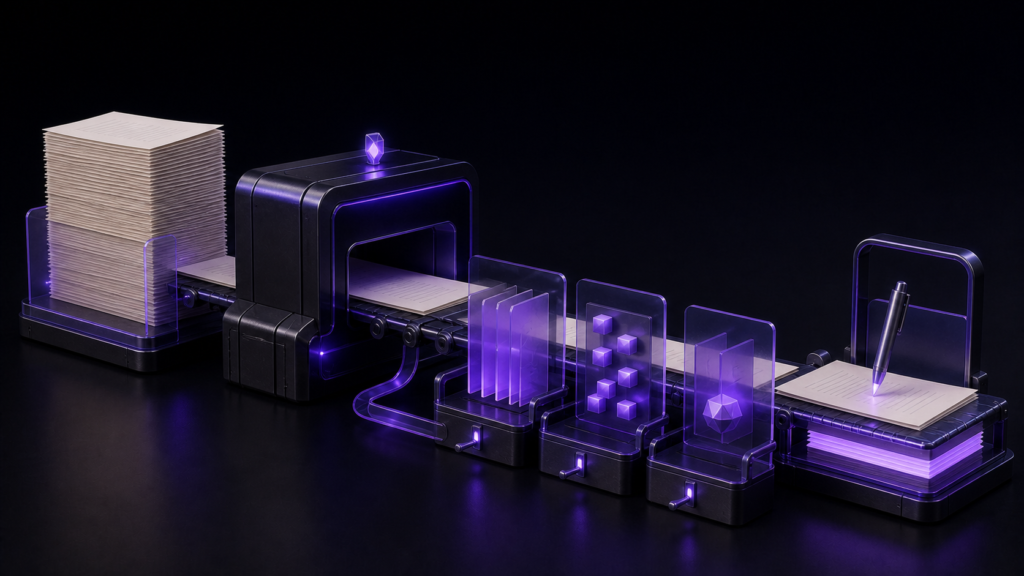
Create a production copy and record count, UTF-8/LF, and one marker. Read its large-file status, search the marker, make a one-sentence change only in the copy, save under a new name, close, and reopen. Continue only when the changed location, count, and destination can be explained.
If search or saving becomes unavailable, stop. If copied count or checksum differs unexpectedly, do not promote the copy; return to the untouched source. If splitting is necessary, track chapter boundaries and reassembly order as a separate workflow.
What remains for a complete result
Open the same three samples in the desktop app. Compare 299,999 with 300,000 characters, observe every documented stopped display and retained operation, then read back an autosaved edit. Any timing test must fix the Mac model, memory, OS, and cold/warm run conditions.
STUDIO-512 combines a long-text boundary with vertical output selection, STUDIO-514 covers installation, and STUDIO-295 covers EPUB workflow selection. This article is limited to reducing expensive displays while preserving a large manuscript. The present result covers boundary, search, and copy integrity, not visual or performance claims. Consult the Rune Studio product page for the current large-file specification.