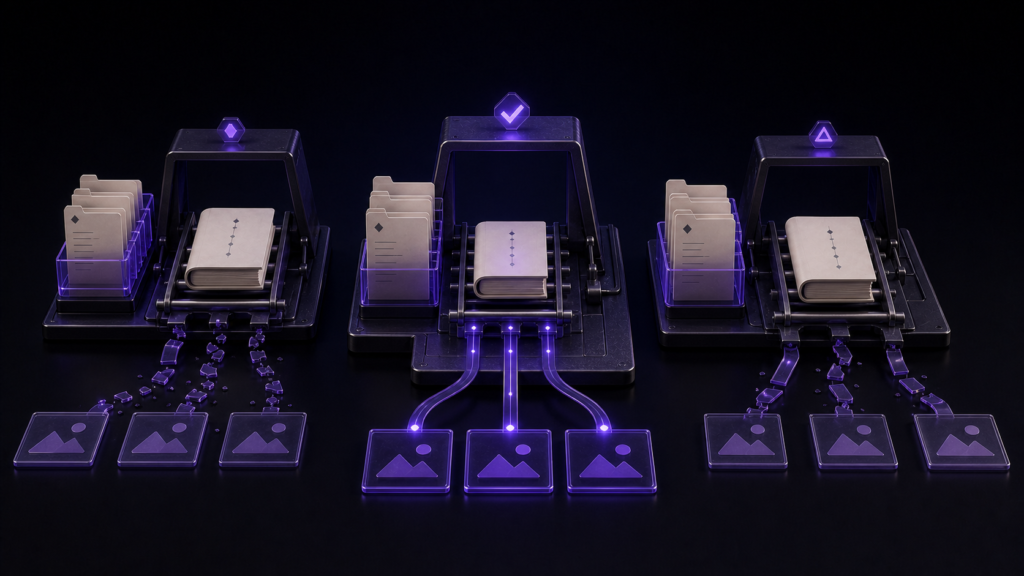
To choose EPUB software for image-heavy work, give every candidate the same small book and ask it to survive one asset move. Price, template count, and an “EPUB export” checkbox do not reveal how much repair will be required after months of reorganizing a manuscript.
Build one fair comparison book
Use two chapters, three body images, and one cover. Let chapter one reference a map and chapter two reference a chart; keep the third image unused. The unused asset reveals whether the workflow distinguishes referenced resources from everything that happens to be in the folder.
Duplicate the project for candidate A and candidate B. Export each book once. Then move the map from images to assets/maps and observe what happens to chapter one's relative destination. Make no other change. Renaming files differently for each candidate would turn the test into two unrelated anecdotes.
Score three moments, not one export
Before the move, can the software identify which manuscript uses the map? During the move, does it update the relative target or at least identify the source that needs repair? Afterward, can you rebuild and check packaged images, missing assets, chapter order, and navigation? These moments expose practical maintenance costs.
A tool that requires manual repair can still be workable when it provides a clear reference inventory. An automatic feature is less valuable when its supported syntax and exclusions are unclear. Prefer a recoverable process to a vague promise that links “just work.”
Put Rune Studio through the same test
Rune Studio manages manuscripts and images in a workspace file tree or integrated file browser. For Markdown image and link syntax in txt, text, md, and markdown files, the current Mac version can update relative destinations after a file or folder move. This scope does not include arbitrary document formats or web URLs.
Review the number of referring files and occurrences before moving an in-use image. After the move, open the chapter and read the new destination. Then use File Selection, Chapter Order, Metadata, and Review and Export in the EPUB wizard to rebuild into the workspace's EPUB folder.
In a supported one-file, one-reference trial, one destination was rewritten to the new location and remained present after the source reopened. A separate package run produced a structurally valid EPUB containing its cover. These observations support the local workflow; they do not grade the artwork or establish acceptance by a retailer.
Questions that expose a poor fit
Ask, “After I reorganize my image folder, how do I discover which chapters need repair?” If the only answer is to export and hunt for blank spaces, a large novel will carry avoidable work. Also ask whether web URLs are excluded from local rewrites and whether closed files preserve their encoding.
Record four results for every candidate: the pre-move reference inventory, the new relative destination, unexplained occurrences of the old path, and missing packaged assets. That comparison leads to a purchasing decision grounded in your manuscript rather than a feature table. Rune Studio's current boundary is available on its Mac product page.