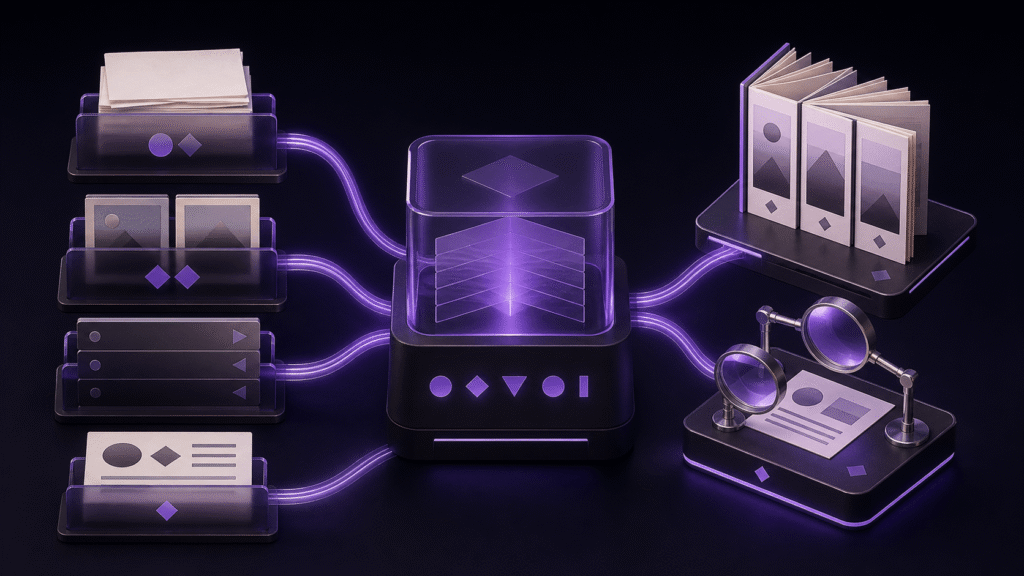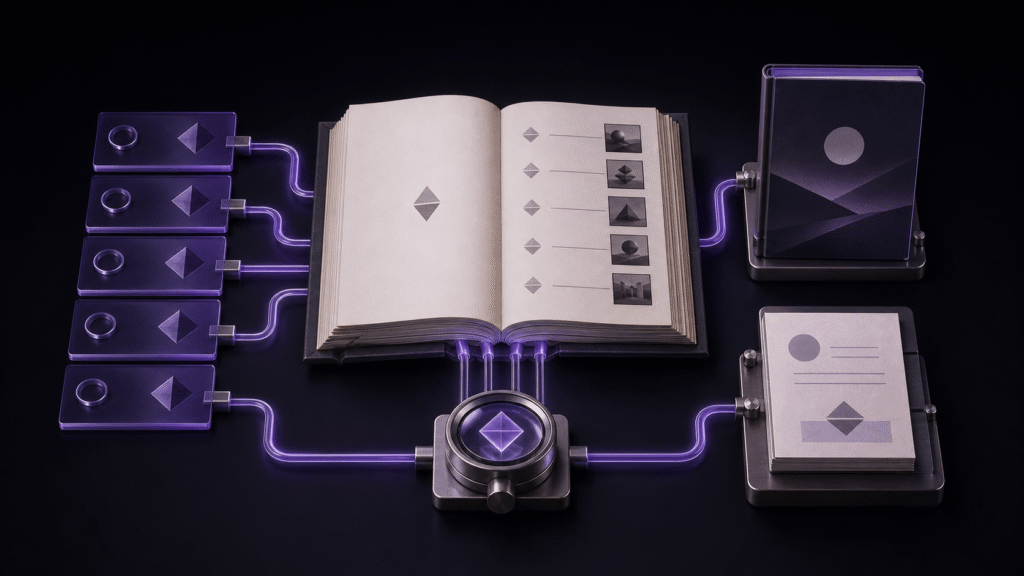
Navigation, cover, and colophon come from different inputs, so checking them on separate screens can hide contradictions. Chapter headings feed navigation. A designated image becomes the cover. Title, author, publisher, date, and version feed the colophon. The reliable finish is to read all three in the same exported EPUB.
Freeze the five bibliographic inputs
The worked book uses the title “Harbor Anthology,” author “Shio Sato,” publisher “New Light Press,” a publication date, and a version. Its chapters are Beginning, Map, Gallery, and Afterword. The cover is assigned separately from the two figures inside chapters.
Do not confuse a filename with a reader-facing chapter name. A source file named 02-map.md contributes the heading “Map” to navigation. Likewise, inserting an image at the start of chapter one is not the same as designating it as the book cover.
Read every navigation target
The finished sample contained four links in order: Beginning, Map, Gallery, and Afterword. Each link pointed to its corresponding generated chapter page. The legacy navigation file carried the same four destinations.
Counting four items is not enough. Check the visible label, order, and destination. If a chapter should remain in the book but not appear in navigation, change its navigation inclusion rather than deleting its manuscript.
Prove that the cover has a cover role
The cover page displayed cover.png, and the package document assigned that image the cover-image property. The two chapter figures had no such property. This distinction lets a reading system recognize the book cover without treating every image as a cover candidate.
After candidate A was replaced with candidate B, the packaged cover bytes changed while the cover role and four navigation entries remained. A cover-only revision therefore did not require editing a chapter.
Read the generated colophon
The revised sample colophon displayed the revised title, September 1, 2026, version 1.1, Shio Sato, and New Light Press. This page is the reader-facing result of the bibliographic settings, not an unrelated note.
When a date or version changes, read the finished colophon. If an earlier version remains as publication history, decide whether that history is intentional. Confirm any title printed inside the cover artwork visually as well; metadata cannot prove the pixels contain the right words.
Use different recovery points
Return to the chapter heading when a navigation label is wrong, chapter selection when its order is wrong, cover designation when the cover is wrong, and bibliographic or volume settings when the colophon is wrong. Editing a generated page directly is fragile because the next export will replace it.
The process is complete when one EPUB contains four correct navigation destinations, one designated cover, and a colophon derived from the intended title, author, publisher, date, and version. This guide stops there. Figure-path management, store submission, and cover-art approval are separate workflows.