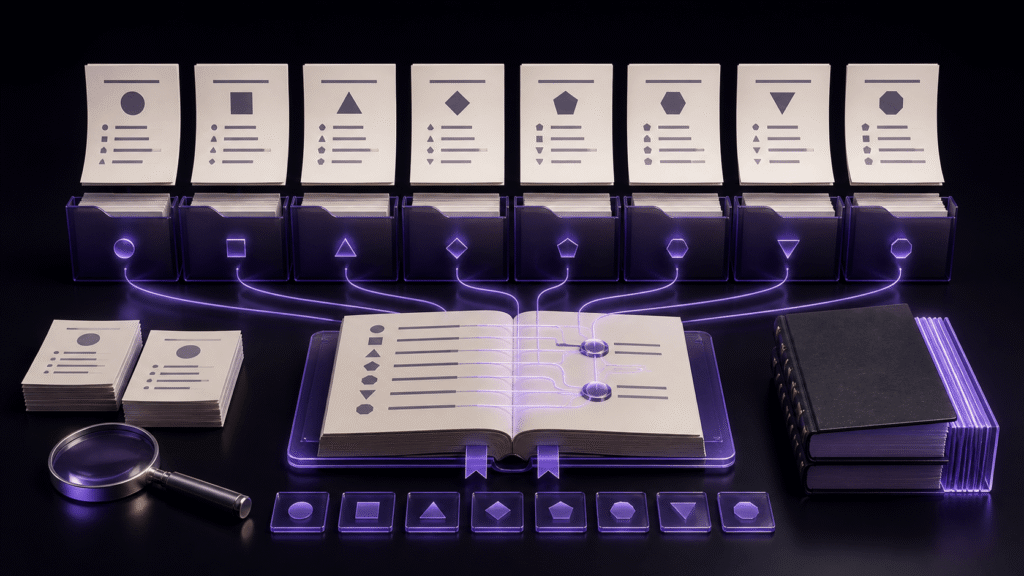
An outline helps with a long paper when headings are written as destinations, not decorations. Give repeated sections a chapter number or a distinctive phrase so “Results” in one chapter cannot be confused with “Results” in another.
This guide focuses on moving among three distant arguments in a paper. The separate headings guide explains how to build and maintain the outline itself.
Make every destination identifiable
Use two useful levels—chapters and sections—before adding deeper structure. Replace repeated labels with names such as “Chapter 2: Experiment A Results” and “Chapter 3: Experiment B Results.” Reserve headings for blocks long enough to justify navigation.
Rehearse a real research loop
Start at the research question in the introduction, move to the experiment conditions, then return to the interpretation in the discussion. After each jump, read the first sentence and confirm that it is the intended destination.
Rune Studio documents an outline based on headings. Tests completed for this guide confirm a document with one top-level heading and a retained chapter order. It does not document clicking several outline entries, resolving duplicate headings, and reopening the app with the navigation state intact. Those behaviors remain unverified so far.
Diagnose a wrong jump
If you land on the wrong repeated section, make the heading unique. If the outline is crowded, demote paragraph labels back into body text. If the destination lacks context, rewrite its first sentence to state the section’s purpose.
Keep text search as a fallback path. An outline is a navigation aid, not a replacement for a coherent document structure.
Repeat the smallest proof on another day
Before adopting the paper navigation route, close the project and repeat the smallest useful path later. Record three distinctive headings, their landing sentences, and the state after reopening. A result that depends on memory or an already-open preview is not yet a dependable routine.
Keep one untouched copy and change a single condition per retry. If the second run differs, identify whether the source, operation, or inspection changed before expanding the scope. This rehearsal is also the point to keep multi-entry outline navigation clearly labeled as unverified rather than filling the gap with an assumption.
The next practical step for the paper navigation route is to prepare the smallest useful copy and write down its expected result before touching the production manuscript. Extend this particular workflow only after the observed result matches.
Conclusion
For papers, the outline earns its place by shortening real trips between related arguments. Name three destinations clearly and test those exact moves on a copy. Rune Studio’s multi-entry outline navigation and reopen behavior were not confirmed by testing completed so far, so verify them before depending on them. Review Rune Studio’s long-form writing tools