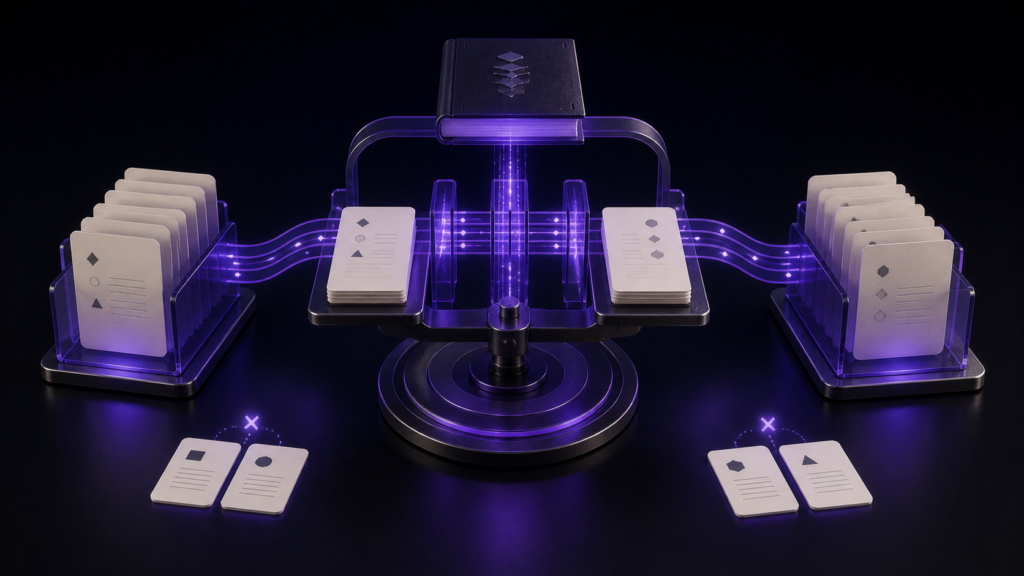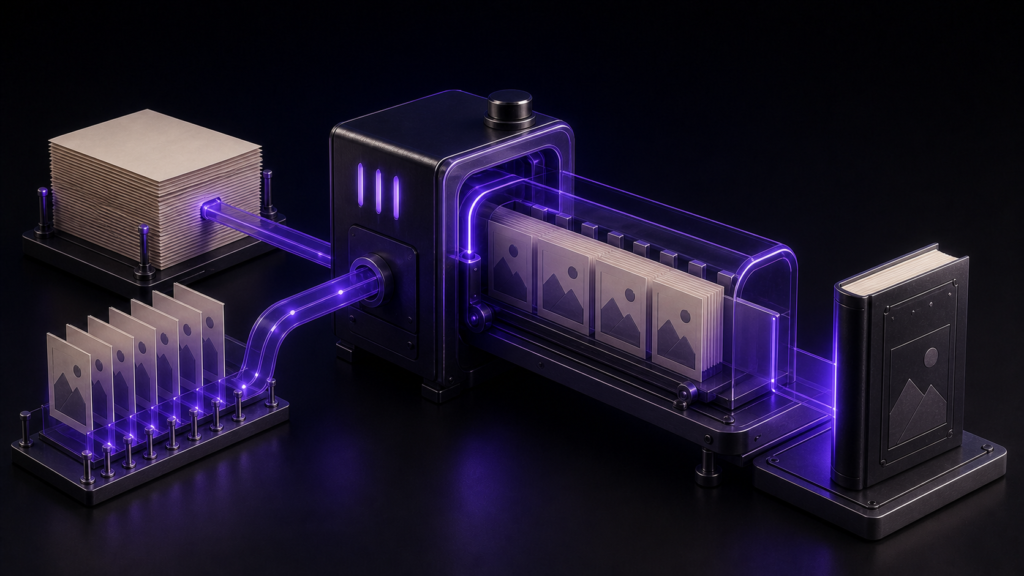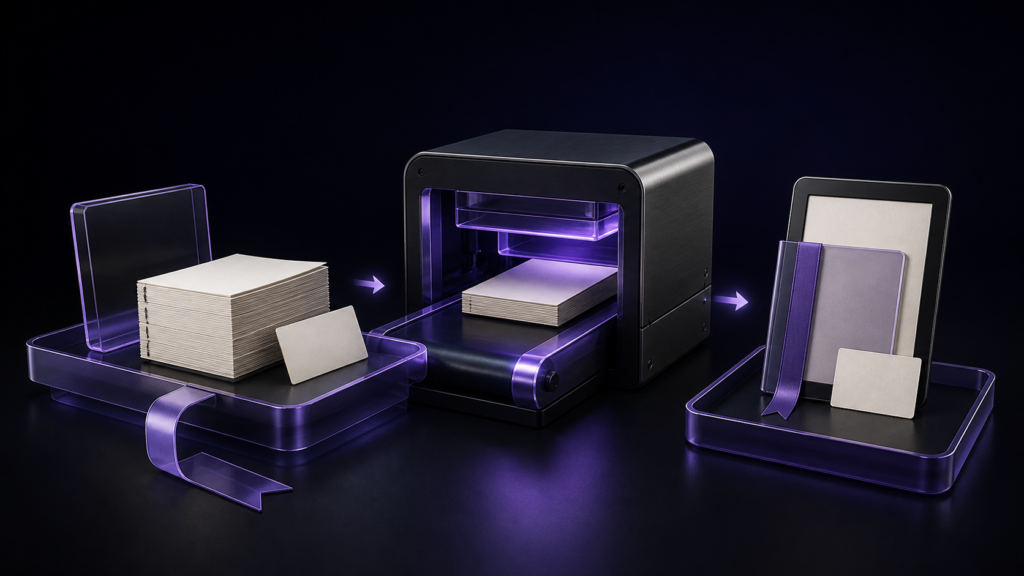
Choose an EPUB creator for KDP by testing its output, not by counting features. Ask whether it exports an EPUB covered by current KDP guidance, exposes navigation and reading order for inspection, packages the intended cover page, and reproduces the build after a revision. A visible colophon is not a universal KDP requirement; treat it as an optional criterion when your book needs one.
This article is about evaluating a KDP-bound EPUB creator from a test build. What you supply as the publisher and the broader comparison of KDP upload formats are covered elsewhere.
First filter: current KDP EPUB guidance
The KDP supported eBook formats checked on 27 August 2026 include EPUB, provided it meets the Kindle Publishing Guidelines. A product label that says “exports EPUB” does not by itself establish KDP acceptance.
Create one short test EPUB with each candidate and open it in Kindle Previewer. Previewer 3 supports EPUB. Opening locally is not the same as KDP acceptance, but it lets you test chapter navigation and images before upload.
Five tests for an EPUB creator
1. Can you inspect logical navigation and reading order?
A visible contents page is not enough. The reading app needs logical navigation that moves to chapters. Build a two-chapter test and check:
- both chapters appear in the app's contents control in the intended order
- each entry moves to the correct chapter
- excluding a preface or afterword from navigation does not remove it from the book
A tool that offers no way to confirm these leaves the navigation question until later in the submission workflow.
2. Can you separate the two cover checks?
The cover image configured for a KDP listing and a cover page in the EPUB reading order are not the same check. In the creator, confirm that the chosen image is packaged and that its page sits where intended. Check KDP's current listing-cover requirements separately.
3. Does it treat the colophon as optional?
A colophon is a visible content page for publication details such as title, date, author, publisher, and copyright. KDP's supported-format guidance does not make that page a universal requirement.
If your book needs a colophon, check whether the creator generates a fixed form, allows free editing, or omits it. If you do not need one, its absence should not eliminate an otherwise suitable tool.
4. Does it support checks before and after export?
Before export, check the settings the creator itself requires: title, author, file name, and so on. After export, inspect navigation, reading order, missing resources, and unconverted notation.
These checks are not a substitute for KDP review. Keep creator requirements, EPUB internals, Kindle Previewer, and current KDP guidance as distinct stages.
5. Can it reproduce the build after a revision?
Do not stop after the first EPUB. Rename one chapter, update a date or version, and export again. Confirm that navigation and metadata change and that the previous build remains available for comparison.
For repeat publishing, reproducibility matters more than first-build speed. Any element added by hand after generation belongs in the revision test too.
What the Rune Studio test established
I drove the development build from the command line and exported from two chapters, a cover image, and series and volume settings. The reading order was:
cover → title page → contents → chapter one → chapter two → colophon
Navigation listed both chapters. Two images, including the cover, were packaged and zero were missing. Rune Studio's fixed-form colophon contained title, publication date and version, author, publisher, copyright, and a fiction disclaimer. That colophon is a Rune Studio output, not a KDP requirement.
Missing creator settings stop the export
With empty settings, export returned three missing items — title, author, and output file name — and wrote no EPUB. After the full series information was set, validation returned zero findings.
The exported package can be inspected
Post-export inspection reported reading order, navigation presence, missing images, leftover notation, and empty pages. Those results answer the creator-selection question “can I inspect my own output?” KDP acceptance and device-by-device rendering were not tested.
The selection conclusion
Rune Studio is a candidate when you want to rebuild a Markdown-based project into an EPUB with logical navigation, a cover page, and its fixed-form colophon, then inspect the package in the same workflow. Free-form colophon editing, fixed layout, and guaranteed KDP acceptance are outside what was established here.
Apply the same five tests to any other creator. Compare the produced EPUB and its revision, rather than repeating the separate question of which source materials you must supply.
Summary
- KDP currently supports EPUB, but an “EPUB export” label does not guarantee KDP acceptance
- Test navigation, reading order, cover packaging, optional colophon handling, inspection, and rebuilds
- A visible colophon is an optional publishing choice, not a universal KDP requirement
- The Rune Studio test produced two-chapter navigation, a cover page, its fixed-form colophon, and zero missing-image findings
As a first step, give each candidate creator the same two-chapter manuscript and one cover image. Open the EPUB in Kindle Previewer, then rename a chapter and rebuild to see whether navigation updates cleanly.
See the current product scope on the Rune Studio product page.