
When choosing an EPUB editor for a Mac, test more than whether it can produce one finished file. Check whether you can move the complete production package to another location and continue working. You should be able to identify the manuscripts, settings, images, and generated EPUB, then restart the same volume from a duplicated folder.
Even a solo author eventually faces a Mac replacement, a repair, an external-drive backup, or a handoff to an editor. If important settings live only in an application and nobody can explain what must be transferred, the problem often appears months later when the book needs a new edition.
This article does not repeat a broad feature checklist or the proof-correction workflow. It evaluates one narrower quality: whether the project can leave its original location without becoming a mystery.
Divide the production package into four parts
An EPUB project is more than the file ending in .epub. For a useful restart test, separate the materials into four groups:
- Body manuscripts and chapter files
- Cover and in-book image assets
- Settings such as title, author, volume, edition, publication date, and chapter order
- Generated EPUB files and inspection notes
For every candidate editor, write down where each group is stored. “The app remembers it” is not a complete answer. After closing the application, you should still know what belongs in a backup and what another person would need.
A finished EPUB alone may not preserve an editable manuscript or the production decisions behind it. Manuscripts alone may also be insufficient when chapter order, metadata, and image choices live elsewhere. The goal is not to force every item into one file. The goal is to make every required location explicit.
Restart from another folder on the same Mac
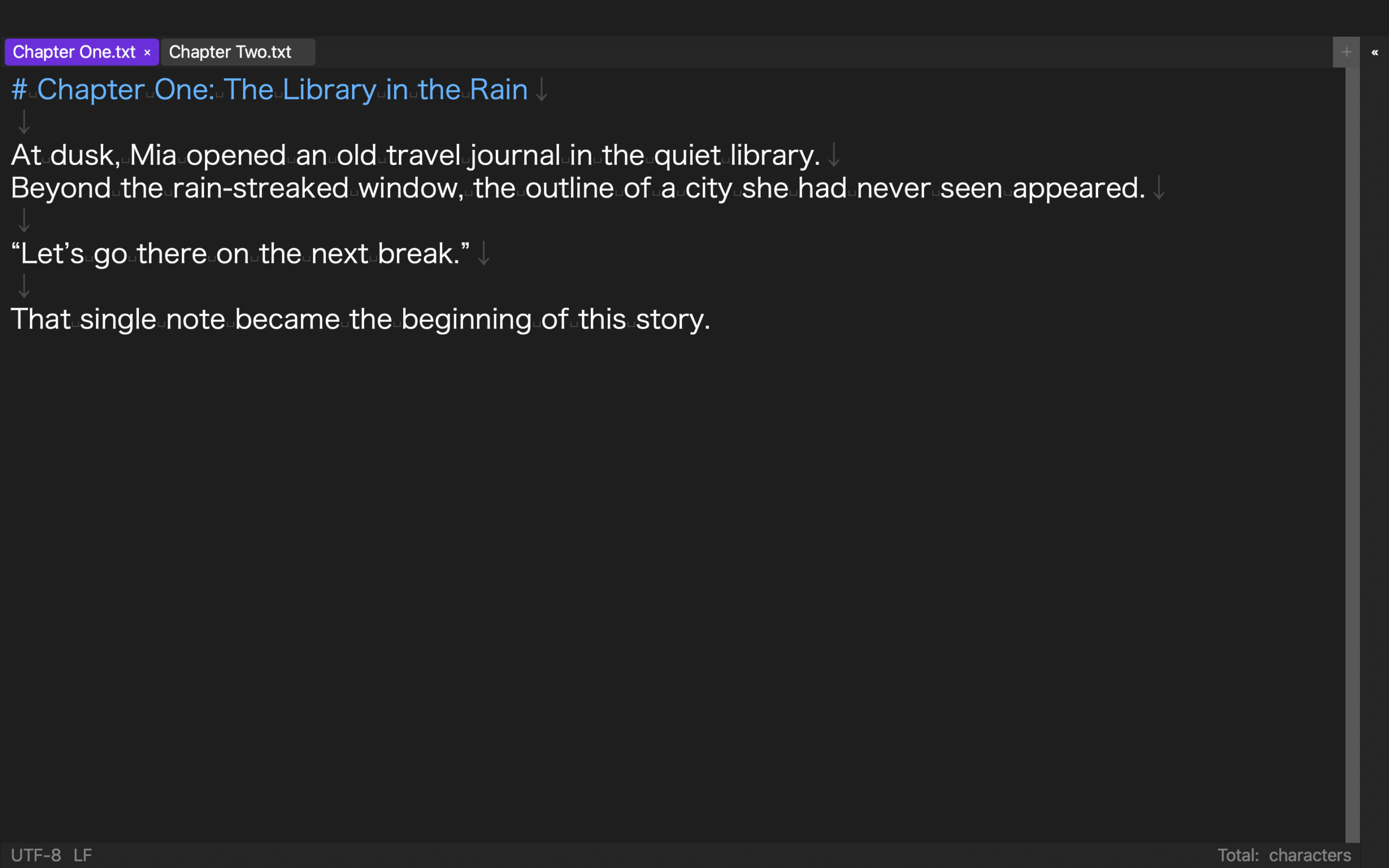
You do not need a second computer for the first test. Duplicate a small two-chapter project to a different folder on the same Mac. Give the copy a different name so that you can tell which location the editor has opened.
Step 1: Close the project and inventory it
Save the test book and close the editor. In Finder, inspect the project folder and list what you can identify from the four groups. If the tool uses a separate settings file or asset location, add that dependency to a short handoff note.
This inventory should be understandable to someone who did not create the test. Avoid instructions such as “open the usual file” or “use my saved settings.” A path, filename, or clearly named application setting is more useful.
Step 2: Open only the duplicate
Open the copied project without deliberately reopening the original. Check whether you can locate the first chapter, inspect the chapter order and book information, and determine whether image references still point to available files.
A project that silently reads data from the original folder has not truly moved. During a disposable test, temporarily renaming the original folder can expose a hidden dependency. Do not do that to your only production copy; make a verified backup first.
Record any absolute paths, missing assets, or settings that must be recreated. These details become part of the candidate’s handoff cost.
Step 3: Generate a separately named EPUB
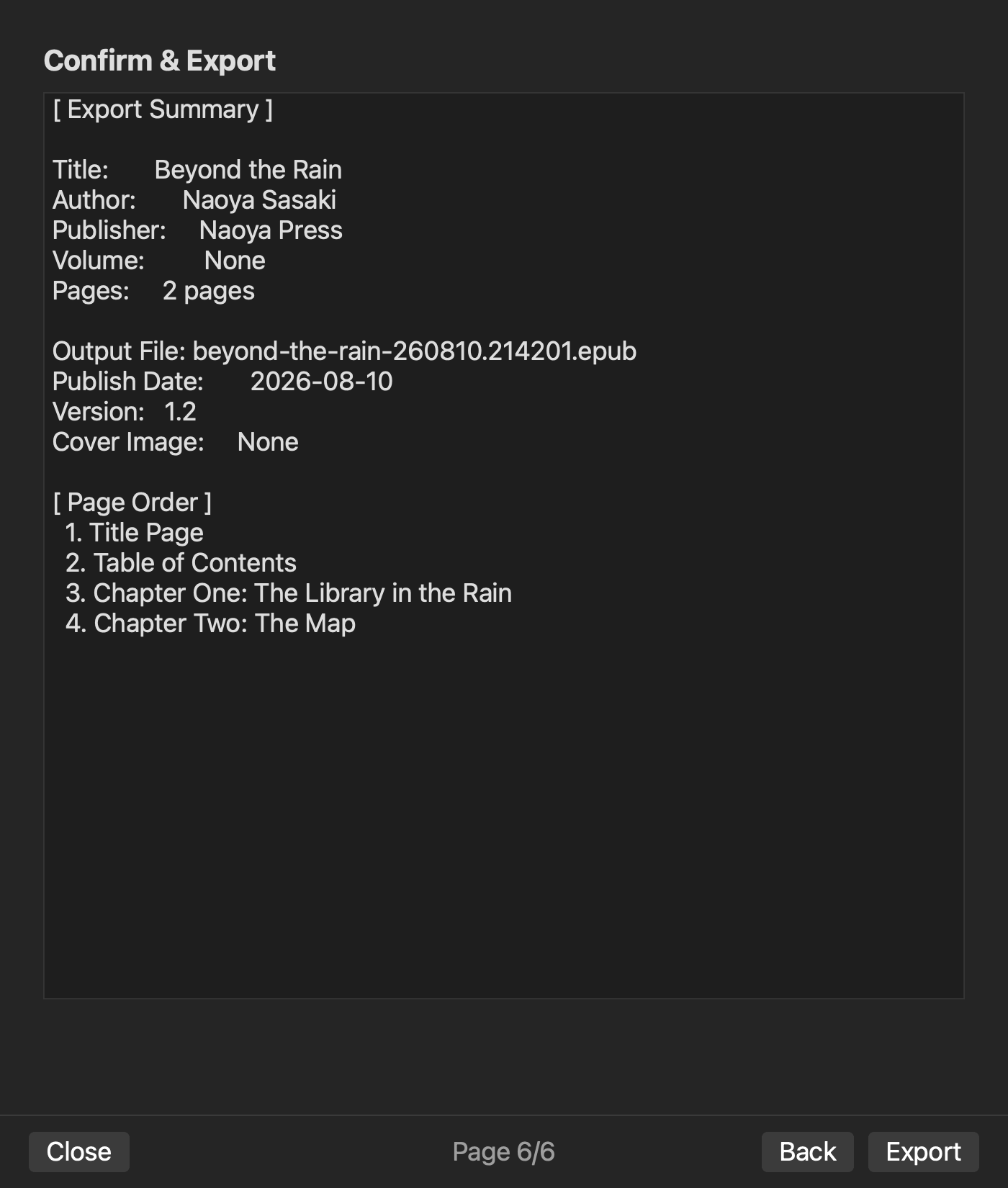
From the copied project, change an edition or publication-date value and generate a new EPUB without overwriting the previous output. Check the chapter count, reading order, navigation, images, and book information. Add a one-line record that connects the output filename to the project copy and changed setting.
The objective is not byte-for-byte reproduction. EPUB generators can include timestamps or other legitimate differences. The useful test is whether you can account for the production inputs, make an intentional change, and explain where the new output came from.
Score handoff readiness in four levels
Use the restart result to give each candidate one of four grades:
- A: One project folder and a short note are enough to restart and generate the book.
- B: An additional settings file or asset location is required, but every dependency is explicit.
- C: Some parts cannot be reproduced without referring to the original Mac or personal setup.
- D: It is unclear what must be retained beyond the finished EPUB.
Choose A or B for books that will receive new editions, span multiple volumes, or pass between an author and an editor. Even for a one-off personal project, D creates unnecessary risk.
Do not award A merely because a product advertises backup support. Complete the duplicate-folder test and grade the observed restart. Cloud synchronization and simultaneous collaboration are separate requirements; test them separately if they are part of your publishing process.
How rune Studio approaches the project
The current Mac version of rune Studio uses a folder of manuscript files as a workspace. Its command-line interface includes operations to create, open, and inspect workspace information. The available commands also include exporting workspace settings to JSON and importing those settings again.
In a direct generation test, book and volume information was set for a workspace, and two manuscript files were exported as two chapters. Inspection of the generated package found navigation and NCX data and checked chapter count, missing images, leaked source notation, and empty pages. The tested output reported no listed issues and returned valid true.
These results show that the tested workspace could hold production inputs, generate an EPUB, and provide an inspection record. They do not prove a complete transfer to a different physical Mac. They also do not guarantee cloud synchronization, simultaneous multi-user editing, or byte-identical output after every move. Test the actual storage and handoff route you intend to use.
Choose the editor you can reopen elsewhere
An EPUB editor should not be judged only by the comfort of its creation screen. A durable project makes the locations of its manuscripts, assets, settings, and outputs understandable.
Inventory those four parts, duplicate the project, reopen only the copy, and generate a separately named EPUB. A candidate that completes that route without depending on the original location is easier to recover, revise, and hand to another person. Choose the editor that protects the future of the project, not simply the one with the longest feature list.


