Choose a MacBook text editor for a long novel by how easily it moves between two situations: a manuscript-only view while you are away from your desk and a manuscript-plus-reference view when you return. This distinction is often more useful than counting features.
A notebook Mac lets you continue the same story in different places. Its limited screen can also make a crowded pane layout uncomfortable, while rebuilding a reference layout at the desk delays the start of every session.
This guide focuses on portability and resuming work on a MacBook. It presents five priorities and a 30-minute trial. It does not repeat a general product ranking or the complete setup of a long-novel workspace.
Plan for two working locations
The same MacBook supports different work depending on location.
At a café or another temporary place, the built-in display usually needs to devote most of its width to the manuscript. A single text view and fast search may be more useful than several narrow panes.
At a desk, you can place a character sheet, timeline, or previous chapter beside the current scene. An external display may create more room as well. The selection question is whether the editor can switch between these purposes without rebuilding the arrangement by hand.
Five priorities for a long novel on a MacBook
1. Return to a single manuscript view quickly
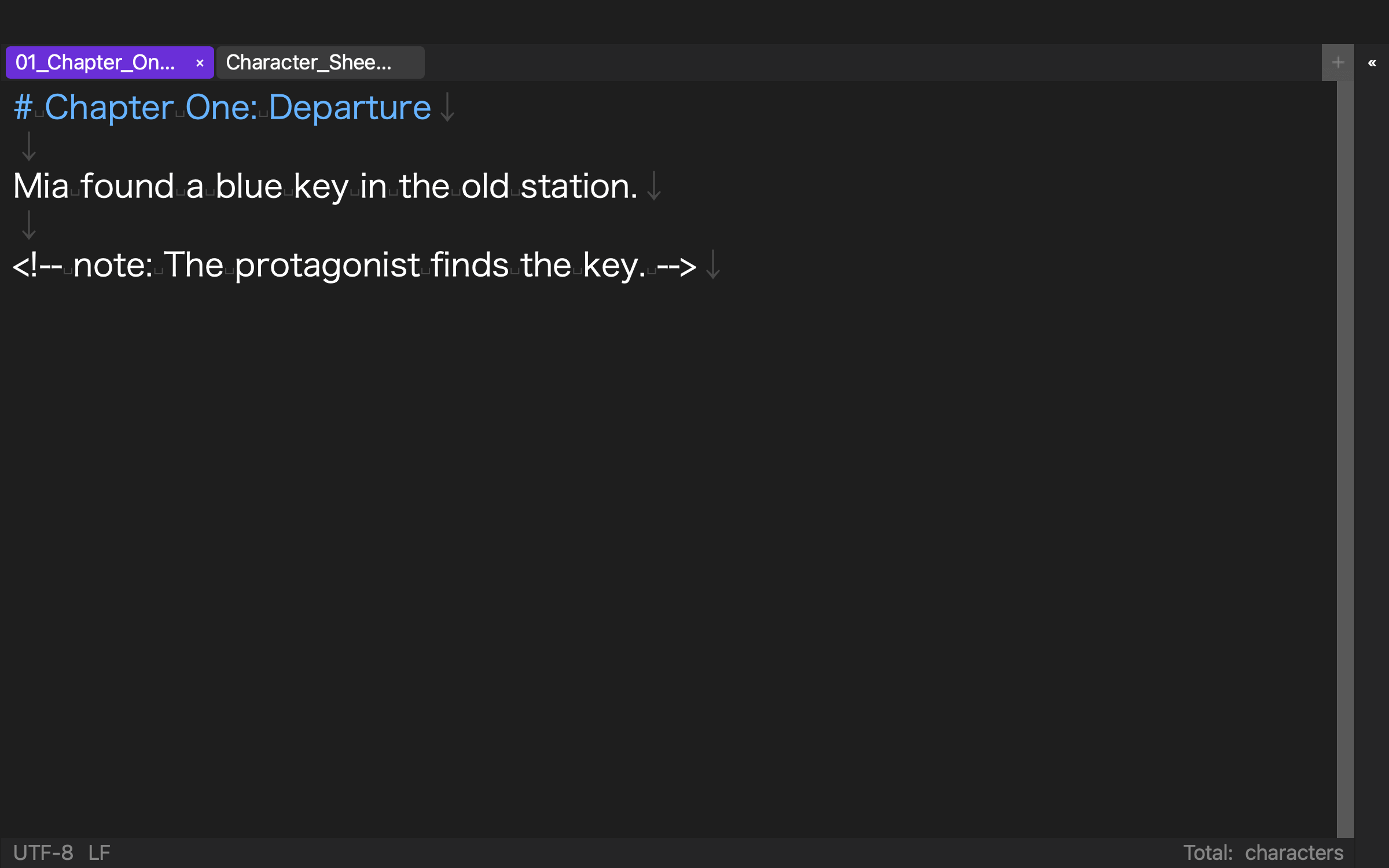
On a small screen, protect the width of the prose. Close panes, sidebars, and previews, then see whether you can return to a clean manuscript view without hunting through settings.
Do not check full-screen mode alone. Open search, use it, close it, and count the actions required to return to the paragraph you were writing.
2. Save a split layout for desk work
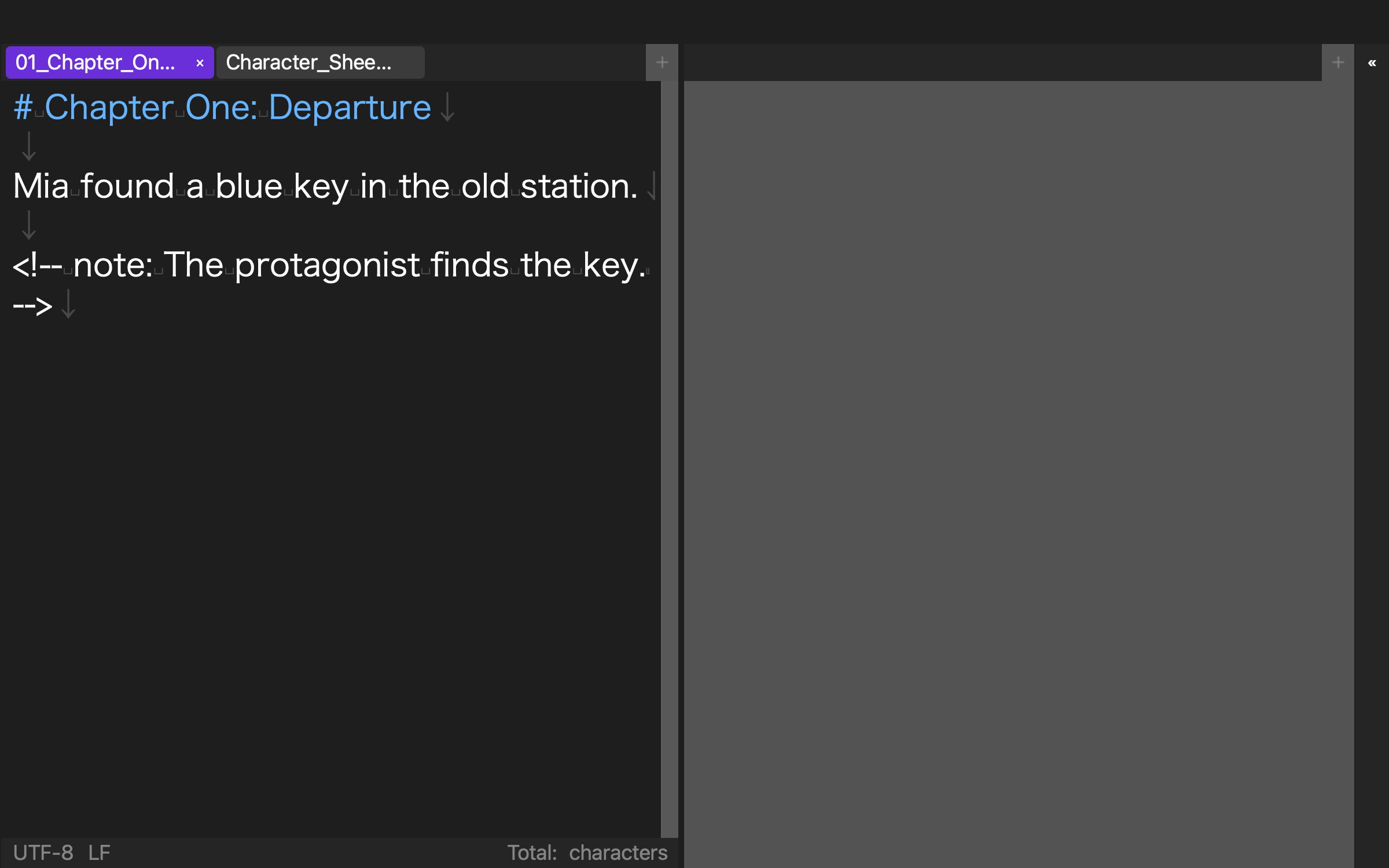
Saved arrangements reduce repeated setup. You might place a character sheet beside the chapter, compare the previous chapter with the current one, or put a wide timeline below the prose.
Two panes are not always better. Keep a single-pane layout for the built-in display and a limited number of named split layouts for the desk. Too many nearly identical layouts create another navigation problem.
3. Search chapters and references together
Workspace-wide search can reduce trips away from the manuscript when you need a name or worldbuilding fact. Check whether results identify both the source file and the exact match, and whether you can return to the original chapter.
If you use replacement, determine whether its scope can be restricted to one file or deliberately expanded to the project. Make a recoverable copy before broad replacements.
4. Know where the manuscript is stored
Moving a MacBook between places may add cloud synchronization, external storage, and a home backup. Avoid a situation where the file appears inside the editor but its Finder location is unclear.
Synchronization and backup are not identical. A deletion can synchronize too, so keep history or another copy in a separate recovery path. This article does not recommend a particular synchronization service or make battery-life claims.
5. Preserve the route to the final format
If your workflow uses vertical preview or EPUB output, those tools can belong to the desk-based revision stage. They do not need to consume space in the mobile single-view layout.
For a fiction platform, test line breaks after copying. For editorial delivery, check the required format. For an ebook, verify chapter order and bibliographic settings.
A 30-minute MacBook trial
Prepare the same disposable chapter and character sheet for every candidate. Then run these tasks:
- Create a manuscript-only layout on the built-in display.
- Search the whole project for a character name and return to the prose.
- Place the manuscript and character sheet side by side.
- Close the application or workspace.
- Reopen it and confirm that both layouts and the working context can be recovered.
Record more than success or failure. Count the moments of uncertainty in the single-view, desk-view, search, and resume stages.
Battery use and interactive speed vary by MacBook model, display brightness, other running applications, and manuscript size. Test those points on your own machine instead of treating a general specification as a guarantee.
Two saved layouts verified in Rune Studio
The current Mac version of Rune Studio treats a folder as a workspace and can save multiple layouts. Its implementation also includes a file tree, workspace-wide search, split panes, vertical preview, and EPUB 3 output.
On August 10, 2026, we used Rune Studio CLI 1.4.0 build 23 to create an isolated workspace with Chapter One, Chapter Two, and a character sheet. We added layouts named “Mobile Single View” and “Desk Two View,” configuring the first as a single pane and the second as two horizontal panes. Every operation finished with exit code 0.
A workspace search for the Japanese phrase meaning “blue key” examined three files and returned two matches. After closing the workspace and reading its information again, the two layout names were still present.
The direct test covered layout creation, pattern configuration, persistence after closing, and cross-file search. It did not evaluate visual comfort on a physical MacBook display, external-monitor behavior, battery consumption, typing speed, vertical preview, or EPUB output.
Who should shortlist Rune Studio?
Rune Studio is a candidate for a writer who uses a MacBook for a long Japanese novel and wants to move between a focused single view away from the desk and a reference-assisted layout at the desk. It also suits writers who want manuscript and character files in a Finder-visible folder.
A simple built-in editor may be enough for short notes. A cloud document may fit simultaneous collaboration better. A dedicated page-layout application may be appropriate when precise print composition is the central task.
This assessment covers the current Mac version and excludes iPad functionality still under development.
Choose the editor that resumes in both places
For a long novel on a MacBook, prioritize a quick single view, saved split layouts, project-wide search, clear file location, and a route to the final format.
Run the same 30-minute trial with a chapter and character sheet, then compare how confidently you can resume away from and at your desk. If Rune Studio is a candidate, review its current features and system requirements on the Rune Studio product page.