Reopening the same screen the day after chapter 4 ends with “arrived at the station” is not yet a writing restart. This guide places the manuscript on the left, character sheet upper right, and timeline lower right on a 13-inch screen, then leaves the next sentence before closing. Focus is considered restored only when that sentence can be started the next day.
This is not a numerical audit of restored layout values, and it is not a guide to switching among one-, two-, and three-pane arrangements for different jobs. Its center is one writing scene, one saved three-pane layout, and the path from closing to the next sentence.
Define completion as the next sentence, not the restored screen
Change the goal from “the screen looks the same” to “the next sentence can be written.” The manuscript location, character reference, and timeline must all point to the same scene.
In the example, the manuscript stops after “arrived at the station,” and the next action is “Makoto drops the ticket.” Restart is complete when the writer can continue that action. Three visible panes are a failure if they show another chapter or an older reference.
Align three panes to one scene
Fix chapter 4 on the left, Makoto’s character sheet upper right, and the station-arrival time lower right. Give each pane one role and keep the manuscript as the only writing target.
If the manuscript becomes too narrow on a 13-inch screen, reduce the reference widths first. Do not add more permanent panes or shrink the text to solve a problem created by too much reference material.
Leave a restart note in the final ninety seconds
Before closing, check six items: chapter name, nearby ending words, next action, active character, timeline moment, and unsaved tabs. Use searchable wording such as “chapter 4 / arrived at the station / Makoto drops the ticket.”
Do not rely only on cursor position because edits can move it. If the character sheet or timeline points to another scene, align all three references before closing.
Reopen and write one sentence before changing settings
The next day, open the saved layout and confirm chapter 4 on the left, Makoto upper right, and the station-arrival time lower right. Make the manuscript pane active, read the restart note, and write one sentence. Do not repair pane widths or settings first, because a manually repaired screen is not a successful restoration.
If no sentence comes, record the single missing cue. A missing chapter points back to manuscript navigation, a forgotten character decision to the character sheet, and uncertain timing to the timeline. Change only the relevant position and repeat the same next-day test.
Divide a failed restart among three return points
If another chapter opens, compare the file name and the ending phrase “arrived at the station” before saving a new layout. If the character sheet is old, leave the manuscript untouched and restore the adopted sheet to the upper-right pane. If only the timeline moment is wrong, reopen the station-arrival row in the lower-right pane. Changing all three at once would hide the cause.
Writing a sentence is still a failure when it uses the wrong form of Makoto’s name or the wrong arrival time. The panes returned, but their references did not support the same scene. Give the restart record three fields: sentence written, character sheet searched, and timeline searched. Change only the field that required searching. Keep the layout as the writing layout after it returns to the intended sentence on two consecutive next-day trials.
Use Rune Studio’s saved scope accurately
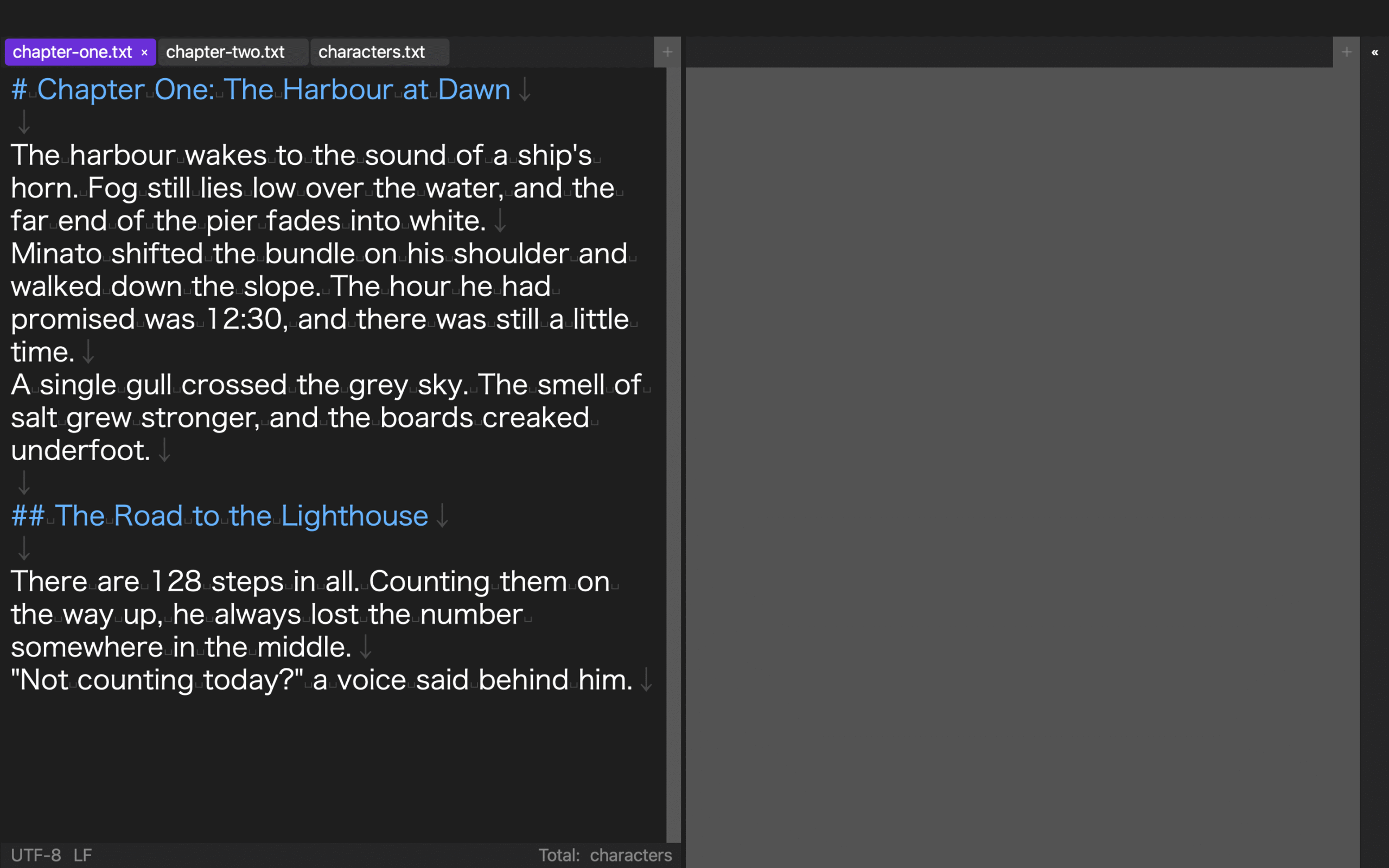
The current macOS version of Rune Studio can save layout structure, sidebar width, column ratios, text sizes, open tabs, and preview visibility. In a hands-on check, a three-column layout with a 320-wide sidebar, 18-point manuscript text, 14-point interface text, and three tabs retained those values after reopening. A fifth saved layout was also retained.
That result does not establish a maximum number of layouts. It also does not prove next-day sentence resumption, sharing to another Mac, or collaboration. A saved feature and restored concentration are different results.
Separate two neighboring uses
Use a layout-value reload check when the question is whether each width, text size, and tab identifier returns unchanged. Use a multi-pane writing guide when the question is when to choose one, two, or three panes for different tasks.
This article keeps one three-pane scene from the end of chapter 4 to the next day’s first sentence. Its output is not a value card or a library of layouts. It is a restart record stating which scene returned and what sentence began.
Conclusion: reopen the same scene and restore focus with one sentence
Place chapter 4 left, Makoto’s character sheet upper right, and the station timeline lower right. Leave “Makoto drops the ticket,” close the workspace, and check whether one sentence can be written before changing the layout the next day.
If not, reduce the cause to chapter, character, or time and change only the corresponding position. Review what the application saves on the Rune Studio product page, then keep the layout that returns you to the next sentence rather than the one that merely looks attractive.