Long-form text editor settings should not be chosen by assuming that larger type and wider line spacing are always better. Drafting, proofreading, and continuous reading ask different things from the same screen. This article uses one fixed passage and changes font size, line spacing, and text width one at a time so each stage can select its own setting.
Do not force one comfort score onto three stages
Drafting needs a stable insertion point. Proofreading needs errors and repetitions to remain visible. Continuous reading needs enough surrounding context to follow a paragraph without frequent backtracking. A setting can perform well in one stage and poorly in another.
For that reason, do not use one field called comfortable. Create separate rows for drafting, proofreading, and reading. Record lost position, rereads, errors found, context visible on one screen, and recovery after reopening. This is an operational display test, not a claim about eyesight, health, or reduced fatigue.
Fix the sample and the window before testing
Use a copied 1,200-character passage containing both dialogue and dense narrative. Record its identifier, character count, window width, current font size, and current line spacing.
If candidate A is 16 pt with 1.6 spacing and candidate B is 18 pt with 1.8 spacing, do not change both values at once. First compare font size while keeping spacing and width fixed. Restore the baseline, then compare line spacing. Test text width only after the first two variables have separate records.
Drafting measures return to the insertion point
Run a 15-minute drafting task. Continue the fixed passage, then note every time a scroll or paragraph break makes you search for the active line. This is not a typing-speed contest. The useful evidence is where the display interrupted composition.
At the end, move to another paragraph and return to the active location. If you need search or a marker, record that action. Before switching candidates, restore the baseline and confirm that the window width did not change.
Proofreading needs context as well as error counts
Prepare copies with the same number of planted typos, repeated endings, and missing punctuation marks. Proofread for ten minutes. Record detected issues, rereads, and whether each correction could be checked against the surrounding sentence.
A candidate that catches more errors but hides too much context can still produce a bad correction. Test order can also create a learning advantage. On day two, reverse the order from A-then-B to B-then-A and use another sample with the same error pattern.
Continuous reading measures visible context
Read without editing. Record how often you move upward to recover paragraph context, misidentify a speaker, or search for the restart position after a screen change.
Do not accept wider spacing merely because it looks open. Check both whether rereads decrease and whether one screen still contains enough context. A setting that passes only one condition may remain a reading-only candidate or receive one further text-width adjustment.
Keep examples separate from measurements
An illustrative row might say candidate A: 16 pt, 1.6 spacing, four rereads, two errors found, successful recovery. Candidate B: 18 pt, 1.8 spacing, two rereads, one error found, insufficient context. Those numbers explain how to read the sheet; they are not a Rune Studio benchmark.
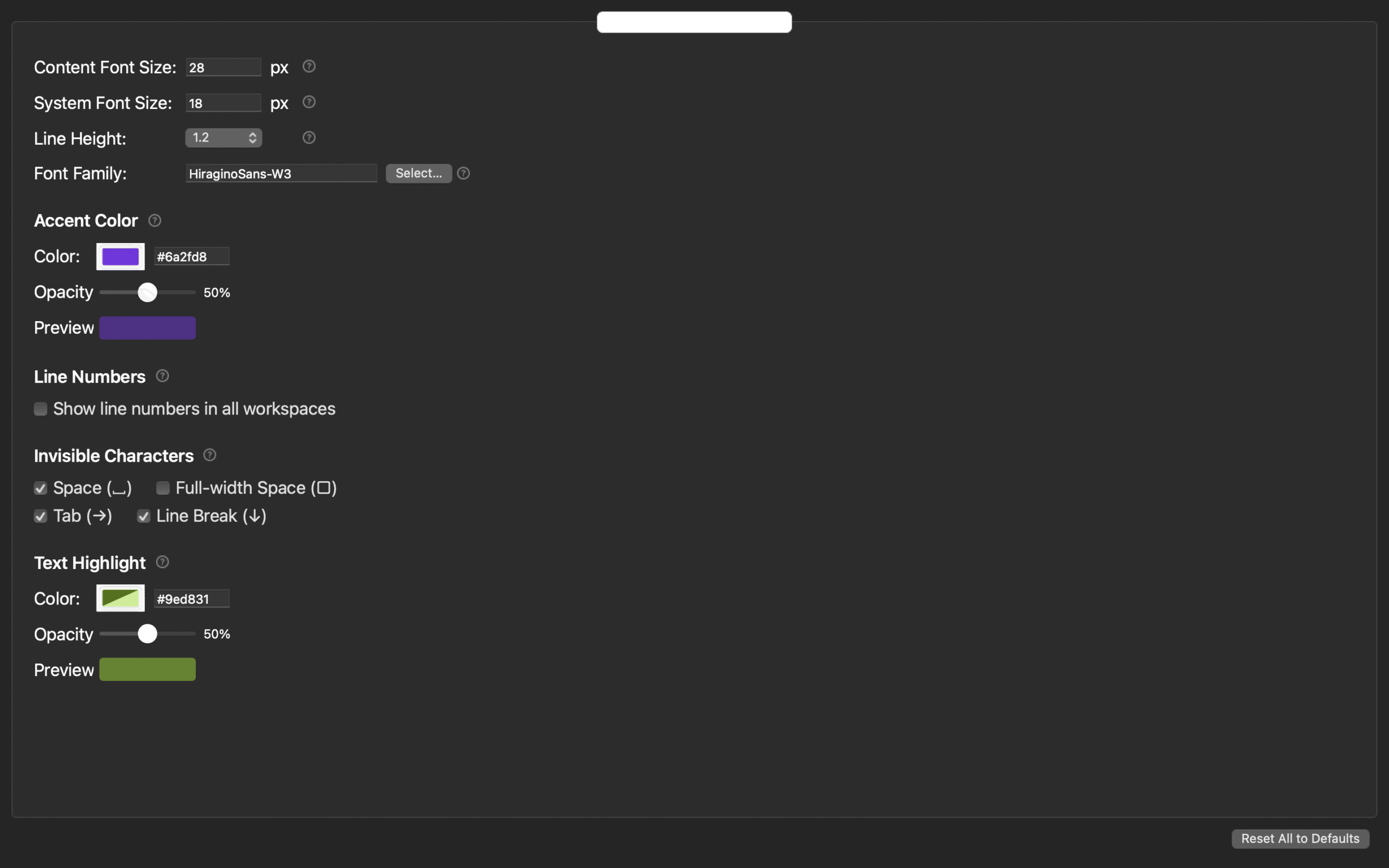
Rune Studio has documented controls for font, size, line spacing, bottom padding, and auxiliary display. A dedicated workspace also confirmed line-number display and font-size changes. The winning values for a particular 1,200-character passage remain a user-run measurement.
Name settings by stage
After two days, do not manufacture one overall winner. Name settings by the job they passed, such as DRAFT-16, PROOF-18, and READ-16. If one candidate genuinely passes every stage, one shared setting is fine.
STUDIO-198 evaluates whether a novel editor can return to a chapter, layout, and export record the next day. This article has a narrower responsibility: choose the display values themselves. Preserve the current values, change one item at a time, reverse test order, and promote only settings whose stage-specific result repeats.