A feature-rich Mac text editor can still be a poor home for a novel if you cannot retrieve the right character sheet, timeline, or research image while revising. Instead of asking which app stores the most material, test whether you can reach one authoritative fact in 30 seconds and return to the manuscript without opening the wrong file. This guide builds a portable project index, defines five retrieval tasks, and compares candidates by time, errors, and usable manuscript width. It produces a decision based on your project rather than a universal ranking.
Turn recommendations into retrieval tasks
Prepare the same sample project for each candidate. Ask five questions: a character's age, the setup for a chapter-three clue, the source image for a location, the first use of a special term, and the previous revision note. Measure time from the question to the authoritative evidence and count incorrect files opened.
Describe results as tasks and numbers, not vague speed. Character age found in 22 seconds is useful evidence; search feels fast is not. Observe which cue solved the task: project index, folder name, tab, full-text search, or split view. That tells you whether the workflow will survive a larger manuscript.
Create a portable project index
Place a plain-text index at the project root with rows for manuscript, characters, world rules, timeline, research, images, and exports. Each row should identify the authoritative location, last update, owner when relevant, and one or two search terms. The index remains readable if you later change applications.
Use descriptive file names such as character_Arisu_age-history instead of note-1. Do not copy the same fact into many convenient files without designating a source of truth. The index should lead to one authoritative record, while secondary notes point back to it.
Measure usable split-view width
Place the manuscript beside one reference and perform a real edit. Count whether lines wrap so aggressively that you lose paragraph context. A three-column option has little value if a MacBook display makes every pane too narrow. Compare a persistent reference pane with a temporary reference tab and choose the one that preserves readable prose.
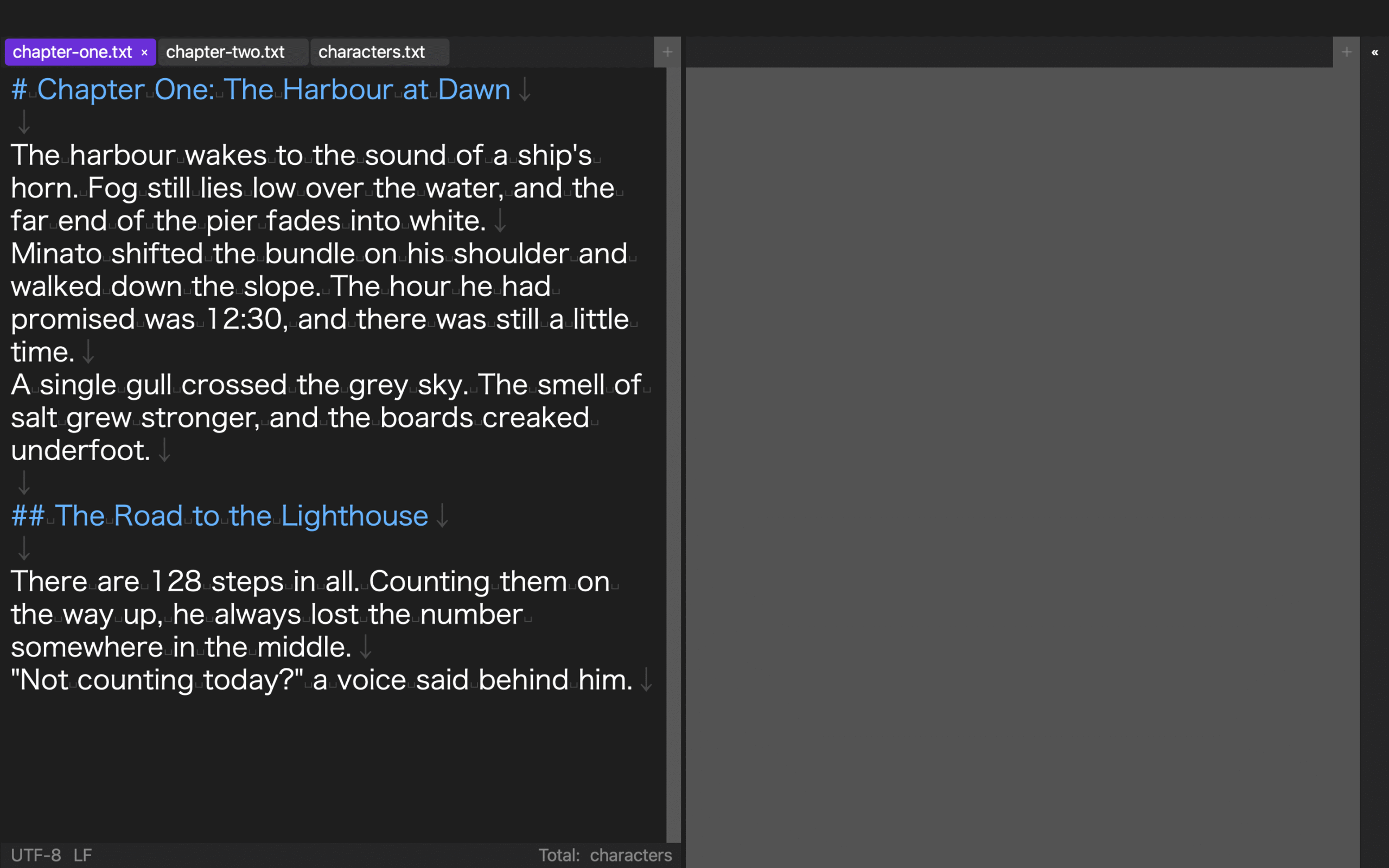
Rune Studio supports one to three columns and rows and can move tabs between panes. Evaluate the common two-document case rather than the maximum nine-pane arrangement. Saved layouts can reproduce positions, but they do not replace file history or identify the authoritative version by themselves.
Use file narrowing before full-text search
First narrow the location with the index and file name, then search inside the likely source. Searching the entire project for a frequent character name may return hundreds of mentions and bury the character sheet. Folder-only navigation has the opposite problem when a note's wording is uncertain.
Prepare pairs such as Arisu plus age or harbor plus tide. Attribute words reduce irrelevant hits. Keep search separate from replacement: retrieving evidence is not authorization to change every occurrence in the manuscript. Review contexts before any batch edit.
Test next-day recovery
Leave a chapter, character sheet, and timeline open, quit the application, and perform a next-day task: return to the active chapter and verify one fact. Measure the time to reopen the correct source files. Automatic workspace restoration and a short closing note may help, but the project structure must still allow recovery when restoration fails.
Rune Studio can store up to four layouts. Name them drafting, revision, continuous reading, and EPUB review rather than layout 1 through 4. A layout should represent a stage, while the project index and versioned file names remain the durable route back to the correct material.
Reject candidates with explicit failure conditions
Avoid a single average score that hides a blocking weakness. Define conditions before testing: reach the authoritative character record within 60 seconds, open no more than one wrong file, recover after restart within three minutes, and preserve an acceptable manuscript line width. Reject a candidate that fails a condition essential to your project.
Compare secondary qualities only among the survivors: keyboard flow, display control, proofreading aids, preview, and export. Rune Studio combines Japanese long-form editing, split views, search, vertical preview, and EPUB generation, but a team that requires live collaboration or a cloud research database may need another component.
Run the test with copies, not the only manuscript
Build the comparison from a copied chapter and a small reference set. Use identical names and content in each candidate so familiarity does not favor the first tool. Reverse the order on a second day, and record any setup time needed before the five tasks can begin.
The result should include maintenance effort. A sophisticated index that requires constant manual repair may lose to a simpler folder that remains accurate. Select the smallest structure that passes retrieval and recovery conditions.
Conclusion: choose the editor that returns evidence quickly
The best Mac text editor for a reference-heavy novel is the one that reliably returns the correct evidence and gets you back to the manuscript. A portable index, authoritative source files, usable split width, two-stage search, and restart testing reveal that capability better than a feature count.
Start today with the seven-row project index. Then ask the same character-age question in two candidate editors and time the result. A repeatable 30-second path to the source of truth will save more revision time than an impressive menu you rarely use.