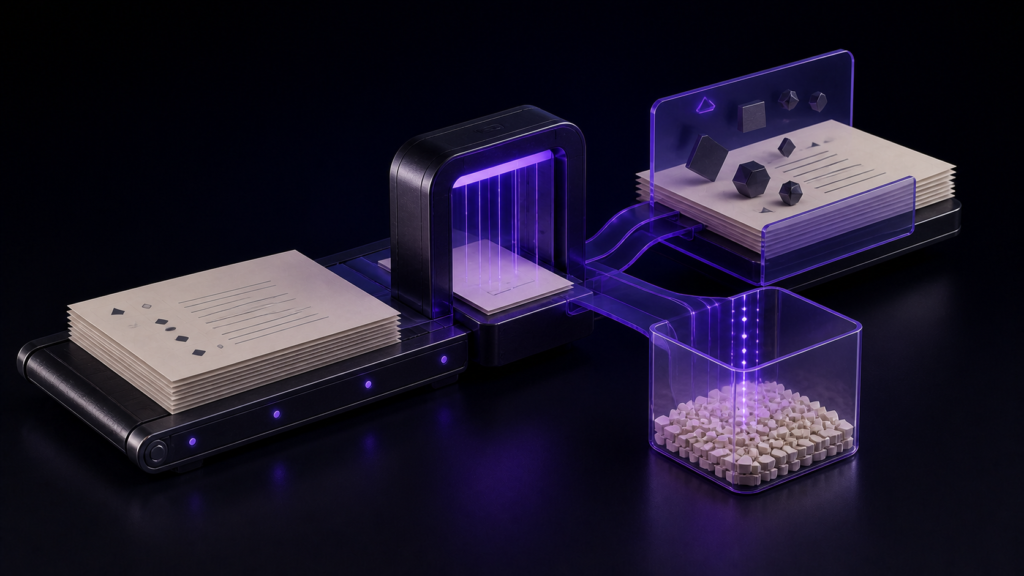
To convert an existing text file to UTF-8 on a Mac, first establish that the source is being decoded correctly, then save a separately named UTF-8 copy, choose the BOM and line ending independently, and finally reopen the saved file. Changing an encoding field to UTF-8 is not, by itself, evidence of a completed conversion.
The title-specific Stage 4 result that passed covers the latter part of this route. The same 30 Japanese lines produced a 660-byte UTF-8 no-BOM/LF file and a 693-byte UTF-8 BOM/CRLF file, and their prefixes and CR/LF counts were checked. The run did not start with a non-UTF-8 source such as Shift_JIS and complete the full decode-save-reopen conversion. This article therefore separates the complete conversion procedure from the bounded output evidence.
Convert to UTF-8 through five checkpoints
Record the non-UTF-8 starting state
If the source is Shift_JIS, EUC-JP, UTF-16, or another encoding, record the original filename, an identifier, and the detected source encoding. Selecting UTF-8 before the source encoding is established can preserve incorrectly decoded text in a new UTF-8 file.
The 30-line Stage 4 specimen already began at UTF-8 output conditions. It does not provide a measured non-UTF-8 starting value and cannot prove this checkpoint.
Confirm correct decoding before changing the encoding
Compare representative text at the beginning, middle, and end, and check for unconvertible or replacement characters. If the source cannot be decoded confidently, stop before choosing UTF-8 and return to the untouched copy and detection method.
This checkpoint establishes how the original bytes should be read. The specific Shift_JIS-to-UTF-8 decoding workflow belongs to STUDIO-180.
Save a separately named UTF-8 copy
Once the source is decoded correctly, save a copy as UTF-8 under a different name. This is the step that changes the file from its source encoding to UTF-8. Keep the original unchanged so that a failed output can be discarded.
Choose BOM and line ending independently
UTF-8 does not determine the BOM policy or line ending. Use the receiving specification or a known-good file to select BOM present or absent and LF, CRLF, or CR. Do not assume “UTF-8 means no BOM” or “Mac always means LF.”
Reopen and verify the saved artifact
Reopen the named output and check its detected encoding, BOM state, line ending, and representative text. Where available, inspect the leading bytes and count CR and LF so that the record describes the actual file rather than only the save-dialog selection.
If any checkpoint remains unverified, record the conversion as partial rather than complete. The current evidence supports the UTF-8 output-property checks, not all five checkpoints.
The measured evidence covers two UTF-8 outputs
The controlled 30-line text was saved under two conditions.
| Output condition | Prefix | CR | LF | Bytes |
|---|---|---|---|---|
| UTF-8, no BOM, LF | 30 31 E8 |
0 | 30 | 660 |
| UTF-8, BOM, CRLF | EF BB BF |
30 | 30 | 693 |
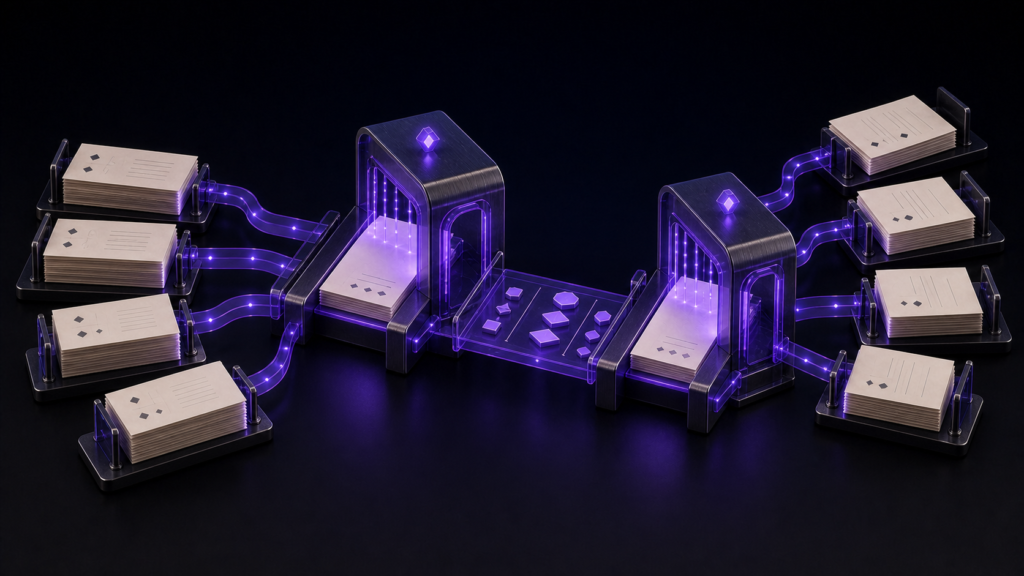
The no-BOM file had no BOM prefix and contained 30 LF bytes. The BOM file began with EF BB BF and contained 30 CR plus 30 LF bytes. These observations distinguish the BOM and line-ending choices within the tested environment.
The 33-byte size difference has a complete accounting: three BOM bytes plus 30 additional CR bytes in the CRLF output. That result prevents the size difference from being mistaken for missing manuscript text.
The table does not establish a complete conversion from another encoding. It lacks a measured source-encoding value, pre-conversion decoding check, and a source-to-UTF-8 reopen comparison.
Keep a product-independent conversion record
Record conversion as separate fields rather than one note saying “changed to UTF-8.”
| Field | Record |
|---|---|
| Source | Original filename, identifier, detected encoding |
| Decoding check | Representative passages and unconvertible-character state |
| Output encoding | UTF-8 |
| BOM | Present or absent |
| Line ending | LF, CRLF, or CR |
| Output | A name distinct from the original |
| Reopen check | Detection, prefix, CR/LF counts, and text equality |
This record separates a decoding failure from a wrong BOM or line-ending choice. If the receiver’s requirement changes, produce another named output from the correctly decoded reference copy.
What Rune Studio provides
Current documentation for the Mac version of Rune Studio states that it supports UTF-8 with and without a BOM, several Japanese encodings, and LF, CRLF, and CR line endings. The status bar exposes the encoding and line-ending settings and permits them to be changed before saving. Detection checks for a BOM before continuing through automatic encoding candidates.
If the selected output encoding cannot represent a Unicode character, the application marks the affected range, warns during manual saving, pauses autosave, and shows a notification. These are Stage 3 product capabilities.
The Stage 4 evidence here is not a captured Rune Studio conversion session. It consists of the resulting prefixes, CR/LF counts, and byte sizes of two UTF-8 outputs. Stage 3 capability must not be expanded into a measured non-UTF-8-to-UTF-8 success.
Nearby articles own different parts of the route
STUDIO-180 performs the source-decoding and Shift_JIS-to-UTF-8 conversion problem. STUDIO-524 decides BOM presence from consistent evidence, while STUDIO-526 diagnoses CR, LF, and CRLF specimens.
This article connects the complete five-checkpoint conversion route to a focused output audit: after correct decoding, save UTF-8 while preserving an explicit BOM and line-ending decision, then verify the artifact. It does not omit source decoding and call the result converted, and it does not stop at identifying a BOM.
Conclusion: separate conversion completion from the passed output check
A complete UTF-8 conversion on Mac records the non-UTF-8 source, confirms correct decoding, saves a named UTF-8 copy, chooses BOM and line ending independently, and reopens the output. That sequence recovers the conversion promised by the title.
The measured result is narrower: identical 30-line content produced a 660-byte UTF-8 no-BOM/LF file and a 693-byte UTF-8 BOM/CRLF file, with the 33-byte difference explained by a three-byte BOM and 30 CR bytes. That output-property comparison passed. Correct conversion from a non-UTF-8 source, automatic conversion by applications outside this Mac, and receiver acceptance remain unverified and therefore partial. Review the current Mac scope on the Rune Studio product page.