Do not identify a Japanese text encoding from the filename or from text that merely looks plausible. Compare a known Japanese sentence, the byte-order mark, line endings, and characters that may be unsupported before choosing UTF-8, Shift_JIS, EUC-JP, or UTF-16.
Build a representative passage you already know
Create about forty short lines containing hiragana, katakana, kanji, the long-vowel mark, full-width digits, ASCII letters, and Japanese punctuation. Add one project-specific proper noun. Put emoji or platform-dependent characters on a separate line if the manuscript uses them.
Without known text, a damaged decoding can look close enough to guess. A fixed passage and expected line count make the comparison explicit.
Inspect before saving
Rune Studio checks a byte-order mark first, then uses system detection and a sequence of supported encodings. Its documented list includes UTF-8, UTF-8 with BOM, Shift_JIS, EUC-JP, ISO-2022-JP, UTF-16LE, and UTF-16BE.
After opening a file, read the encoding and line ending in the status bar and compare the representative passage. Do not save a garbled view. Close it and retry on a copy with the intended encoding, because saving misdecoded text can replace the original bytes with the wrong characters.
Account for the UTF-16 byte-order mark
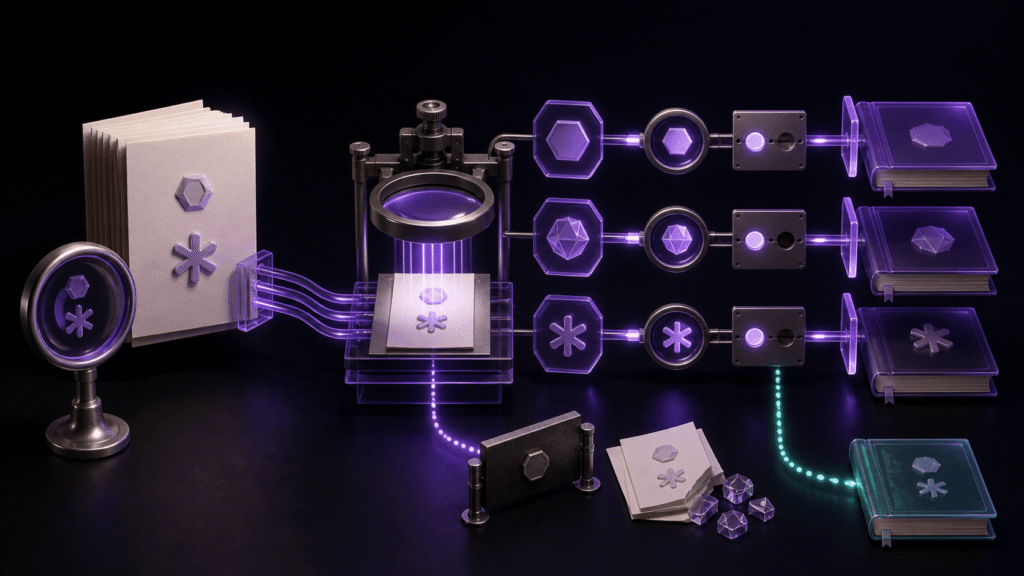
The same Japanese passage was examined in UTF-8, Shift_JIS, EUC-JP, UTF-16LE, and UTF-16BE. UTF-8, Shift_JIS, and EUC-JP matched directly. The UTF-16 variants initially differed by one character when the BOM was included in the comparison; after excluding the BOM, their representative text matched as well.
A BOM is a leading encoding signal, not manuscript prose. If only the UTF-16 character count differs, check whether the comparison counted that marker before deciding that the text lost or gained a character.
Separate encoding from line endings
A UTF-8 file can use LF, CRLF, or CR line endings. Record both dimensions when a recipient specifies them. In the five-format sample, LF was held constant so a decoding difference could not be confused with a line-ending change.
Change one setting at a time. Select the target encoding, save under a separate name, close, and reopen. Change line endings only in a separate pass when needed.
Watch for characters Shift_JIS cannot represent
Emoji, enclosed digits, and some extended characters may not fit the target Shift_JIS repertoire. Rune Studio’s documentation describes highlighting unsupported ranges, warning at save time, and pausing autosave while the problem remains.
First ask whether the recipient can accept UTF-8. If Shift_JIS is mandatory, replace the character with wording that preserves meaning and reopen the saved copy. No text editor can promise automatic recovery of every damaged byte sequence or guarantee Japanese input-method accuracy.
Compare one converted file at a time
Keeping five writable versions open together makes it easy to save the wrong tab. Keep the UTF-8 source as the fixed reference and open one converted copy at a time. Check the known passage, proper noun, line count, BOM handling, and line ending, then close it before testing the next encoding.
When no delivery requirement says otherwise, retain UTF-8 as the authoritative source and create other encodings only as delivery copies. Rune Studio’s current encoding and save-protection features are listed on the product page.
Send encoding information with the file
A useful handoff note includes encoding, line ending, and any replacement made during conversion—for example, “Shift_JIS, CRLF, one emoji rewritten as words.” That gives the recipient a known expectation instead of asking them to infer the format after a problem appears.
Ask the recipient to check the representative sentence and project-specific proper noun before editing. Encoding verification is not complete merely because the sender reopened the file; the destination environment must read the delivery copy as intended.
When a format is required only for one legacy system, keep that converted file clearly labeled as an output. Continue revising the UTF-8 source and regenerate the delivery copy, rather than alternating edits between encodings and creating two competing manuscripts.