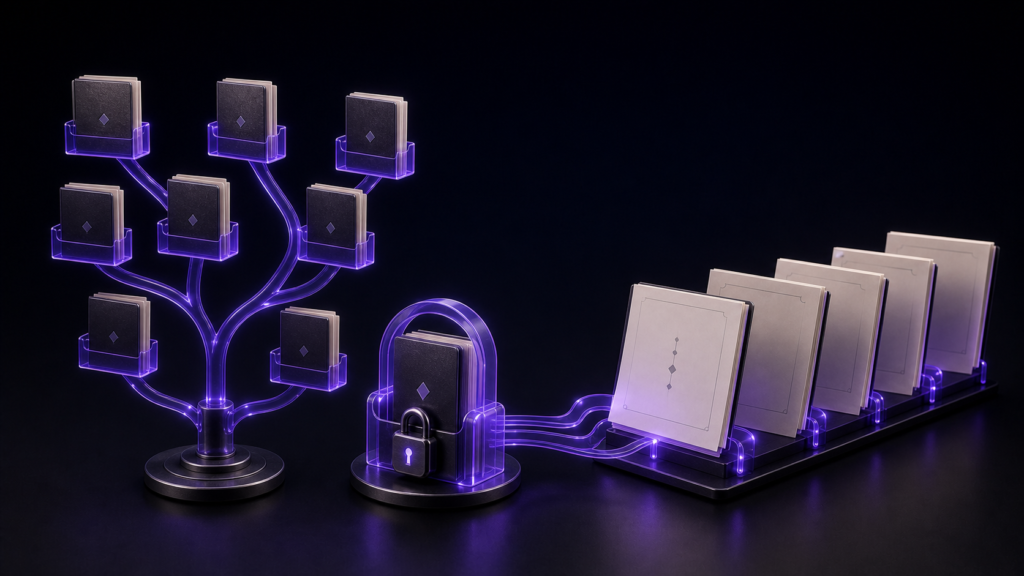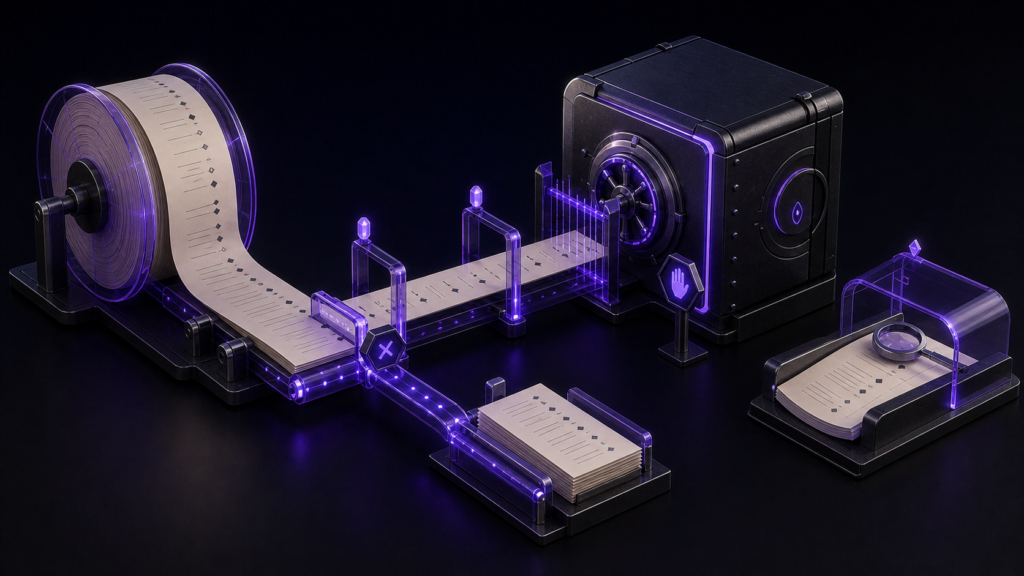
A very large manuscript and an encoding error are two different problems. Crossing 300,000 characters can disable expensive display helpers. Trying to save a Unicode character that Shift_JIS cannot represent can block conversion. Combining the two into “the editor failed” leads to the wrong fix.
The safe sequence is to preserve the UTF-8 source, choose the required destination encoding, repair unsupported characters one at a time, save under a new name, close the file, and reopen that saved copy.
Preserve an exit before changing encoding
Do not convert the only copy of a 450,000-character manuscript. Duplicate it and include the date or purpose in the filename. Keep the authoritative UTF-8 source unchanged while the Shift_JIS copy is tested. Decide the output folder before any warning appears so urgency does not turn into an accidental overwrite.
Image or video size is unrelated to this threshold. Rune Studio’s large-file mode is based on text character count.
Understand what large-file mode removes
For files at or above 300,000 characters, Rune Studio’s documentation says it suspends syntax coloring, whitespace marks, same-word and saved-list highlighting, line numbers, and continuous character counting. Editing, in-file search and replace, lightweight half-width search, saving, cursor movement, and encoding-error checks remain available.
A controlled file containing 303,657 characters was recognized as large, while a unique search phrase still returned one result. This demonstrates the boundary behavior for that sample. It is not a speed benchmark or a promise of identical responsiveness on every Mac.
Treat an unsupported character as a conversion decision
An emoji or extended Unicode symbol may be valid in UTF-8 but impossible to represent in Shift_JIS. Rune Studio’s product documentation describes marking unsupported ranges with a red background, warning at save time, and pausing autosave until the conflict is resolved.
The current run confirmed a failed Shift_JIS conversion with the target character present and a successful Shift_JIS reopen after the character was repaired. It did not capture the red highlight, autosave-stop notification, or the visual restart of autosave. Those interface states should therefore remain documented behavior, not claimed observations.
Choose one of three remedies
Keep UTF-8 when the recipient accepts it; that preserves the widest character range. Replace the unsupported character with wording that retains its meaning when Shift_JIS is mandatory. Or separate a nonessential appendix into another file when the delivery contract permits it. Silent deletion is not a repair.
After a replacement, reread the surrounding sentence. A technically representable substitute can still change tone or meaning.
Reopen the separately saved file
Save the conversion under a new name, close it, and reopen that file. Check the encoding shown in the status bar, a representative Japanese phrase, the unique search marker, and line breaks. A disappearing warning is not enough; reopening verifies that the bytes on disk can be read as intended.
The repaired sample reopened as Shift_JIS. Keep the large-file observation and encoding result on separate lines in the work note: one describes disabled display helpers, the other describes whether the target format can represent the text.
Begin with a dated copy and confirm the current encoding before attempting conversion. Rune Studio’s documented large-file and encoding behavior is summarized on the product page.
Keep edits narrow while save protection is active
When an unsupported-character condition remains, avoid writing several new paragraphs before resolving it. The documented autosave pause is a protective state; growing the unsaved difference increases the amount of work that depends on a later manual decision. Preserve the UTF-8 copy and repair only the identified character range.
After the Shift_JIS copy reopens, search the unique marker and inspect text on both sides. Continuous character counting may be disabled in large-file mode, so use stable phrases and saved-file reopening rather than a live counter as the identity check.
Record the reason for conversion. If a vendor changes its requirements to UTF-8 later, the untouched source allows a new delivery file without reversing lossy substitutions from the Shift_JIS copy.