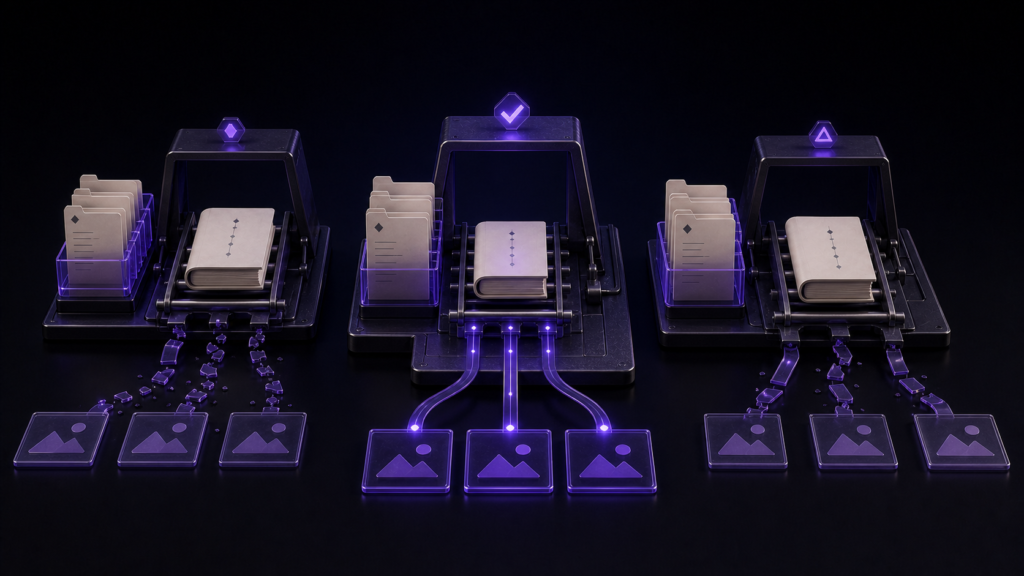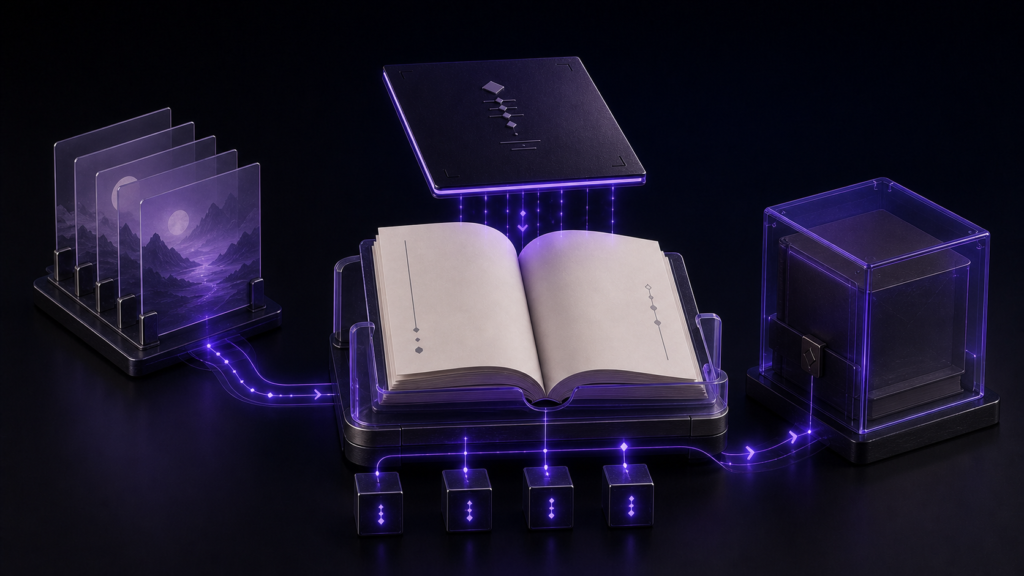
When editing a cover or body image in an EPUB on Mac, return to the manuscript and source assets whenever possible. Treat the EPUB as a distribution artifact and the project folder as the source for future editions. Directly patching an unpacked book can create a change that vanishes during the next rebuild.
Why “replace one cover” is not a one-file question
Imagine a two-chapter book with two illustrations and one cover. A new cover must replace the old cover role without becoming a body illustration, while chapter order and existing references remain untouched. If you overwrite an image inside the packaged EPUB, the visible result may look right even though the publishing source still selects the previous asset.
Keep cover and images distinct in the project and give the old and new covers separate names. Do not edit body-image destinations during this test. Restricting the change to one asset makes the before-and-after result intelligible.
The manual package-editing route has extra obligations
It is possible to unpack an EPUB, replace a file, update package declarations, and compress it again. That route requires checking the resource inventory, cover designation, image format, and the rebuilt container. The W3C EPUB 3.3 Recommendation describes the package roles. Visual resemblance alone cannot confirm that the new file occupies the cover role correctly.
Replace the source cover in Rune Studio
Open the book folder as a Rune Studio workspace and inspect the new cover with Quick Look or file information. Start the EPUB wizard, retain the existing Series Information and volume, and make sure File Selection and Chapter Order still contain the two chapters in sequence. On Metadata, choose the new cover. The Review and Export page should name the chosen cover and show the expected page order and output name.
Keep the old and new EPUB as separate files. Open the new artifact and check the cover first, then confirm that both chapters, both body-image references, and the colophon survived. Future text corrections should begin in the source chapter and repeat the same export route.
In a focused cover-replacement run, both before and after packages passed the local structural check. Each retained one packaged image while the output changed after the source cover changed. That supports a repeatable local replacement. It does not evaluate artistic quality, retailer thumbnail processing, or storefront presentation.
Let the missing image tell you where to look
If only a body image disappears, inspect its relative destination in the chapter and the asset's current location. If only the cover is stale, revisit the Metadata selection. If every image is missing, look at project permissions and the folder move rather than repeatedly choosing a different cover.
The work is finished when the source location is known, the new cover can be regenerated, and a later text correction does not resurrect the old artwork. Rune Studio is a relevant choice for Mac authors who keep local sources and expect revisions. Its current feature scope should be combined with a visual check on the devices and storefronts that matter to the book.