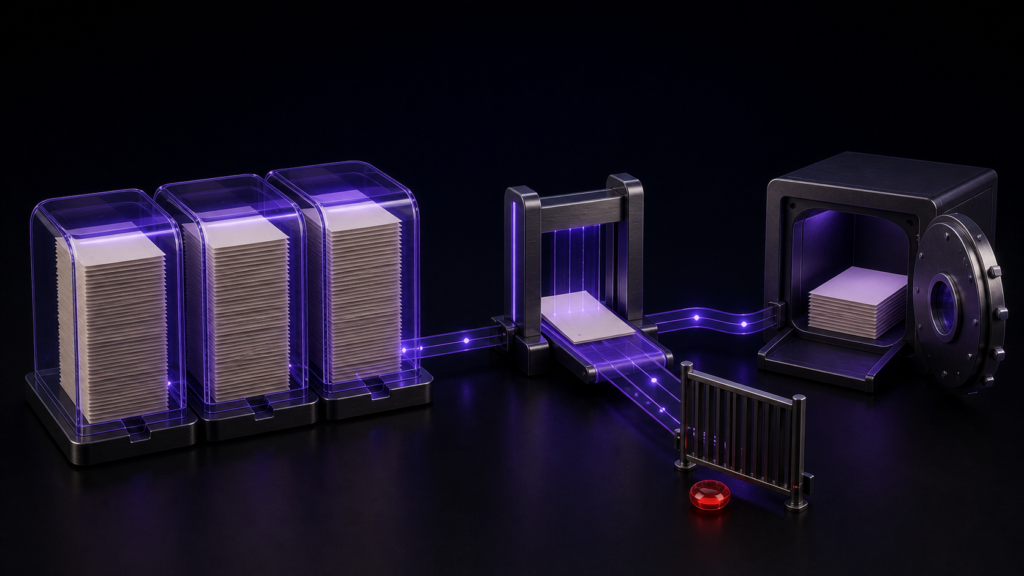
Autosave and encoding compatibility solve different problems. Autosave protects intended editing progress; an encoding check asks whether the chosen destination can represent the text. A huge-file workflow is safer when each mechanism has its own stop condition and the untouched source remains available.
Compare both sides of the size boundary
Use samples at 299,999 characters, 300,000 characters, and a realistic 450,000 characters. The first two reveal whether handling changes at the assumed boundary; the last represents actual work. Record raw count, encoding, line endings, and an end marker separately.
This avoids interpreting every delay or warning as the same issue. Size, one exceptionally long line, search scope, and output encoding are independent properties.
Give autosave a limited job
Autosave should preserve changes that you intended to make. It cannot decide whether a rare glyph may be replaced to satisfy Shift_JIS. Keep the source, working copy, and saved result as three distinct files so autosave is never the only rollback path.
When an encoding conflict appears, pause the full manuscript and reproduce it in a short extract. Decide the replacement in context or change the delivery format.
What the encoding check established
A controlled conversion failed while an unsupported character remained and reopened as Shift_JIS after an intentional repair. The graphical red highlight, save-blocking dialog, and autosave-resume sequence were not confirmed end to end. Do not present those visual states as proven, and do not rely on them instead of preserving the source.
Keep cloud synchronization out of the critical moment
A very large file can be saved correctly by the editor and still acquire a conflicting copy when another device edits the synchronized folder. Use one device during the change, wait for synchronization to finish, and compare the first, middle, and last reference lines before accepting a conflict copy. Record the file name and size at each checkpoint. Autosave reduces the chance of losing recent typing, but it does not replace a separate, known-good backup. Reopen the saved copy in Rune Studio before removing any earlier generation.
Reopen and compare three independent values
After repairing a working copy, save it under a new name and reopen it. Compare raw count, detected encoding, and the unique phrase near the end. An unexpected difference in any one value sends you back to the pre-save copy.
Rune Studio can keep count, encoding, and search in one manuscript workspace. It is not a promise of identical performance on every Mac. Review current product scope on the Rune Studio product page, and start by preparing the two boundary samples plus one realistic-size copy.