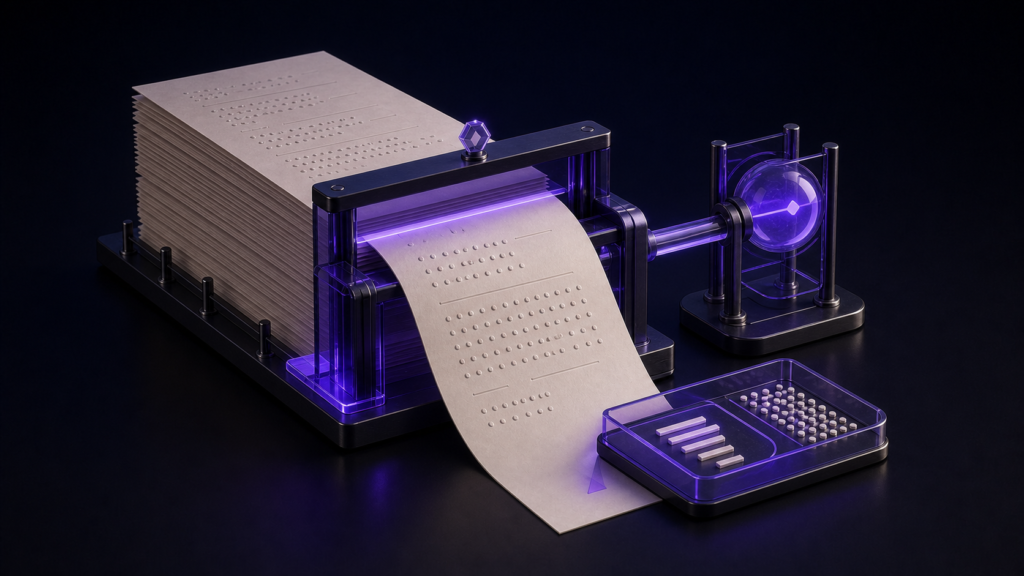
For a submission limit based on raw characters, define the count before trusting a number. State whether spaces, line breaks, ASCII, and combined emoji are included. Then test the editor with a small manuscript whose components are known. A count without its rule is not a reliable deadline measurement.
Write the counting contract first
Different tools can count the same visible text differently. One may omit spaces, another may count line breaks, and a third may treat a composed symbol as more than one code point. The contest or client rule must decide which count matters.
This article uses a raw stored-text rule that includes Japanese characters, ASCII, spaces, and line breaks. If your destination asks for visible characters excluding whitespace, use that separate rule instead of trying to make the two numbers agree.
Test a known 1,200-part sample
Prepare 1,000 Japanese characters, 100 ASCII characters, 50 spaces, and 50 line breaks. Because the components are known, you can determine how the editor treats each category. If the displayed result cannot be reconciled with the sample, do not use it for the full manuscript.
The purpose is not to prove one application right and another wrong. It is to connect a particular number to a particular definition.
Check the count after a large file is reopened
In a controlled file above 300,000 characters, the raw count was 300,208 before saving and 300,208 after reopening, and the saved content matched. That supports the count-preservation route for the sample. It does not compare typing or scrolling speed across Macs.
Large-file handling and counting accuracy are separate questions. A stable count does not promise that every editing action will feel fast, and a responsive screen does not establish the required count rule.
Use Rune Studio for the final deadline check
Before reading the number, write the scope: one chapter or the whole manuscript, whether notes are included, and whether the final line break counts. Save the delivery copy, close it, and reopen it. Read the count from the same scope again.
Do not submit a number taken only from an unsaved tab if the delivery is a saved file. The reopen step makes the measurement belong to the artifact you will actually send.
Counting and displaying are different promises
The decision here is whether the stored manuscript meets a defined limit. Where the number appears in the interface, or whether it remains visible while typing, is a convenience question and belongs to a separate evaluation.
Rune Studio is useful when raw count and manuscript editing need to stay together. Check the current product scope on the Rune Studio product page. Start with a known sample, record the rule beside the number, and make the final measurement on the reopened delivery copy.