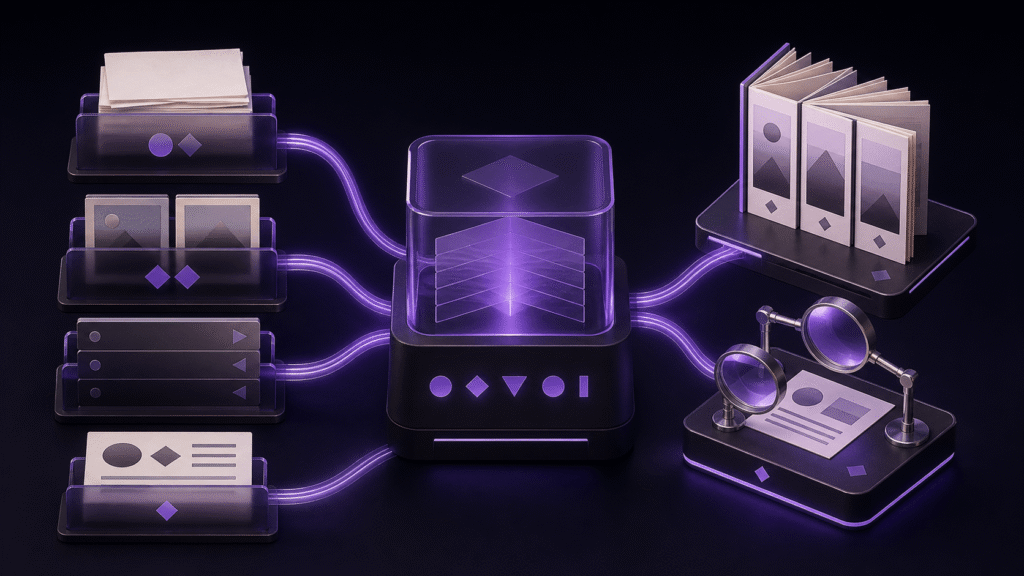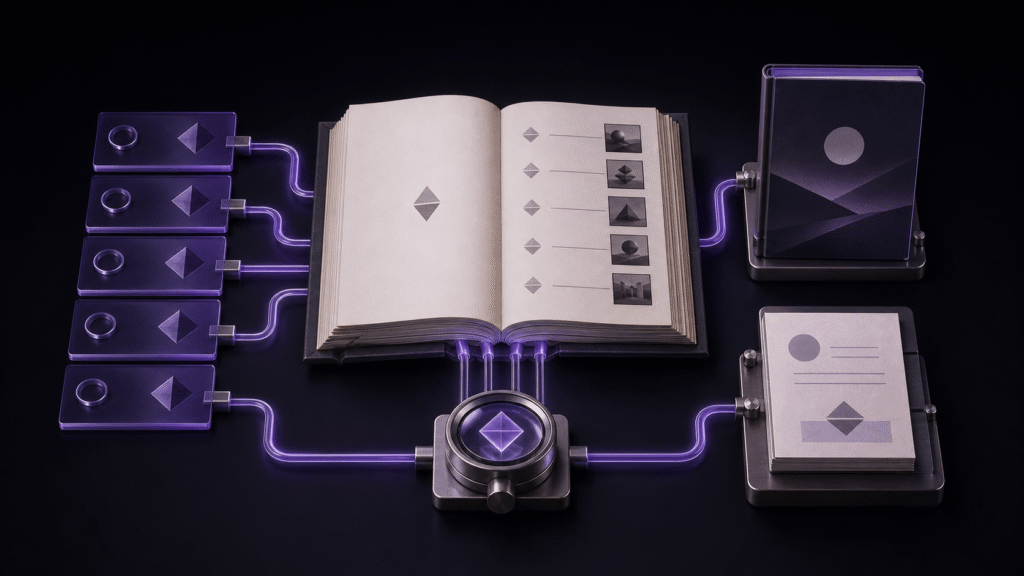
An eBook cover is the entrance; a colophon is the final source-information page. Treat them as separate book components rather than placing a cover image in the first chapter and appending publication details to the last paragraph.
This guide adds a cover and colophon to a short book. Navigation rebuilding and series metadata are covered elsewhere.
Prepare the cover as a cover
Check the image’s proportions, resolution, format, and title spelling. Select it through the book’s cover setting rather than assuming that the first inline image will become the cover. Avoid inserting the same image into chapter one unless it is intentionally repeated.
Keep the colophon independent
Create a final page containing only the publication details required by the project: title, author, publication date, and edition where appropriate. A simple sequence is cover, chapter one, chapter two, and colophon.
Before export, distinguish inclusion from navigation. A colophon can be included at the end without needing a prominent table-of-contents entry.
A Rune Studio test export produced an EPUB containing a cover and the required package/navigation files. That test does not preserve the exact cover-property value and the colophon’s precise spine position clearly enough for this article to quote them as verified values.
Repair the component that failed
If the cover is missing, check the source image, file type, and cover assignment. If the colophon appears in the middle, adjust document order without changing the metadata. If an unwanted navigation item appears, inspect inclusion and navigation settings separately.
Repeat the smallest proof on another day
Before adopting the cover-and-colophon sequence, close the project and repeat the smallest useful path later. Record the cover asset, cover assignment, reading order, and final publication page. A result that depends on memory or an already-open preview is not yet a dependable routine.
Keep one untouched copy and change a single condition per retry. If the second run differs, identify whether the source, operation, or inspection changed before expanding the scope. This rehearsal is also the point to keep exact package positions clearly labeled as unverified rather than filling the gap with an assumption.
The next practical step for the cover-and-colophon sequence is to prepare the smallest useful copy and write down its expected result before touching the production manuscript. Extend this particular workflow only after the observed result matches.
Conclusion
The reliable pattern is to give the cover and colophon independent roles, then verify their order after export. Rune Studio has a confirmed cover-bearing EPUB export, but this cycle lacks the exact cover and colophon position values. Record those values for the production book. See Rune Studio’s EPUB workflow