Game Scenario Text Editors: Keep Scene Headings Aligned with Linked Scrolling
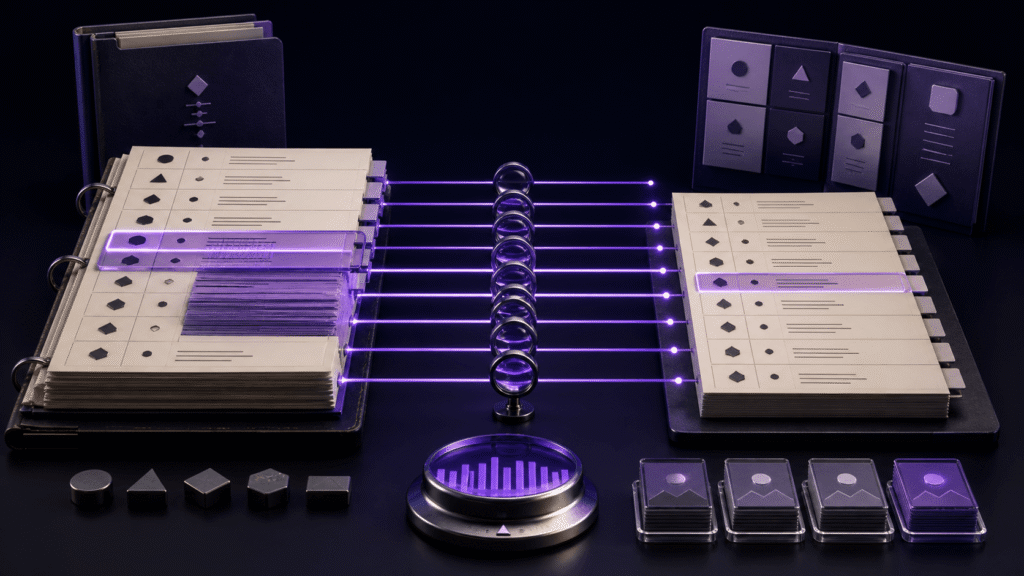
When you compare two versions of a game script, matching their scrolling speed is rarely enough. One version may contain a long direction block while the other reduces the same moment to three lines. A useful game scenario text editor therefore needs a way to return both views to the same scene boundary. Linked scrolling based on scene headings can provide that reference point.
Build the comparison around scenes, not line numbers
Imagine the first draft on the left and the recording draft on the right. Both contain four scenes: Harbor — Night, Inside the Warehouse, Alley Chase, and Rooftop. The first draft spends twenty lines establishing the harbor. The recording draft gets there in six. If the panes merely move by the same pixel distance, the right pane will enter the warehouse while the left pane is still at the harbor.
Before configuring any editor, mark the start of each scene consistently in both files. The wording does not have to be identical if your editor lets you define different patterns, but the order must describe the same narrative sequence. Repeated headings, deleted scenes, and reordered scenes deserve attention first because they make a one-to-one comparison ambiguous.
This preparation also reveals when linked scrolling is the wrong tool. If an entire branch exists in only one script, compare that branch independently and resume the linkage at the next shared scene.
Read each draft on its own once
Move through both files independently before turning linkage on. Check that every intended anchor appears, that no heading is accidentally duplicated, and that an empty scene has not been left behind. This is a content check, not a software test. It prevents a structural difference in the script from looking like a broken scrolling feature.
A short anchor list might be:
- Harbor — Night
- Inside the Warehouse
- Alley Chase
- Rooftop
The list gives the comparison a map. It does not decide which dialogue is better, and it does not replace a text diff.
What Rune Studio contributes
Rune Studio can display two panes and includes linked scrolling that uses ordered anchors. Between one anchor and the next, the application calculates a relative position within that interval. In practical terms, the amount of prose may differ while the next scene boundary remains the destination both panes share.
The available controls include the two-pane layout, tab placement, linked-scrolling settings, and anchor settings. Those controls and settings have been confirmed. The final visual alignment of a real pair of game scripts has not been observed for this article, so treat the first run as a calibration exercise rather than a promised result.
Run a three-scene calibration
Use copies of your drafts or create two disposable files. Put the same three scene headings in both, then make the first scene deliberately longer on the left. Enable linked scrolling and inspect four moments:
- Halfway through the first scene, are both panes still showing that scene?
- As the leading pane reaches the second heading, does the other pane approach the corresponding boundary?
- After a manual adjustment, does the pane you expect act as the driver?
- When linkage is disabled, can each pane move independently again?
These are visual checks for your own files. They are especially important when headings repeat, a scene contains very little text, or one draft has an unmatched section. If the result looks wrong, inspect the anchor order before changing the prose.
Know what linked scrolling does not settle
Linked scrolling supports scene-level reading. It does not highlight every changed word, merge revisions, or judge whether a rewrite preserves intent. Use a diff tool for exact edits and workspace search for names or terminology that must remain consistent.
Its value appears in a different moment: a writer or narrative designer is reading the same beat in two drafts and wants to stay oriented. A recording script, localization pass, and original scenario often have unequal line lengths even when their scenes correspond. Anchors give that comparison a narrative coordinate instead of a fragile line number.
Start with three headings, verify the behavior with your own eyes, and only then extend the pattern to the full script. See the Rune Studio product page for the current feature set and download options.
About the author
Naoya is an independent developer who writes about text-production workflows while separating documented capabilities from results that still require a visual check.