Plenty of editors split the window. The difference that matters is not whether it splits but whether it remembers the arrangement. Rearranging for each kind of work happens every day, and an editor that only splits does not reduce that.
This article covers what to look at in split-view behaviour. Organising manuscripts, and behaviour on very large files, are covered separately.
When you want to split
- Source beside translation — translating
- First draft beside revision — revising
- Body beside reference material — notes, sources, interview transcripts
- Body beside a preview — checking appearance
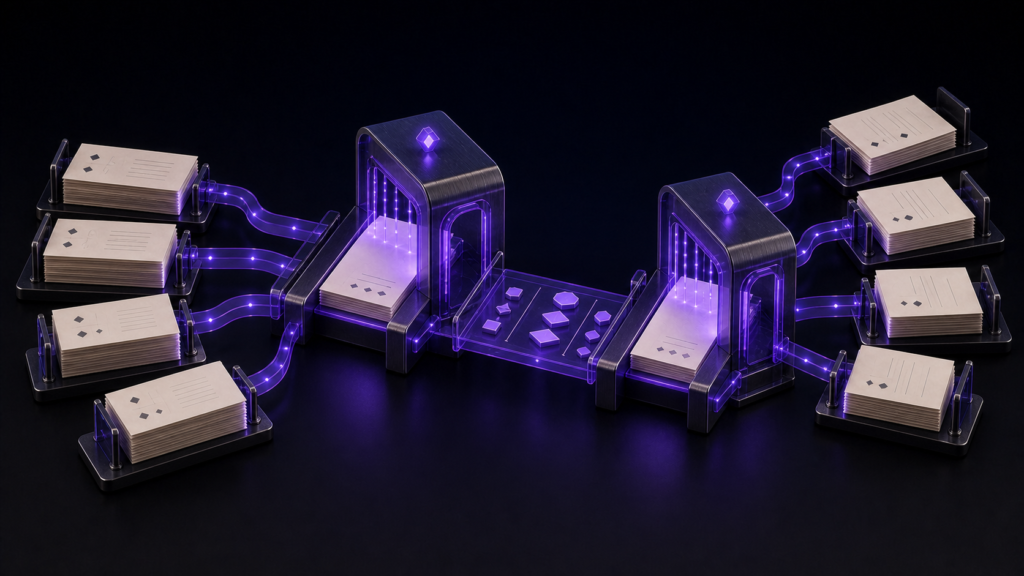
Those four need different arrangements. Source and translation need two panes; body, reference, and preview together need three.
“It supports two panes” runs out
Most editors split into two, side by side or stacked.
The problem is that a third pane is always eventually needed. Working with body and reference open, you want the preview as well — and with a two-pane limit, something has to close.
You rearrange every single day
The time sink is not splitting. It is rearranging every time the work changes.
Mornings you translate, so two panes with source and translation. Midday you revise, so first draft and revision. Evenings you research, so three panes.
You do this every day. Three minutes a time is eighteen hours a year — and each rearrangement also requires remembering how it was arranged before.
And remembering the split alone is not enough. Which file was open where, what type size you were using, which pane the preview was following. All of it together is what “picking up where you left off” requires.
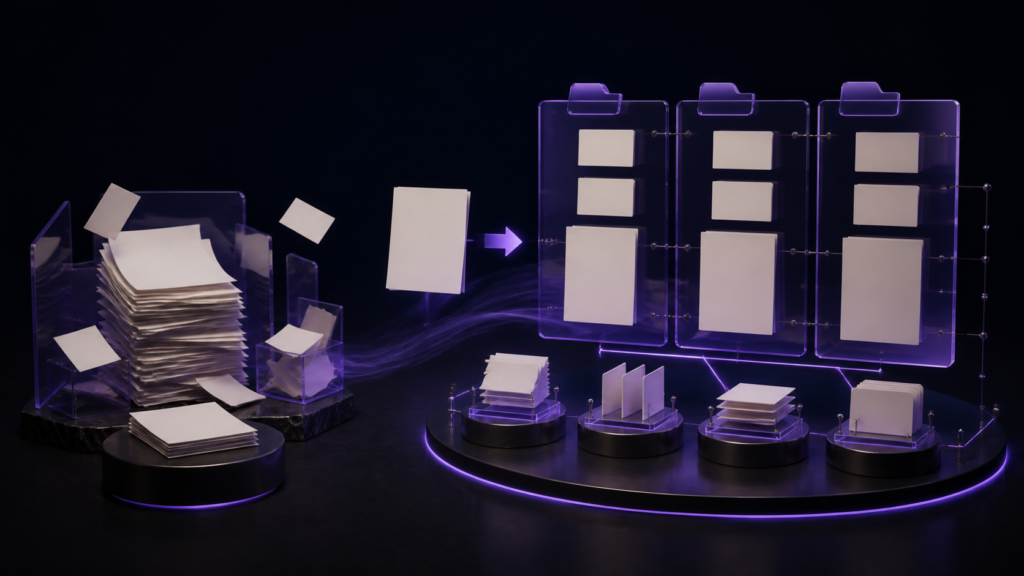
rune Studio remembers the whole arrangement
rune Studio is a Mac application targeting macOS 13 and later. It starts from five patterns — one pane, two or three columns, two or three rows — and each column or row can be split further.
And each workspace can hold up to four saved arrangements. What is saved is not just the split:
- the name
- window position and size
- column and row structure and divider positions
- each pane’s tabs and which is active
- sidebar width, open state, and side
- the preview and which pane it follows
- vertical-display tabs
- line-number visibility
- synchronised scrolling settings and participating panes
- type size and line-spacing overrides
Name one “translation” and another “revision” and switching is all it takes to resume.
I verified on the development build that adding an arrangement, switching it to two columns, and enabling synchronised scrolling all work. The added arrangement carried its name and appeared in the listing.
Tabs move between panes
A manuscript can be dragged to another pane — moving reference material from left to right, for instance. No closing and reopening to rearrange.
Synchronised scrolling uses markers
Two or more panes can scroll together, keeping texts of different lengths aligned. Markers can be headings, page breaks, scene dividers, or a string you choose.
Source and translation stay on the same scene despite differing lengths. Stretches without markers are aligned proportionally.
Type size can differ per arrangement
Each arrangement can carry its own type-size override — larger for drafting, smaller for surveying — so the distinction lives in settings rather than memory.
What the four arrangements should be
Given four slots, deciding what fills them is up to you. What works in practice is dividing by kind of work.
Drafting. One pane, or body beside reference. Larger type, wider spacing — attention on the line in front of you.
Revising. First draft beside revision, smaller type so more fits on screen, because you want to see paragraph breaks together.
Checking. Body beside the preview, for appearance.
Researching. Three panes, with two of them holding reference material.
The division that does not work is “one per project.” Projects exceed four almost immediately, and within one project the kinds of work still change. Divide arrangements by kind of work, and divide projects by workspace.
Who this suits, and who is fine without it
It suits people who switch between kinds of work within a day — writing, revising, researching, checking. The more switching, the more remembering matters.
If you write in a single pane all day, split views are unnecessary. With no reference material and no preview, a simpler editor is more comfortable.
Scope note: what was verified is adding an arrangement, switching to two columns, and enabling synchronised scrolling. The list of saved items comes from documentation; not all of it was executed in this verification.
Summary
- The differentiator is not splitting but remembering the arrangement
- Rearranging per task happens daily, and carries a recall cost as well
- rune Studio saves up to four arrangements per workspace, including tabs and type size
- Tabs move between panes, and panes can scroll together using markers
For a first step, count how many times you rearrange your window in a day. Three or more and a tool that remembers is worth having.
See the current product scope on the Rune Studio product page.