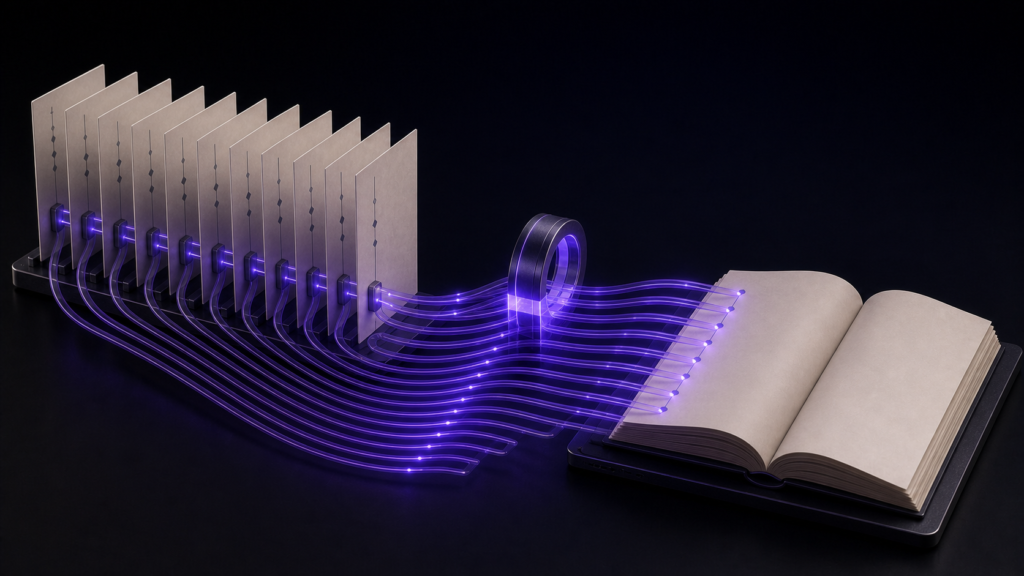
When text looks garbled in a KDP-bound book, do not begin by changing the encoding. First determine the first stage at which the text becomes wrong. A problem visible on opening the source, after saving, inside the EPUB, or only after Kindle conversion has a different investigation target.
This article builds a four-stage diagnostic map. The mechanics of automatic encoding detection and the exact reopen procedure belong to neighbouring articles; the goal here is deciding where to investigate next.
Preserve three files before diagnosing
Save separate copies of:
- The manuscript exactly as received
- The manuscript immediately before EPUB generation
- The EPUB intended for KDP
If the source is overwritten, the original bytes can no longer be compared with the converted characters. Reopening under the correct encoding can recover the text only when the original byte sequence remains and has not been saved after an incorrect interpretation.
Stage A: the manuscript is already garbled when opened
If broad sections look like unrelated symbols as soon as the manuscript opens, KDP and EPUB generation have not yet entered the process.
Check:
- The encoding detected by the editor
- The encoding specified by the sender
- Whether an untouched source file remains
- Whether the symptom affects broad text or only selected characters
In the rune Studio operation test, a Shift_JIS manuscript was detected as Shift_JIS and a UTF-8 manuscript as UTF-8, with line ending and character count also reported. That display is evidence of the encoding currently used for reading.
It is not proof that the manuscript is correct. Compare it with the sender's specification and an untouched source. If the misread text has already been saved, choosing another encoding may not restore the original characters.
Stage B: characters change after saving
If the file looks correct on open but specific characters change after saving or reopening, inspect the save encoding and characters not representable in that destination.
In the operation test, trying to save a UTF-8 manuscript containing 𠮷 as Shift_JIS identified one unrepresentable character and stopped without creating the file. In another example, a wave dash saved in Shift_JIS came back as a full-width tilde.
Compare:
- Encoding before and after saving
- Name variants and distinctive characters
- Symbols such as wave dashes
- Source and saved copies
Standardising on UTF-8 can reduce one class of mismatched-encoding problems. It does not recover characters already substituted, settle font glyph differences, or prevent problems introduced during EPUB conversion or distribution.
Stage C: the manuscript is correct but the EPUB body is not
If the source reads correctly and the extracted EPUB body contains the wrong character, investigate the path from source loading to generated HTML.
Check:
- Whether the EPUB used the latest saved manuscript
- The problem character in the EPUB's body HTML
- Language and writing-direction declarations in the package
- Leftover manuscript notation
rune Studio can inspect the inside of an exported file. For this diagnosis, do not infer the encoding cause from that result alone; compare the affected character directly between the source and the EPUB body. Internal inspection does not certify character rendering in KDP.
If the source is correct and the extracted body is already wrong, revise the generation stage before submitting.
Stage D: the EPUB is correct but Kindle Previewer looks different
When the intended character remains in the EPUB body but looks different in Kindle Previewer or on a device, source encoding is not the only possible cause.
Candidates include:
- KDP conversion
- Font selection and glyph design
- Device or application rendering
- Conversion or styling applied after EPUB generation
- Accidentally selecting a different EPUB build
The operation record did not test KDP ingestion or device rendering. This stage therefore cannot be diagnosed from rune Studio's internal values alone. Record the selected filename, the character in the EPUB body, and the Previewer rendering, then compare that boundary with current KDP documentation.
Choose the next check from the symptom
- Garbled immediately on open → Stage A: inspect source encoding and the untouched original
- Changed only after save → Stage B: compare save encoding and before/after files
- First changed inside the EPUB → Stage C: compare source with generated body HTML
- First changed in Previewer or on device → Stage D: investigate KDP conversion, font, and rendering
This sequence separates a manuscript correction from an EPUB rebuild and from a publication-environment investigation.
A minimal diagnostic record
Choose one affected character and fill four fields:
- Original manuscript: character and encoding
- Saved manuscript: character and encoding
- EPUB interior: character in body HTML
- Kindle Previewer: rendered character
Tracing one character across the stages identifies the boundary more effectively than recording only that “the book is garbled.” Add a second character only when it shows a different symptom.
Summary
- Diagnose KDP garbling across source open, save, EPUB generation, and Kindle rendering
- Reopening under another encoding can recover text only while the untouched original bytes remain
- UTF-8 reduces some encoding mismatch risks, not every cause of garbled or different-looking text
- The rune Studio evidence covers detection, save refusal, and internal EPUB inspection, not KDP processing
Pick one affected character and copy it into the four-stage record. The first field in which it differs tells you where to investigate next.
See the current product scope on the Rune Studio product page.