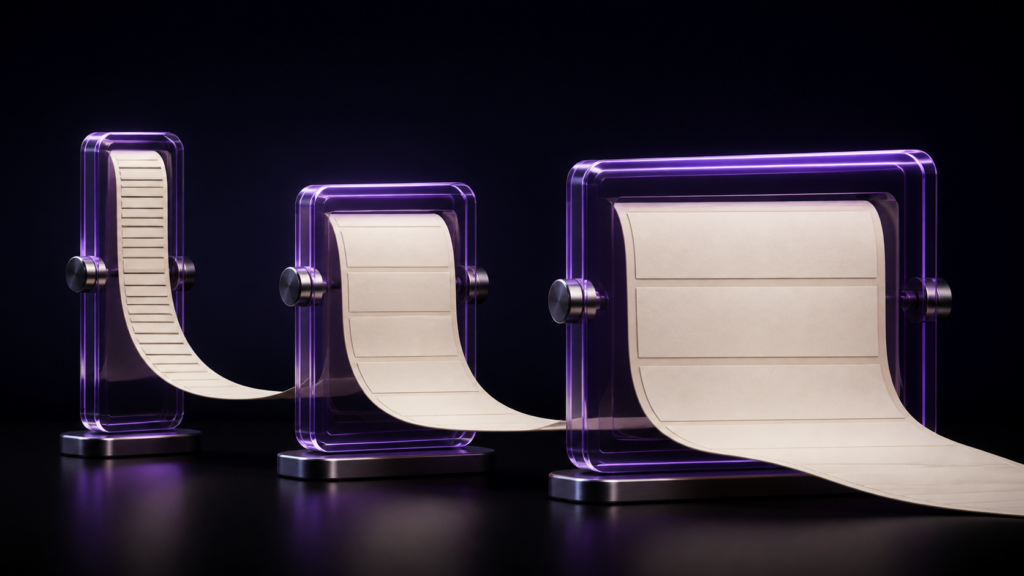
Reflow means handing the flow of text to the reader’s device. Increase the type size and less fits on a page; narrow the screen and lines break elsewhere. Which is why page numbers differ per reader rather than per book.
That single fact explains why “see page 35” is unusable and why navigation is chapter-based. This article covers the mechanism and what a writer should assume. Choosing a format, and horizontal settings, are covered separately.
The difference from print is who decides the page
In print, the producer decides where pages divide. Typesetting fixes how much goes on a page, and printing makes it permanent.
In reflow, the reader’s device decides. What the writer hands over is the sequence of text, the chapter divisions, and the heading positions. Where pages break is not part of the handover.
That looks like a limitation and has a purpose: making the book readable on small screens. Without adjustable type size, the audience narrows.
Positional phrasing survives into the book
Manuscripts written with print in mind carry positional references — “the diagram on page 35”, “the table on the previous page”, “compare across the spread”.
In reflow these mean nothing. And no warning appears at export, because as sentences they are perfectly valid.
What “different per reader” actually costs
It costs you a way of pointing.
In print, “page 35” identifies a place. In reflow it does not. What remains are chapters and headings: “the structure diagram in chapter two”, “the section on choosing an encoding”.
And the navigation carries more weight. With pages unavailable as landmarks, moving around the book is mostly done from the contents. A book whose contents lists nothing is markedly harder to read in reflow.
Figure placement is the other consequence. In print a figure sits where you put it; in reflow it sits in the flow. A figure and its explanation can land on different screens.
Working with that assumption in rune Studio
rune Studio exports reflowable EPUB 3 from your manuscript. What you decide is chapter order, headings, and writing direction.
I verified this by driving the development build from the command line. Reading inside a horizontally exported EPUB showed horizontal text flow and left-to-right page progression. Nothing specifies where pages divide. That is what reflowable means.
Navigation is built from chapters and headings
The contents comes from your headings. Exporting from two chapter files listed both chapters, each linking into the body.
If chapters and headings are the only landmarks, how you write headings is how readable the book is. More headings means more places a reader can jump to.
Heading depth in the contents can be limited
More headings makes a longer contents. There is a setting for how deep a heading level appears; reading the settings out showed it defaulting to the deepest level. You can keep fine-grained headings in the body while showing only the major ones in the contents.
Positional phrasing can be counted
A workspace-wide search returned the number of files examined and the match count, with file name, line number, and the text of each line. One search for “page” gives you the number of places to fix.
Deciding how granular headings should be
In reflow, chapters and headings are the only places a reader can jump to. The number of headings is, directly, how freely a reader can move around the book.
One rule of thumb: one heading per unit a reader is likely to go looking for. In a practical book, per group of steps. In an explanatory book, per subject covered. In fiction, chapters are usually enough and there is no need to invent more.
More headings makes a longer contents, but limiting the depth shown keeps the body as granular as you like. Body headings exist so readers can find things; contents headings exist so readers can survey the whole — separating those two roles makes the decision easy.
Who this suits, and who is fine without it
It suits text-driven books — fiction, practical guides, technical books, essays. Anything where letting the reader choose the type size is an advantage.
Photo books and picture books are different. If the layout is the work, choose a fixed-layout format.
Scope note: what was verified is that the file and its navigation are built. How a given device divides pages was not tested. Store requirements change; check the current guidance.
Summary
- Reflow hands page division to the reader’s device
- Page numbers differ per reader, so point by chapter and heading
- Navigation carries more weight, which makes heading design a readability decision
- Positional phrasing produces no warning; count it in the manuscript by searching
For a first step, count the headings in your manuscript. If a chapter has only one, a reader has only as many landmarks as you have chapters.
See the current product scope on the Rune Studio product page.