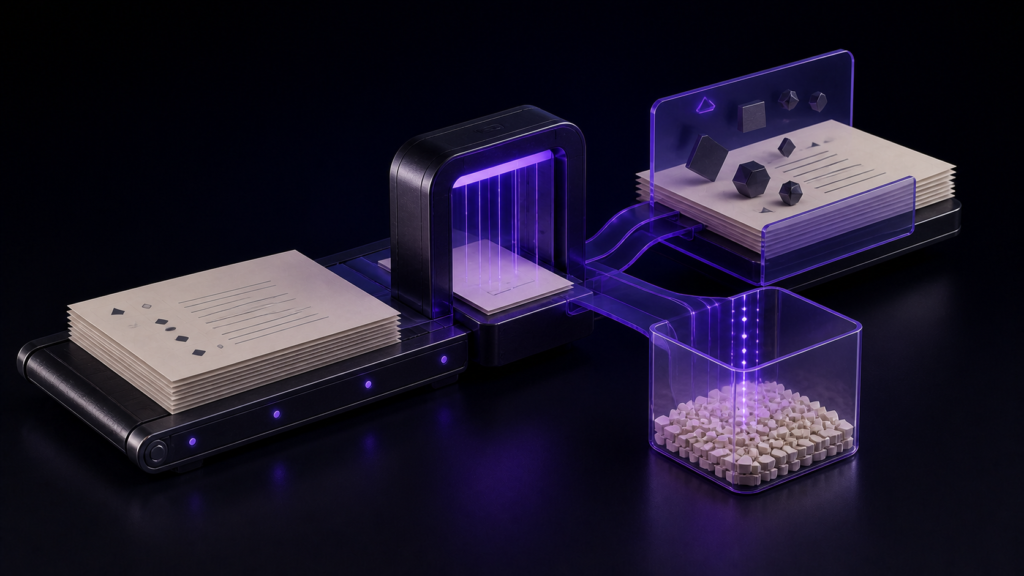
"Lightweight" on its own decides nothing when you are choosing an editor for long manuscripts. What decides it is what stops working, and what keeps working, once the file gets large. In rune Studio the threshold is 300,000 characters, what stops is display work, and what survives is writing, searching, and saving.
This article covers where that threshold actually sits and what falls on each side of it, using measured numbers. Using search and replace is covered separately.
Separate display work from core editing
How a long document feels depends on the editor's implementation, the Mac, and the rest of the workload. In rune Studio, the large-document design disables the following display features while retaining core editing.
- Colouring text according to notation
- Showing spaces and line breaks as visible marks
- Highlighting every occurrence of the selected word
- Recounting line numbers
- Recounting the character total
That is the product behaviour tested here: reduce display work at the threshold while keeping editing, searching, and saving available. It is not a claim about how every editor processes every keystroke.
The usual responses
The common one is splitting the manuscript into many small chapter files. Keep each file small and nothing gets slow.
The other is switching to a minimal editor — no colouring, no line numbers, nothing.
Both responses cost you something else
After splitting into chapters, an in-file search alone no longer covers the whole manuscript.
Writing a long work, you may want to check whether a phrase was used before, or which chapter established a detail. Across several files, include cross-file search in your comparison criteria and verify it in the candidate editor's documentation or during a trial.
Switching to a minimal editor makes short documents worse too. Writing a three-thousand-character chapter with no colouring and no line numbers is a sacrifice you did not need to make.
And neither approach tells you when the file actually becomes a problem. You may feel that 180,000 characters is fine and 220,000 is not, but you cannot locate the boundary — so you start splitting long before you needed to.
rune Studio stops only the display work, at 300,000 characters
rune Studio automatically stops heavy display work once a file reaches 300,000 characters.
I verified this by driving the development build from the command line. Two manuscripts differing only in length gave:
- 299,000 characters — not flagged as large
- 300,500 characters — flagged as large
The threshold is exactly where it is documented to be. That is a countable boundary, not a feeling.
What stops: notation colouring, visible whitespace marks, same-word highlighting, registered-word highlighting, line numbers, and continuous character counting.
What survives: editing, in-file search and replace, half-width search, saving and autosave, cursor movement, and encoding checks.
Search on a 300,000-character file did not make me wait
I searched the 300,500-character manuscript for a single common character. It returned 8,347 matches in 0.08 seconds.
Checking "how often have I used this word" mid-draft keeps working past 300,000 characters. That number is what "you do not have to split the file" means in practice.
A rule of thumb for splitting
A countable threshold makes the splitting decision countable too.
The 300,000-character value is the boundary for rune Studio's display-feature reduction, not a universal rule for dividing a book. Decide whether to split by chapter management, collaboration, export units, and whether you need single-file or cross-file search. There can be reasons to split below the threshold, and reasons to keep one file above it while relying on the retained editing, search, and save functions.
The cases that do reach it are keeping a whole series in one file, or keeping reference notes and body text together. If neither applies to you, prioritising searchability over splitting is the better trade.
Who this suits, and who is fine without it
It suits writers who keep a book in one file or a few. Long novels, substantial technical books, dissertations — anyone who wants to search across the whole.
If you already split into small chapter files, this never activates. At thirty thousand characters a file you never reach the threshold, and that is fine.
Scope note: what was verified is where the threshold sits, which side each feature falls on, and how long that search took. "Always fast on any Mac" is not a claim that can be made — hardware and what else is running change the experience.
Summary
- In rune Studio, large-document mode reduces selected display work while retaining editing, search, and save
- rune Studio stops only that display work, automatically, at 300,000 characters
- Measured: not flagged at 299,000, flagged at 300,500
- 8,347 matches in 0.08 seconds on a 300,500-character file — no splitting required to search
For a first step, check the character count of your longest manuscript. If it is close to 300,000, compare the retained functions with the display features you need, then decide whether file splitting serves your workflow.
See the current product scope on the Rune Studio product page.