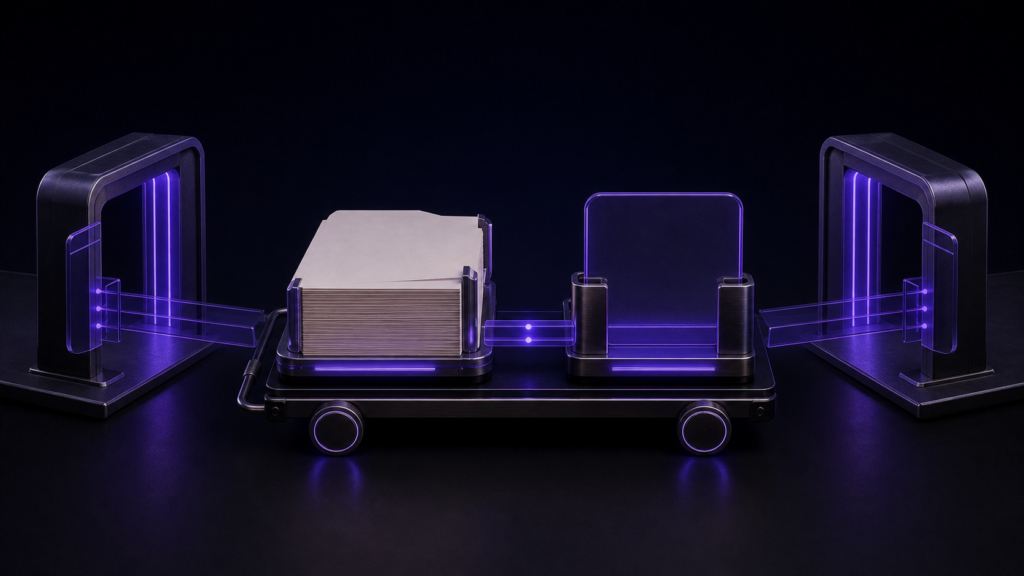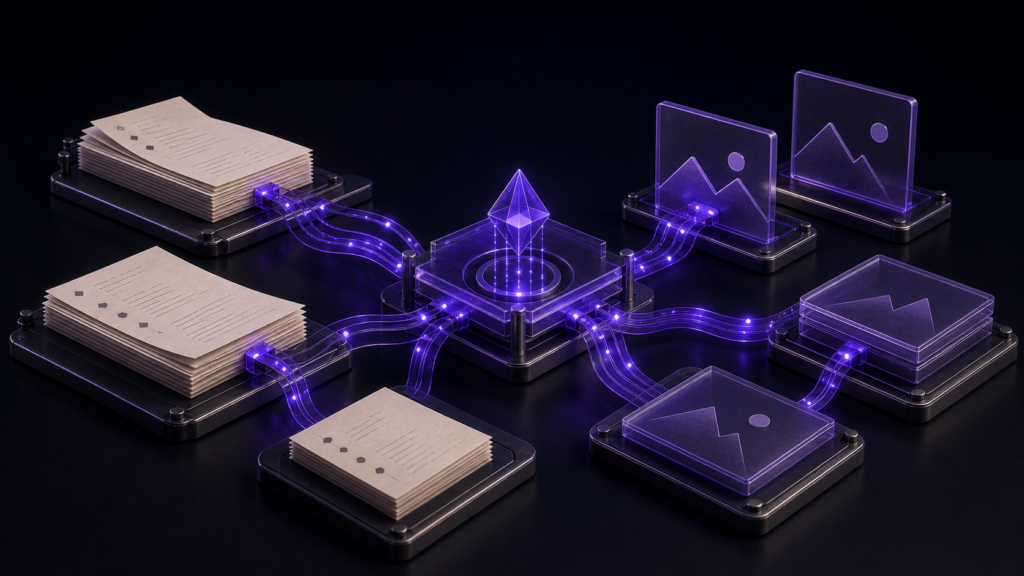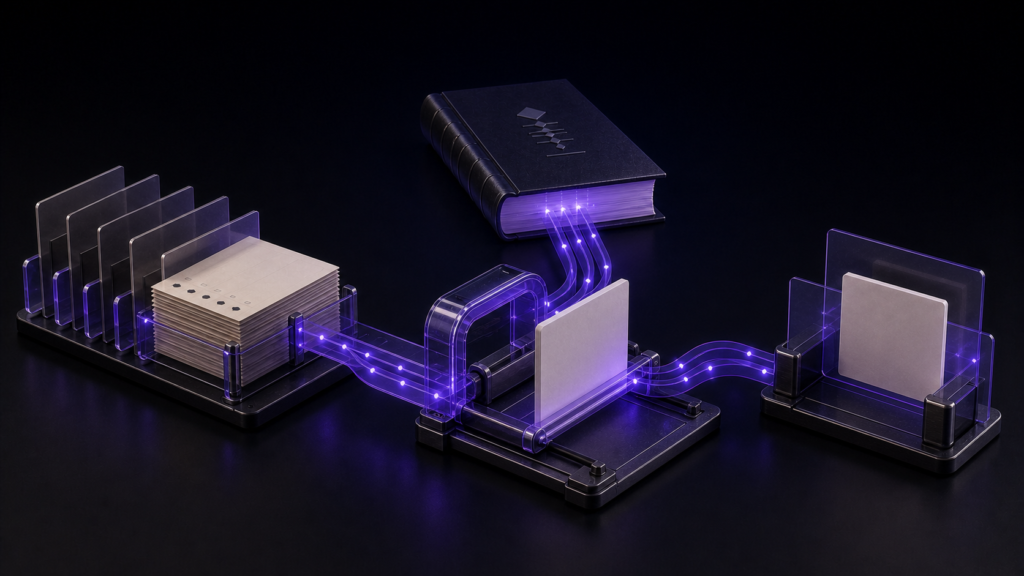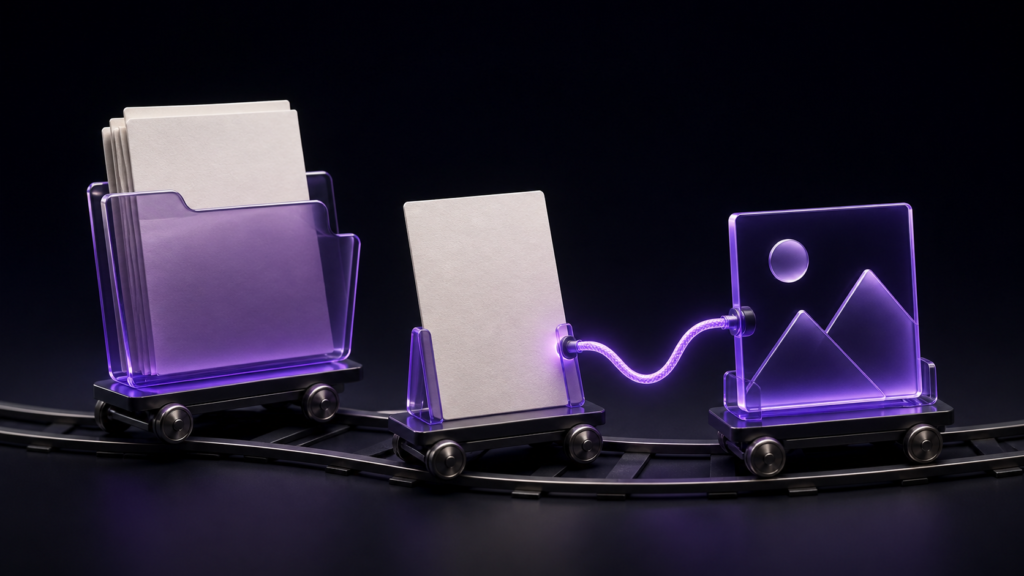
An illustration goes into an EPUB by writing "this image, at this position" inside the manuscript. The image file itself lives separately, and the manuscript points at it by path. Which means the first decision in illustrating a book is not the artwork. It is where the image folder goes.
This article covers where to put images, how the manuscript points at them, and which arrangements survive a later reorganisation. Diagnosing images that fail to appear, and the notation itself, are covered separately.
Manuscript and images are separate files
Inside an eBook, body text and images are separate files. The body says "an image belongs here" and carries a path describing where to find it.
There are two ways to write that path.
- Relative to the manuscript — starting from the folder the manuscript is in, such as
images/plate1.png - Relative to a fixed root — starting from the top of the project folder
rune Studio works with paths relative to the manuscript, including paths that step up a level.
Two common arrangements, and where they trip
The most common is dropping images into the same folder as the manuscript. Paths stay short and hard to mistype.
The other is a dedicated images folder. Easier to search as the count grows, and easier to swap files later.
Neither is wrong. Trouble begins when you move from one arrangement to the other partway through.
CLI file move requires a separate path rewrite
This section is limited to the development-build CLI route completed for the operation test. When the image was moved with CLI file move, the path written in the manuscript did not change automatically. This article does not make a claim about moves performed in the Mac app or Finder.
I verified this by driving the development build from the command line. With a manuscript containing an image reference into an images folder, I moved the file elsewhere. The move succeeded — and the path inside the manuscript was unchanged.
On that CLI path, the manuscript points at a location that no longer holds the image. Moving the file and rewriting the manuscript reference are separate operations.
If twenty illustrations are moved through that CLI route and referenced in twenty places, those twenty references become review items. Fixing them manually also means finding which manuscript points at each image.
Decide the image folder before you decide the chapters
When reorganising folders through the CLI, treat moving the images and rewriting their manuscript references as one job. Starting beside the manuscript and later moving into a shared or per-chapter folder increases the number of references that need review after the CLI move.
Choose by workflow rather than by an arbitrary image count: are images becoming hard to find, will any be reused across chapters, and is the location likely to change? One shared images folder gives reused assets a single home. Per-chapter folders suit a book whose chapter assets are managed independently.
rune Studio counts what will change before it changes anything
rune Studio can rewrite image and link paths inside manuscripts, and it reports how many manuscripts and how many occurrences are affected before doing so.
Checking the case above, the preview returned one file, one occurrence. Running it rewrote the path in the manuscript from the old folder to the new one.
Because the count comes first, a number that does not match your expectation stops you before the change. If you know there are twenty plates and the preview says five, the other fifteen are written some other way.
You can tell whether an image is in use before deleting it
You can also count how many places reference a given image. Running that returned one file, one occurrence. So you can check whether an image is still used before you delete it.
Only manuscript files are in scope
What gets rewritten is image and link notation inside plain-text manuscript files — the txt, text, md, and markdown extensions. It is not "every format and every notation". External URLs are left alone.
Who this suits, and who is fine without it
It suits books whose images are becoming hard to find, or whose assets are reused across chapters. It also helps when an image-heavy project is likely to be reorganised.
With a handful of images you never move, none of this matters. Put them beside the manuscript and stop thinking about it.
In the CLI test, the next steps were to preview the affected references with refs plan and update them explicitly with refs rewrite. The result described here is limited to that CLI route.
Summary
- Illustrations live as separate files, pointed at from the manuscript by path
- The tested CLI
file moveleft the manuscript path unchanged, sorefs planandrefs rewritewere used as separate steps - rune Studio reports the number of affected files and occurrences before rewriting
- It can also count how many places use a given image, so you can check before deleting
For a first step, look at whether every illustration in your manuscript is referenced the same way. If not, settling on one folder is faster than rewriting the paths you have.
See the current product scope on the Rune Studio product page.