
A text editor may support headings from H1 through H6, but a long manuscript does not need to use all six levels. Define structural roles first—work title, chapter, section, and perhaps subsection—and insert headings according to those roles rather than visual size. A useful heading appears at the correct level in the outline and takes you to the intended passage.
Separate supported levels from levels you need
H1-H6 describe six possible levels, not six boxes that every document must fill. One manuscript might use H1 for the work title, H2 for chapters, H3 for sections, and H4 for subsections. H5 and H6 can remain unused. Write this mapping as a four-line plan before editing the manuscript.
Avoid choosing H1 merely because you want large text or H6 because you want a quiet label. Typography can change later, while the heading level continues to define the document structure. When appearance and structure are mixed, the outline becomes difficult to scan and future formatting changes can expose inconsistent hierarchy.
Test a small hierarchy with distinct names
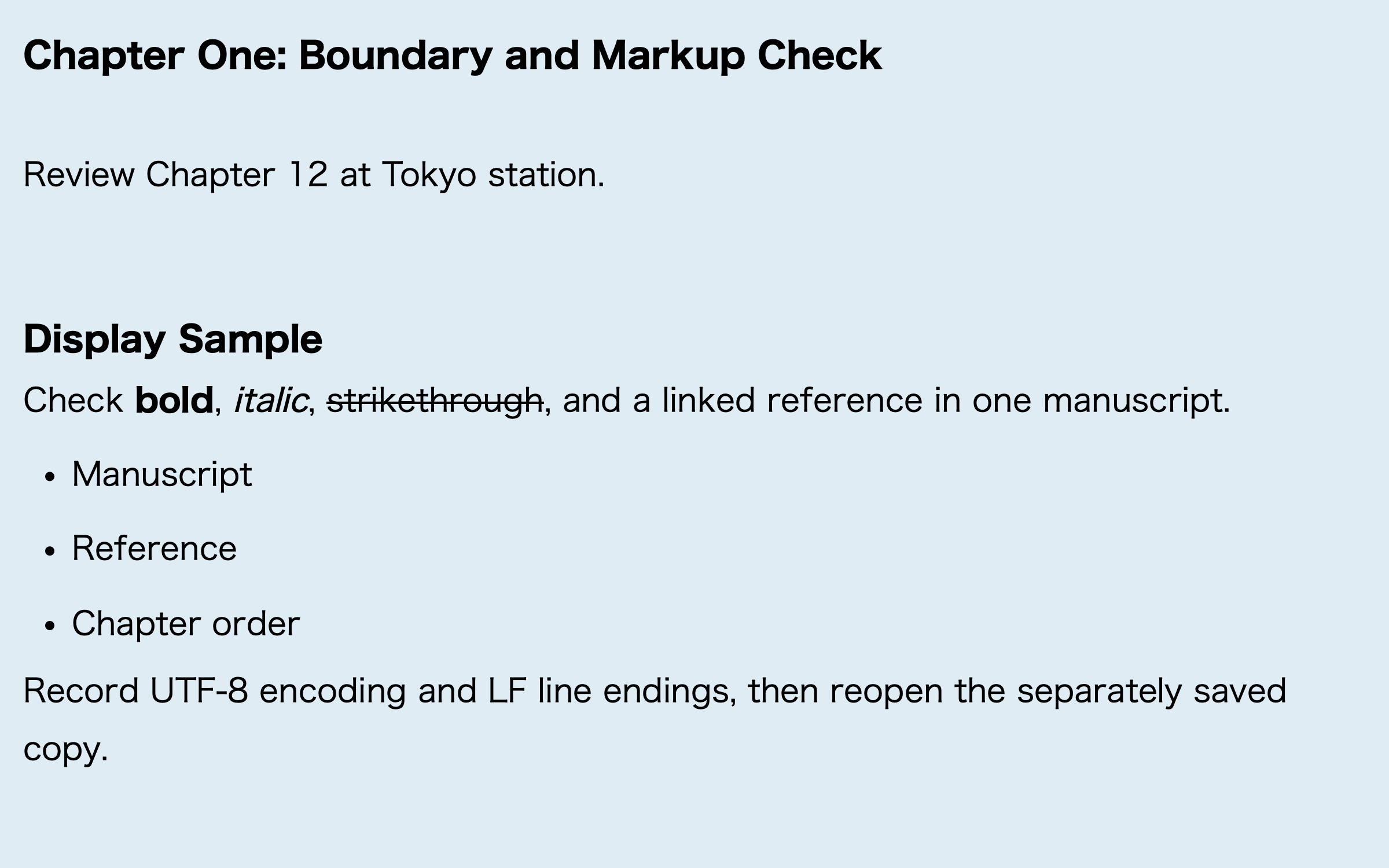
Create a sample with two chapters, two sections in each chapter, and one subsection in each section. Give every heading a name that identifies its content. “Chapter 1: Method” and “1.1 Participants” are more useful than repeated labels such as “Chapter” and “Section.” Add one sentence of body text after every heading.
Inspect three things after insertion. First, the source must contain the intended level at the start of each heading. Second, the outline should show chapters, sections, and subsections in the correct parent-child order. Third, selecting an outline item should move to the matching heading, not merely a nearby paragraph. If one item is wrong, fix that item rather than rebuilding the entire sample.
Read the current location with its parent
A heading named “Results” may appear in several chapters. Identify it as “Chapter 2: Analysis > 2.3 Results,” not as an isolated word. An editor that tracks the heading associated with the current cursor position can help you recover both the section and its parent after a long scroll.
Keep headings short enough to scan in an outline. A heading does not need to contain the full conclusion of the section. When several headings look alike, add a number or a subject-specific term. Distinct names reduce the chance of jumping to the wrong passage.
Treat skipped levels as a structural question
When an H2 is followed directly by an H4, ask whether an H3 section is actually missing. If the H4 is simply an insertion error, correct it to H3. If the document truly needs a subsection without an intermediate section, revisit the role plan. Adding an empty heading only to make the numbers continuous does not improve the manuscript.
After moving a chapter, inspect its child sections and their first paragraphs. An outline can navigate successfully even when the body text has been left under the old parent. Check the outline entry, the target heading, and the body immediately below it as one unit.
The documented Rune Studio heading scope
Current documentation for the Mac version of Rune Studio lists H1 through H6 among the editing notations available from the sidebar and the Format menu. Its outline tab lists Markdown headings that begin with #, moves to a selected heading, tracks the heading associated with the current position, and can filter the displayed heading levels.
These are documented capabilities, not a claim that a specific manuscript hierarchy has already passed the sample above. This article also does not cover SEO heading choices for a website, HTML information architecture, or headings used only to make text larger.
When a heading hierarchy is worthwhile
Headings are useful in manuscripts with chapters, sections, and repeated navigation over a long editing period. A short note with one level does not benefit from an artificial six-level hierarchy. A document imported from a word processor or a web page may also need a format-specific migration step before its structural roles are reliable.
Start with a role map
The practical way to stay oriented in a long text editor document is to map roles before inserting H1-H6 headings. Build the two-chapter sample, inspect its hierarchy, test each destination, and verify the tracked current location. Once the small structure works, apply the same role map to the manuscript.
To test the documented heading insertion and outline features on a Mac, see the current scope on the Rune Studio product page.