
When selecting a Mac text editor for a 300,000-character novel, do not require every feature to remain equally active. Make body editing, search, saving, and reopening mandatory. Allow expensive display aids such as syntax coloring or continuous counts to stop when the authoritative manuscript remains safe and the core route continues.
This article does not reproduce the exact 299,999/300,000/300,001 threshold or teach daily lightweight operation after the threshold. It creates a purchasing acceptance contract: what may stop, what must remain, and what result means continue or hold.
Keep four core operations mandatory
The first core operation is editing. Add one sentence and remove text from another paragraph in a representative copy. The pass statement should identify what changed in the authoritative source, not merely say that typing was possible.
The second operation is search. If the project requires whole-book consistency checks, state the required scope. The result should show the target files and allow the author to return to an occurrence.
The third operation is saving. Change a sentence, save, and search the saved file for the new form. A button press is not the completion condition; rediscovering the saved change is.
The fourth operation is reopening. Close the editor or workspace, then locate the same authoritative source. A perfectly restored layout is optional when the author can safely return to the source and work point.
Decide which display aids may stop
Coloring, invisible-character marks, repeated-word highlighting, registered-term highlighting, line numbers, and continuous character counts are useful. They may still be allowed to stop above the large-file threshold if the body remains intact and core operations continue.
A display aid can be mandatory for a particular process. Line numbers may be used in editorial instructions, and a registered-term highlight may support terminology review. In that case, provide an alternative: split the review into chapters, run it during a dedicated proofreading stage, or record locations with searchable text fragments.
Pair every stoppable aid with the information it normally provides and the alternative check. If continuous counting stops, run a count at milestones. If line numbers stop, record a distinctive sentence instead.
Keep later-stage features separate
Vertical preview, split panes, and EPUB export matter differently across books. Adding all of them to the core continuation contract can reject a product for functions that are not used during large-file drafting.
A book may preview vertically one chapter at a time rather than keeping the entire volume in vertical view. A final EPUB step can occur later if the authoritative source can be transferred safely.
Deferred does not mean unnecessary. Test those requirements after the four core operations have established whether drafting can continue.
Write observable acceptance statements
Use five columns: item, expected result above 300,000 characters, observation, alternative, and decision. Avoid adjectives such as fast or responsive.
A search statement might read, “Search a copied manuscript above 300,000 characters for term A and return to its location.” A save statement might read, “Change one sentence, save manually, close and reopen, and find the new sentence again.”
A display statement might read, “Line numbers are absent, but the reviewer can locate the correction with a searchable text fragment.” This makes an accepted limitation explicit rather than treating every disabled visual as failure.
Decide continue, hold, or conditional continuation
Hold the candidate if editing, search, saving, or reopening cannot be confirmed. More convenience features cannot compensate for an ambiguous authoritative source.
Continue when all four core operations pass and the stopped aids and alternatives can be explained. Use conditional continuation when a project-specific aid stops but chapter splitting or a separate review stage provides a safe replacement.
Record the tested character count, file count, macOS version, and editor build. A successful 300,000-character result does not prove behavior at one million characters or on every Mac.
rune Studio’s boundary and core evidence
In a rune Studio 1.4.0 build 23 boundary test, the large-file condition was false at 299,999 characters and true at 300,000 and 300,001. That is level-4 evidence for the classification boundary.
The feature documentation says that files at or above 300,000 characters stop Markdown and EPUB-notation coloring, invisible-character marks, repeated- and registered-term highlights, line numbers, continuous character counts, and other expensive display work. It says that normal editing, selection, copy and paste, manual save, Save As, search and replacement, and undo and redo remain. Those item lists are level-2 documentation evidence.
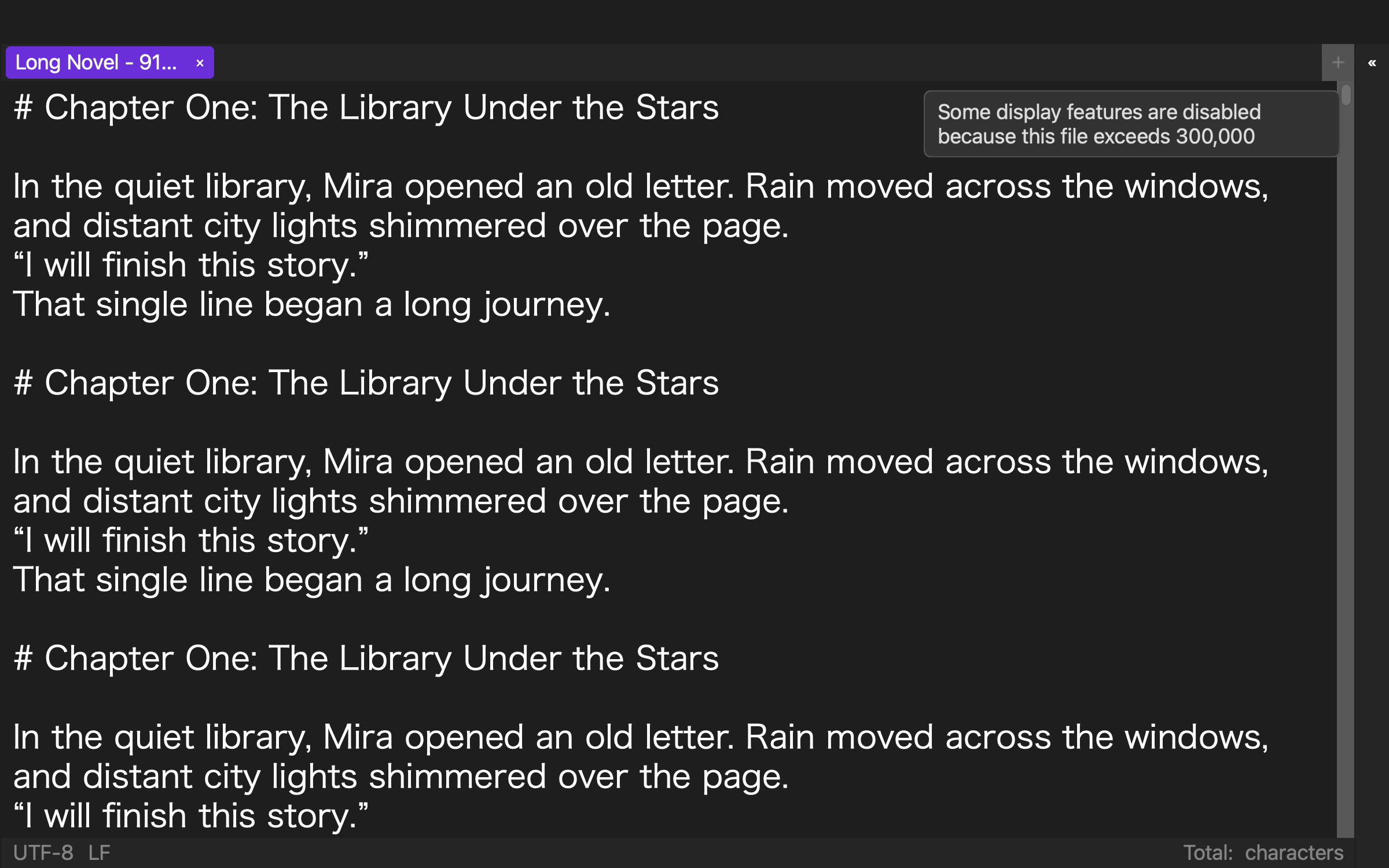
In a separate level-4 test, a 919,514-character manuscript was searched, one occurrence was replaced, the file was manually saved, searched again, and closed and reopened. The saved result contained 919,517 characters. This establishes that core route for that file.
The exact GUI transition of every display aid, IME latency, perceived scrolling speed, every Mac configuration, and a maximum supported length were not tested. The documented degradation contract and the completed command-line core route are stated separately.
Conclusion: protect the core and permit explained degradation
For a 300,000-character novel, require editing, search, saving, and reopening. Allow heavy display aids to stop only when their lost information and replacement checks are documented.
Hold a candidate when any core operation fails. Continue when all four pass and the degradation boundary is clear. The best Mac text editor for a large novel is not the one that forces every feature to run; it is the one that clearly protects the authoritative source and the route back to it.