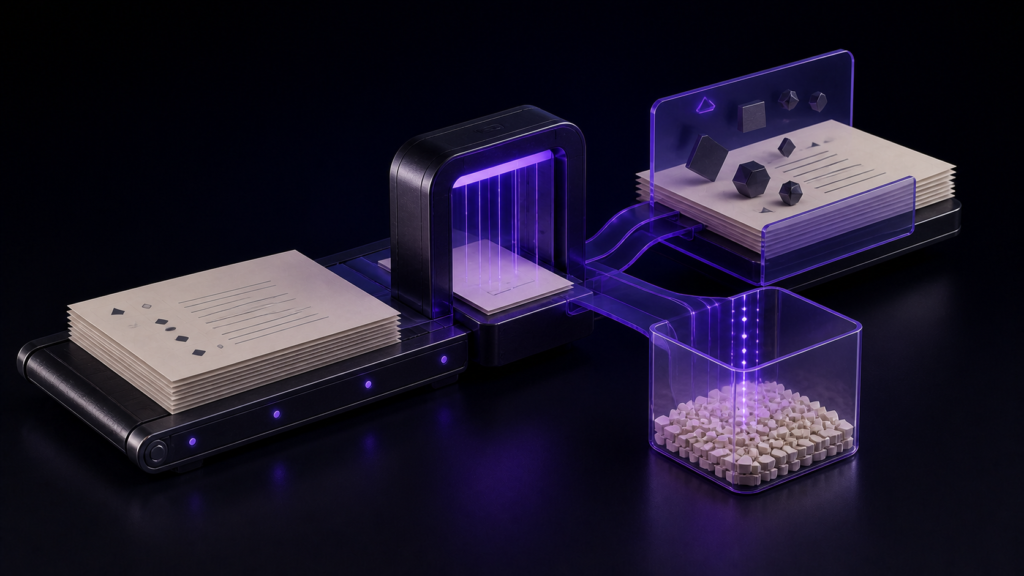
Compare standard Mac text editors with one Shift_JIS working copy and two known characters. Place an emoji at line 4, character 12, and a compatibility character at line 7, character 5. Before saving, require a warning, exact return locations, proof that the authority remained unchanged, and an editorial decision for each character.
The three-encoding intake gate before EPUB packaging is a separate earlier decision. This article stays with one working copy and the operator’s pre-save decision. Popularity, identical speed, proofreading, and an unconfirmed UTF-8 Save As result are outside the scope.
Decision: locate and classify two characters before save
Four results are required:
- the selected encoding exposes a representability problem;
- the operator can return to
CHAR-AandCHAR-B; - the untouched authority is still identifiable and unchanged;
- each character has a replace, change-encoding, or hold decision.
If any field is missing, hold the save. A familiar product name or an unrelated convenience cannot fill the gap.
Separate the working copy from the authority
Keep the UTF-8 authority read-only and create SJIS-WORK-01. Record the authority hash or its size and modification time, the expected working encoding, and both prepared positions.
Give every candidate the same copy. Do not use the only authority for a normal-save safety test.
Track both characters independently
Call the emoji CHAR-A and the compatibility character CHAR-B. Record a short prose anchor around each location. A general warning does not fill the location field when the operator cannot identify which character caused it.
Because a compatibility character may look similar to another character, preserve the code point when needed. The decision concerns the exact source character, not visual memory.
The two decisions need not match. CHAR-A may use an approved substitute while CHAR-B stays pending or requires a different encoding to protect a proper name or quotation. A suggested replacement does not establish editorial authority to accept it. Preserve the first detection result, then record approver, reason, and recheck result for each character.
For a pending row, name the reviewer and the next condition to test. This keeps the authority protected while making the editorial handoff actionable.
Record four independent fields
Use warning, location, authority protection, and editorial decision as separate columns. A warning without locations cannot guide repair. Locations without authority protection do not establish a safe trial.
For the decision column, choose replace, change the destination encoding, or hold. Do not write “fixed” until the responsible condition is known.
Change one policy and repeat the pre-save check
On the second pass, replace only CHAR-A with an approved text equivalent and leave CHAR-B unchanged. Repeat the pre-save check. The A row should clear while the B row retains its prior result.
If both rows change, check the input identity and encoding setting. The test can no longer explain which action resolved the warning. Preserve the first result rather than overwriting it.
This article ends before Save As and reopening. If those operations were not completed, do not claim a physical encoding conversion succeeded.
Separate Rune Studio documentation from unverified UI operations
Rune Studio documentation describes detection of major Japanese encodings, red marking of ranges that cannot be represented in the selected encoding, and suspension of automatic saving while unresolved characters remain. Those capabilities are relevant to this pre-save test.
A hands-on check confirmed a UTF-8/LF file read as UTF-8/LF and a Shift_JIS tab-selection value survived reopening. The physical file still read as UTF-8/LF. The two prepared characters, red marking, save warning, automatic-save suspension, UTF-8 Save As, and reopened conversion were not completed.
For your own test, keep the authoritative source read-only and open only a named working copy. Handle the character at line 4, column 12 first: record the original character, the chosen action, any pre-save warning, and the expected reopened value. Save under a new name, reopen it, and record the actual value before touching the character at line 7, column 5. Then repeat the sequence on a fresh copy for the second character. If both characters were changed in one attempt, reject that attempt because it cannot attribute the result to one decision. Pass only when the source remains unchanged, both character positions are accounted for separately, the new filename is recorded, and reopened text matches both intended decisions. If a character disappears or becomes a replacement mark, preserve the failed copy, return to the read-only source, and choose replacement, encoding change, or deferral explicitly rather than saving over the evidence.
Do not overwrite the failed copy. Add the lost or changed character and its position to the result card, then start the next attempt from a newly named copy of the read-only source. This keeps the recovery decision auditable and prevents a later successful reopen from hiding the first data-loss path.
Rune Studio therefore remains a documented trial candidate for this card, not a measured pass for the article-specific specimen.
Conclusion: allow or hold save per character
Choose a Mac text editor for this risk by requiring a warning, exact locations, authority protection, and a decision for both known characters. Hold save while either row remains unresolved.
Start by creating SJIS-WORK-01 and recording CHAR-A and CHAR-B. If Rune Studio is included, review the current Mac scope on the Rune Studio product page and keep unverified UI and conversion behavior out of the pass result.