
Choose an EPUB editor for Mac by whether six stages form a repeatable loop: open the manuscript, preview it, enter bibliographic data, set chapter order and navigation, assign a cover, and inspect the generated EPUB.
“EPUB support” may describe software that edits an existing EPUB’s internals, software that generates a new EPUB from manuscripts, or a reader that only opens the file. Define the entry and exit you need before comparing buttons.
This guide covers the minimum loop from source manuscript to inspected EPUB. Vertical-output details and metadata-only workflows belong to narrower evaluations.
Look for a closed revision-to-output loop
Every feature does not have to share one screen. The important result is that you can fix the authoritative manuscript and repeat output without re-entering the same information.
A conversion utility can create a valid EPUB, but moving chapters and rebuilding metadata after every revision adds work. Identify the authoritative source and where output settings persist.
Six features to check on Mac
1. Open manuscripts and assets as one work
Check whether chapters, cover art, illustrations, and reference files can live in one project. If the editor imports them into a private library, determine its relationship to the source files and backup path.
Editing existing EPUB internals requires a different feature set: direct access to XHTML, CSS, OPF, and related resources. Do not assume a manuscript-to-EPUB application provides that interface.
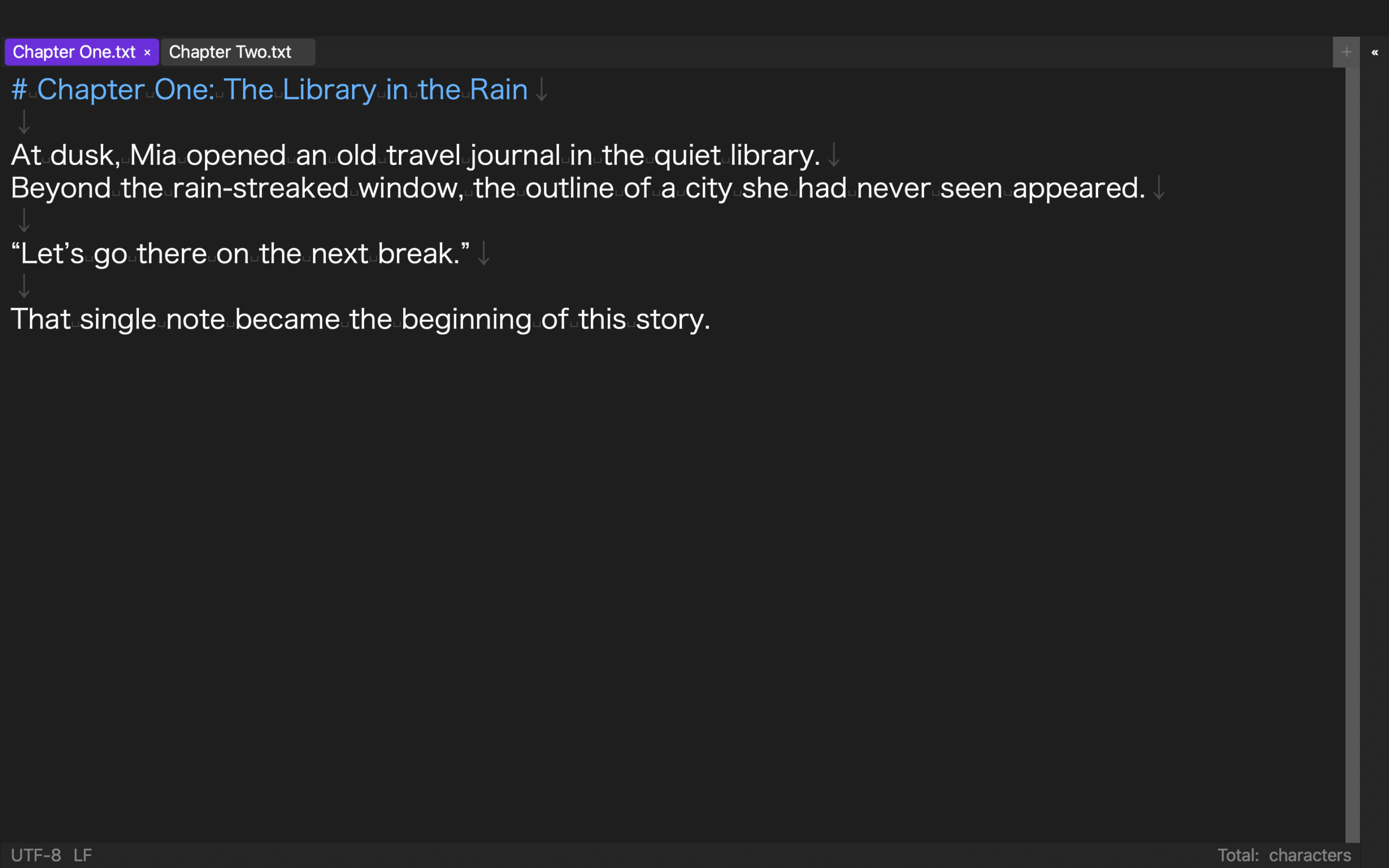
2. Preview before output
Inspect headings, paragraphs, emphasis, ruby, images, and page breaks. More importantly, confirm that a problem found in preview can be corrected in the authoritative manuscript.
For vertical books, separate the editing view, preview, and exported writing mode.
3. Store book and volume information
Locate work title, author, publisher, language, volume, version, publication date, and writing direction. For a series, distinguish reusable work-level fields from volume-level fields.
Retail price, territories, and store categories are submission data, not necessarily EPUB metadata.
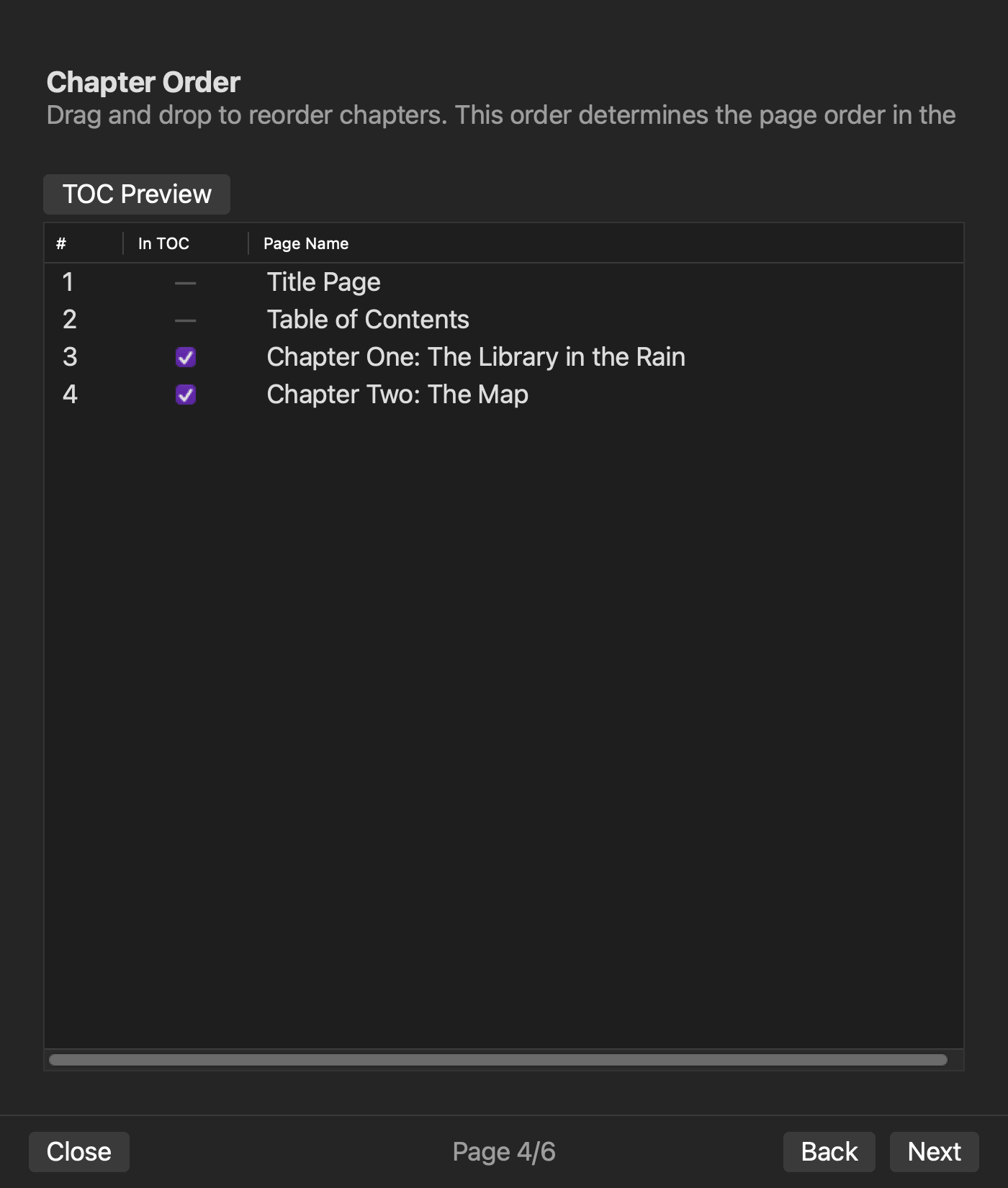
4. Build chapter order and navigation from the same source
Set Chapter One, Chapter Two, and back matter in the intended order. Inspect the spine, nav resource, and NCX when applicable, then test navigation links in a reader.
If filename order drives the result, use a naming convention that will not sort 10 before 2 unexpectedly.
5. Prevent missing cover and image references
Choose a cover from the project and verify that output contains every referenced image. Check what happens when a source image is moved.
Image dimensions and retailer cover requirements still need separate review.
6. Inspect the generated EPUB
File creation alone is not completion. Inspect reading order, navigation, missing images, leaked source notation, and empty pages, then return to the manuscript or settings when a problem appears.
Internal inspection does not replace testing in multiple readers or store review.
Run a 15-minute two-chapter trial
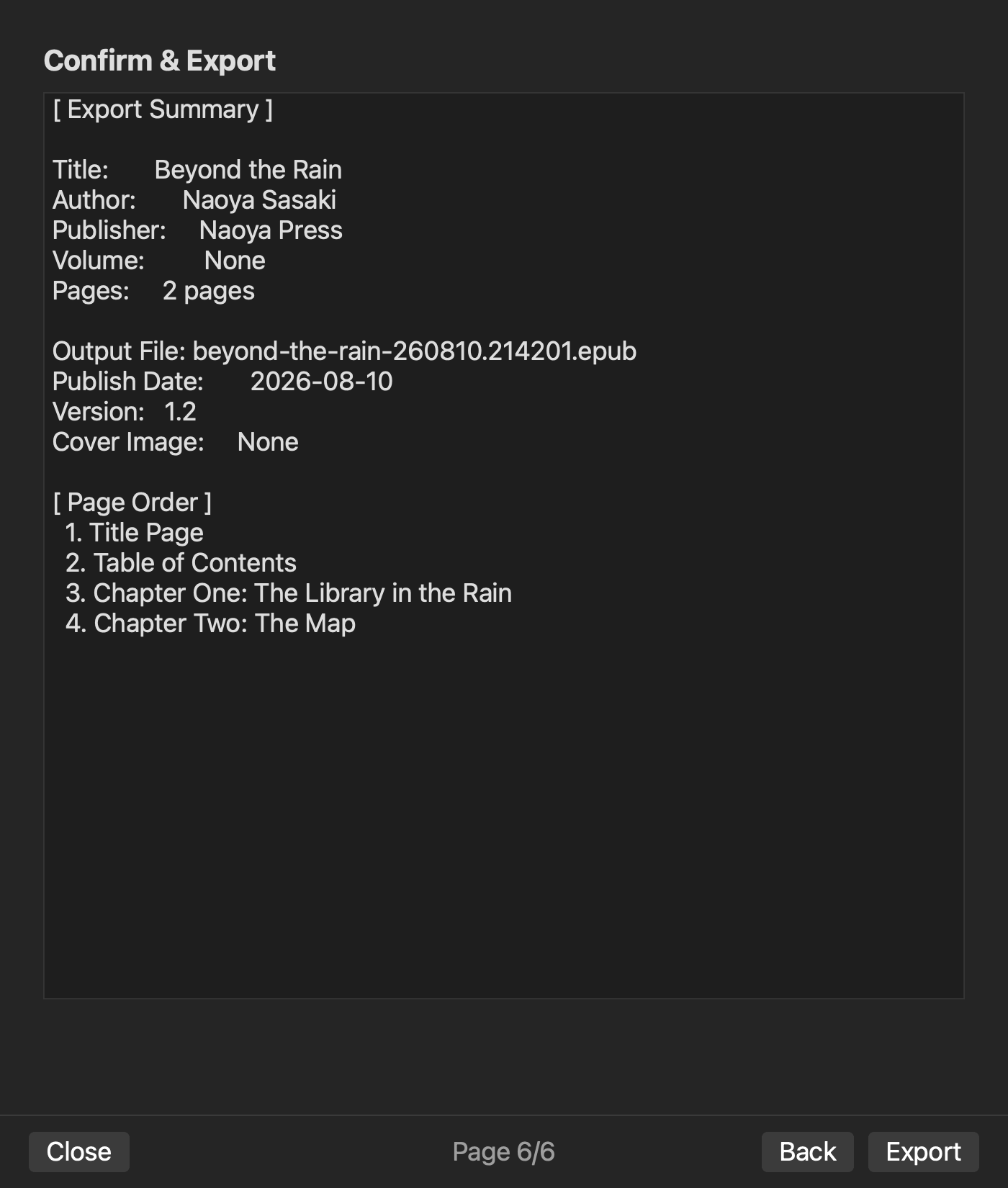
Prepare two short chapters with a title and author. In every candidate:
- Load both chapters.
- Preview headings and paragraphs.
- Enter title, author, volume, and version.
- Set chapter order and navigation.
- Generate and inspect the EPUB.
Add a rights-cleared test cover only when cover handling is central to your choice. There is no need to use a production manuscript or final artwork.
Rune Studio from manuscript to internal inspection
The current Mac version of Rune Studio is designed to combine a folder-based workspace, EPUB-notation preview, work and volume data, source ordering, cover selection, EPUB 3 generation, and post-generation inspection.
On August 10, 2026, Rune Studio CLI 1.4.0 build 23 processed two fixture chapters. We set the work title, author, Volume 1, version 1.0, publication date, vertical writing, and chapter order. The command produced a 5,444-byte EPUB with exit code 0.
Inspection reported 10 archive entries, five spine items, nav and NCX resources, zero missing images, zero leaked notation, zero empty pages, valid: true, and no issues.
The direct test covered the workspace, bibliographic and volume data, chapter ordering, generation, and internal inspection. It did not test the preview UI, cover selection, real-reader rendering, direct editing of an existing EPUB, or store submission.
Who should shortlist Rune Studio?
Rune Studio is a candidate for Mac writers who want to keep a text manuscript, preview, metadata, navigation, cover, and EPUB 3 output in one project folder. It fits a workflow that repeatedly revises source chapters and regenerates the book.
A dedicated internal EPUB editor is a better fit when your main task is changing XHTML or CSS inside an existing file. A cloud production system may fit simultaneous team editing better.
This assessment covers the current Mac version and excludes iPad functionality still under development.
Complete all six stages before choosing
Evaluate manuscript handling, preview, book data, navigation, cover handling, and output inspection as one repeatable loop.
Run the two-chapter trial first. If Rune Studio is a candidate, review the current features and system requirements on the Rune Studio product page.


