
An eBook table of contents needs three decisions per chapter: display order, whether the chapter appears, and where the link goes. The controlled manuscript has C01 through C06. C05, Reference List, remains in reading order but is excluded from the primary visible contents. The result is a five-item list for C01, C02, C03, C04, and C06. Cover, colophon, and full package production remain outside this article.
Assign stable IDs to six chapters
Use C01 Introduction, C02 Preparation, C03 Basics, C04 Example, C05 Reference List, and C06 Summary. Preserve IDs when visible names change.
Freeze reading order C01 through C06
Reading order contains all six chapters, including C05. Excluding a chapter from visible navigation does not remove it from the book sequence.
Record inclusion for all six
Mark C01–C04 and C06 yes, and C05 no. A deliberate no is different from a missing decision or blank field.
Explain the C05 exclusion
Reference List remains available through body references but is not a primary reading-start destination in this specimen. A different book can make a different inclusion decision.
Match five labels with headings
Use Introduction, Preparation, Basics, Example, and Summary. Resolve punctuation or wording differences at the source rather than hiding them only in navigation.
Assign five href destinations
Map C01 to ch01.xhtml, C02 to ch02.xhtml, C03 to ch03.xhtml, C04 to ch04.xhtml, and C06 to ch06.xhtml. Add a fragment only for an internal section target.
Verify chapter identity at the destination
Check the destination heading or identity record, not only the file name. A file named ch03 that contains C04 is still a wrong link.
Compare visible order with reading order
Visible navigation is C01, C02, C03, C04, C06, while reading order is C01 through C06. The numeric difference is intentional only when C05 has a recorded exclusion reason.
Separate general EPUB navigation from product actions
An EPUB 3 navigation document carries labels and link destinations. It does not replace the body or package document. Keep this general role distinct from a wizard interface.
Use Rune Studio chapter ordering and inclusion
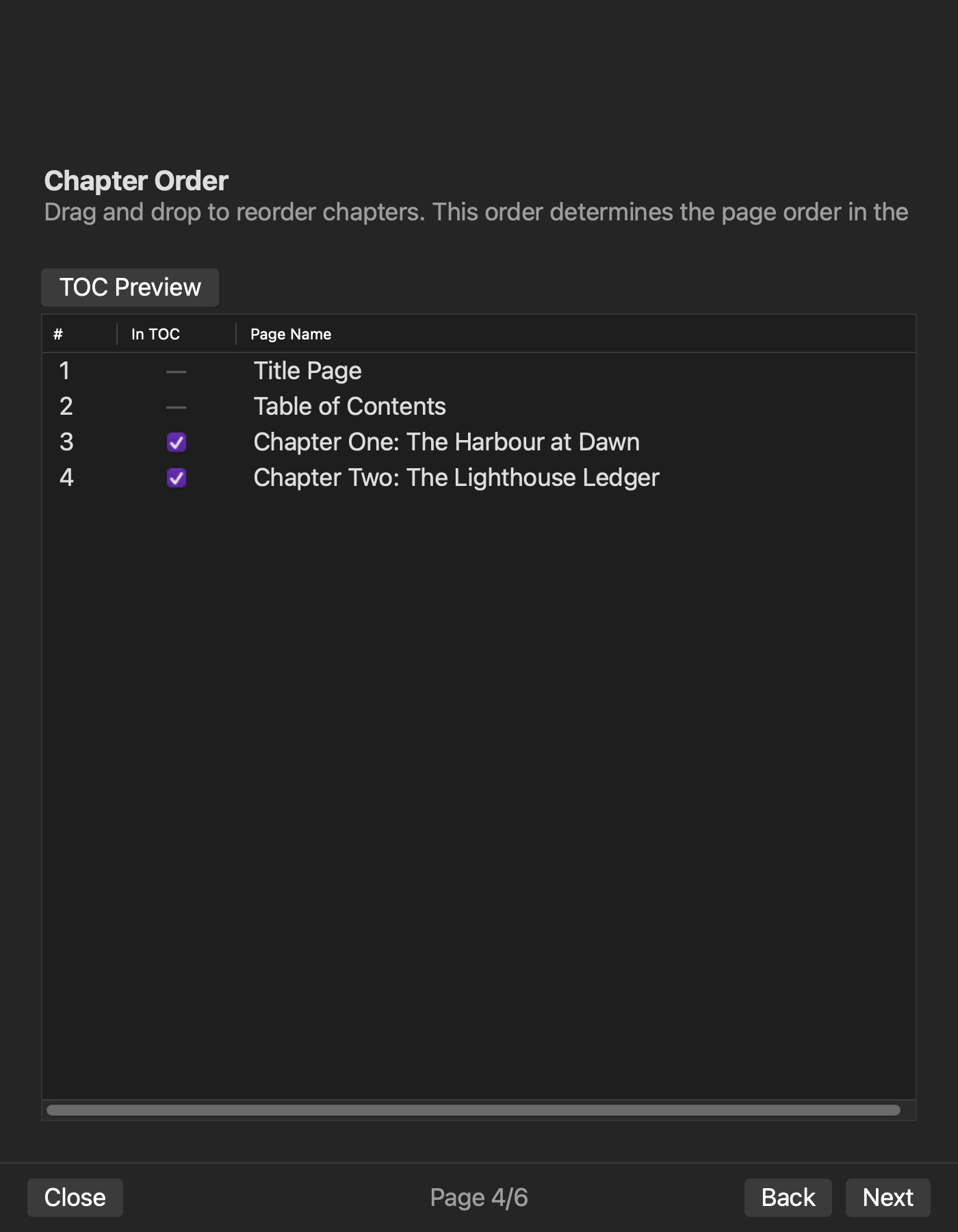
Rune Studio documentation describes ordering chapter, title, and contents pages and choosing navigation inclusion per chapter. Hands-on checks reproduced Markdown heading extraction, chapter order, chapter-level contents exclusion, generated nav.xhtml, and compatibility NCX.
Use the editor contents tab as a source check
The documented contents tab lists Markdown headings, tracks position, filters levels, and moves from a clicked entry. Those interface actions were not observed in the current run. The six-chapter, five-link specimen was also not completed.
Open all five navigation links
Test C01, C02, C03, C04, and C06 in display order and compare the destination heading and ID. Do not infer five-link correctness from one successful link.
When an item opens the wrong chapter, return to the six-row decision table rather than patching the visible label alone. Correct the row’s ID, href, and destination heading as one mapping, regenerate the navigation, and reopen all five items from the beginning. The run passes only when the visible order is C01, C02, C03, C04, C06; every label and href is nonempty; no href is duplicated; and each destination carries the expected chapter identity. If C05 appears, first check its inclusion field and recorded reason. Removing its link without restoring an explicit “no” leaves the decision incomplete. Record the five displayed labels and five resolved destinations side by side, because a correct item count can still hide a duplicated link and one missing chapter. This recovery route turns a wrong click into a traceable source correction instead of a one-off navigation patch.
Limit the effect of one renamed chapter
If C03 becomes “Basics Flow,” update body heading and visible label. Keep ch03.xhtml when the destination identity remains C03. Compare regenerated EPUBs in a separate finishing check.
Keep cover and colophon outside this decision
Cover image, author, date, and colophon do not determine six inclusion decisions or five hrefs. Separate scope makes navigation omissions easier to find.
Complete a six-row decision table first
Use chapter ID, source heading, reading position, inclusion, label, href, and exclusion reason. Fill all six rows and only then extract the five included rows.
Resolve hrefs relative to the navigation file
Use ch03.xhtml when resources share a folder or text/ch03.xhtml when chapters are in a subfolder. A plausible string that does not reach the file is a failure.
Find duplicate links and missing included chapters
Treat five hrefs as a set. Two links to ch03 can hide one missing included chapter while the item total still equals five. C05 absence is acceptable only because it is explicitly excluded.
Preserve chapter identity through shortened labels
If a long chapter heading becomes “Basics” in navigation, retain the C03 mapping in the decision table. Do not let a shorter visible label create ambiguous identity.
Recalculate all six positions after reorder
When C04 and C05 swap, update reading order for every row, including excluded C05. Then verify destinations by ID rather than assuming the file number followed the drag.
Keep a reader return route without mandating custom links
After opening each chapter, use the reader’s navigation control to return to the list. Do not require a custom back-to-contents link or a device-specific control location.
Reject empty labels and empty hrefs explicitly
Each of the five included chapters needs both visible label and destination. Do not count a blank label with a link or a label with no link. C05 may leave both empty only because inclusion is no and an exclusion reason is recorded.
Finish with six decisions, five labels, and five destinations
Completion requires six inclusion decisions, five labels in order, and five correct destinations, with C05 retained in body and intentionally excluded. Review the documented selection scope on the Rune Studio product page, then move to a full package check that includes cover and colophon.