
To make an EPUB with a table of contents and cover, first accept the manuscript, contents map, and cover separately. Then enter those exact accepted assets, generate one EPUB, and verify the chapter destinations and cover result. This article ends with a decision to keep the generated candidate, rebuild it, or hold it—not with input acceptance alone.
An old manuscript, uncertain chapter order, or unapproved cover must not enter the first candidate. However, the receipts are not the final deliverable here. Their paths, hashes, chapter IDs, contents labels, and cover identity continue into generation and are read back from the result. A separate guide records every field across all six wizard pages; this guide follows the shorter, book-centered path from three accepted assets to one checked EPUB.
Accept the three inputs separately
A manuscript, contents map, and cover belong to one book, but they have different acceptance rules. The manuscript is checked for identity and chapter boundaries. The contents map is checked for labels and destinations. The cover is checked for approval and title identity.
Give each input an ID, path, hash, reviewer, time, decision, and return reason. A filename containing final does not prove it is the approved source. Accept generation only when all three inputs pass.
Confirm the manuscript identity and chapter boundaries
Record the book title, edition, chapter count, and intended order. Each chapter needs a unique heading. Look for empty chapters, duplicate headings, mixed revisions, unresolved comments, and placeholders.
Use short anchor text for each chapter rather than copying the whole manuscript into the receipt. If a marker is intentionally retained, record its editorial approval. Do not delete uncertain text merely to obtain a clean status.
Pair every contents label with a destination
A correct list of chapter names can still link to the wrong targets. Record each display label with its destination ID and source heading.
| Order | Display label | Destination | Source heading | Decision |
|---|---|---|---|---|
| 1 | Chapter 1: Rain Station | C01 | Chapter 1: Rain Station | accept / hold |
| 2 | Chapter 2: Blue Envelope | C02 | Chapter 2: Blue Envelope | accept / hold |
| 3 | Chapter 3: The Way Home | C03 | Chapter 3: The Way Home | accept / hold |
This three-chapter table is an acceptance-sheet example, not a completed three-chapter Rune Studio run. Front matter or colophon entries intentionally excluded should be marked excluded rather than left blank.
Require more than an existing cover file
For the cover, record the approved path and hash, title and author match, usage approval, intended orientation and dimensions, and replacement deadline. A file that opens is not automatically an accepted cover.
A hands-on cover EPUB test confirmed that the ZIP contained the cover image and references. The current structure check result was nevertheless a failed result with a missing-image diagnostic. Therefore this article does not state completed acceptance of a cover-enabled EPUB.
Use book metadata as a shared key
Keep title, author, language, identifier, edition, and production date in one bibliographic sheet. Compare its ID with the manuscript, contents, and cover receipts. A shared folder is not evidence that all three inputs belong to the same edition.
Return a spelling difference to the appropriate owner rather than silently normalizing it during acceptance.
Enter the three accepted assets after GO
Use GO only when the manuscript, contents map, cover, and metadata all pass. Use HOLD when a requirement or its evidence is unknown. Use RETURN when a wrong edition, order mismatch, or unapproved asset has a clear correction owner.
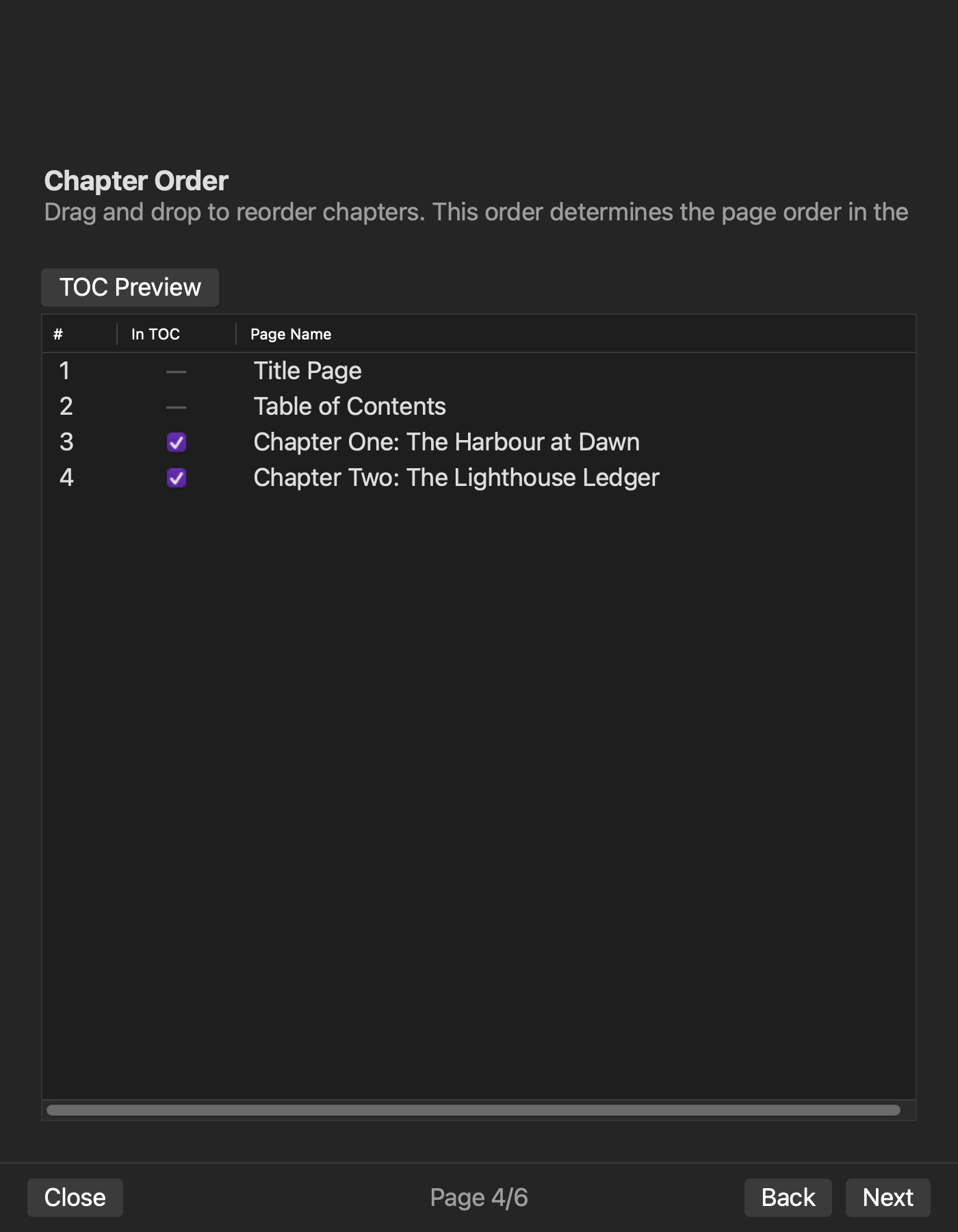
After GO, enter the same manuscript path, contents map, and cover path that appear on the receipts. Set work title, author, language, writing direction, and output name, then select the manuscript. Enter C01 through C03 in order, pair each TOC label with its destination, and mark whether each chapter belongs in the TOC. Finally, select the approved cover and its matching bibliographic values.
Before generating, compare four groups with the receipts:
- manuscript path and chapter count
- TOC labels and C01–C03 destinations
- cover path and hash
- work title, author, language, and output name
If any value differs, do not generate. Return to the responsible manuscript, contents, cover, or bibliographic field. When all four groups match, generate the EPUB and record the exact output path and hash. If an accepted asset changes afterward, issue a new acceptance decision instead of reusing the old GO.
Check manuscript, TOC, and cover in the same generated candidate
A completion message does not establish that an EPUB with a table of contents and cover is ready. Open the exact generated candidate and check the manuscript, TOC, and cover as one result.
For the manuscript, confirm that C01, C02, and C03 appear in the planned order and that each opening anchor matches its receipt. For the TOC, confirm all three labels in order, then select each entry and verify that it lands on the matching chapter. A three-item TOC still fails if the Chapter 2 label opens C03.
For the cover, confirm that the first displayed image carries the approved title and author. Also confirm that the EPUB contains the approved cover asset and that the package reference to it is not broken. A stored image is not enough if another edition is displayed, the reference is missing, or the structure check still reports a missing image.
Use one result sheet with manuscript order, TOC labels, TOC destinations, cover display, cover reference, and structure check. Keep the candidate only when all six pass. Use RETURN when the failing source or entry is known and HOLD when the requirement or diagnosis is unresolved. Give every rebuild a new candidate name and hash instead of overwriting the first output.
Apply the confirmed Rune Studio evidence to the result
On August 14, 2026, a hands-on check with a disposable copy produced a horizontal, text-only two-chapter EPUB. Its nav, NCX, OPF, spine, chapter order, and table-of-contents inclusion were confirmed. This common evidence supports fixing labels and order before generation.
A cover-enabled EPUB test confirmed that the ZIP contained the cover image and its references, but the structure check remained a failed result with a missing-image diagnostic. Therefore “generated a candidate containing a cover asset and reference” is confirmed, while “the cover-enabled EPUB passed the final check” remains pending.
The article-specific three-chapter specimen and a full pass through the current macOS interface were not completed. The three-chapter path in this article is a reader-run procedure. It does not extend the confirmed two-chapter, text-only result into a claim that the three-chapter, cover-enabled example succeeded. If cover display, cover reference, or the structure check remains unverified, the reader’s result is HOLD.
Keep the deliverable separate from a full field-by-field run record
This article’s deliverables are the three acceptance receipts, one generated EPUB candidate, and the six-item result sheet. They answer whether the accepted manuscript, TOC, and cover became one candidate that meets the title’s outcome.
The detailed first-run guide records the source, planned value, entered value, and run ID for every field across six wizard pages. It is used to locate a transcription error page by page. This article does not reproduce that field inventory. It owns the shorter end-to-end path and the acceptance criteria for the generated book.
Move to the detailed record when a field-level cause must be traced. For later manuscript revisions, preserve this first candidate and result sheet before using the revision and rebuild workflow. Do not overwrite the first-run evidence with a revised output.
Conclusion: enter three assets and verify the TOC and cover result
To make an EPUB with a table of contents and cover, accept the manuscript, contents map, and cover separately, then enter those exact accepted values. After generation, check chapter order, TOC labels, every TOC destination, cover display, cover reference, and the structure result on the same candidate. Only a candidate that passes all six becomes a publication candidate.
Start by writing the path and SHA-256 hash for each input and preparing a result sheet under the same candidate ID. If you are evaluating Rune Studio, review its current EPUB creation scope on the Rune Studio product page and keep the candidate on HOLD whenever the cover structure result remains pending.


