
Do not accept a manuscript for EPUB production merely because someone ran an encoding conversion. Accept it only when the input conditions, handoff receipt, stop rules, and receiver-side structure check all identify the same candidate. The deliverable in this guide is not an EPUB. It is an evidence-backed decision that a source may enter the EPUB workflow.
The controlled Shift_JIS-to-UTF-8 conversion guide owns the conversion operation itself. This article begins after a candidate has been produced and asks whether the receiving editor can accept it. That boundary matters because an encoding name shown in an interface may not match the bytes stored in the file.
Separate conversion from acceptance
The conversion operator protects the original, selects a target encoding, and produces a separately named candidate. The receiver does not repeat or silently adjust that work. The receiver independently checks the supplied evidence.
The controlled Shift_JIS-to-UTF-8 conversion guide ends with a candidate and its conversion result. This guide starts with that candidate and record. If the receiver finds a mismatch, the file is returned to the conversion step rather than saved again in the receiving environment.
Require four inputs
Collect four items before acceptance:
- paths to the original and candidate
- hashes for the original and candidate
- declared encoding, BOM, and line ending
- unresolved-character count and location log
A conversion can legitimately change a hash. The important comparison is between the candidate hash on the receipt and the hash of the file the receiver actually opens.
Write “not specified” when BOM or line endings are outside the requirement. Do not leave an empty cell that could mean either not checked or not required.
Record UI values separately from byte evidence
The minimum receipt includes a handoff ID, candidate path and hash, UI selection, byte-level result, BOM, line ending, unresolved count, decision, and return owner.
| Field | Example | Purpose |
|---|---|---|
| Handoff ID | EPUB-HO-016-01 | Replaces an ambiguous “latest file” |
| Candidate | chapter01-utf8-candidate.txt | Fixes the exact input |
| Candidate hash | SHA-256 value | Proves identity |
| UI selection | Shift_JIS | Records interface state |
| Stored bytes | UTF-8 | Records an independent result |
| BOM / ending | none / LF | Checks delivery requirements |
| Unresolved items | zero or locations | Preserves editorial decisions |
| Decision | accept / hold / return | Identifies the next owner |
A displayed selection is supporting information, not byte-level proof. If the two values disagree, record the mismatch and stop.
Stop EPUB generation on any unresolved condition
Stop when the candidate hash differs, UI and byte evidence conflict, unresolved characters remain, a required BOM or line ending is unverified, the receiver cannot reopen the candidate read-only, or the source-to-candidate record cannot be traced.
A stop is useful. It prevents uncertain source text from becoming a harder post-generation diagnosis. A corrected candidate receives a new handoff ID and hash.
Check without saving
The receiver opens the candidate read-only and calculates its hash first. Use a byte-aware method to check encoding, BOM, and line endings rather than relying only on the editor label.
Then visit representative locations in the issue log: variant characters, emoji, ruby delimiters, and chapter boundaries. Do not save while checking. Record a difference and return the candidate. Recalculate the hash afterward to show that structure check did not modify the evidence.
Separate observed Rune Studio behavior from pending statements
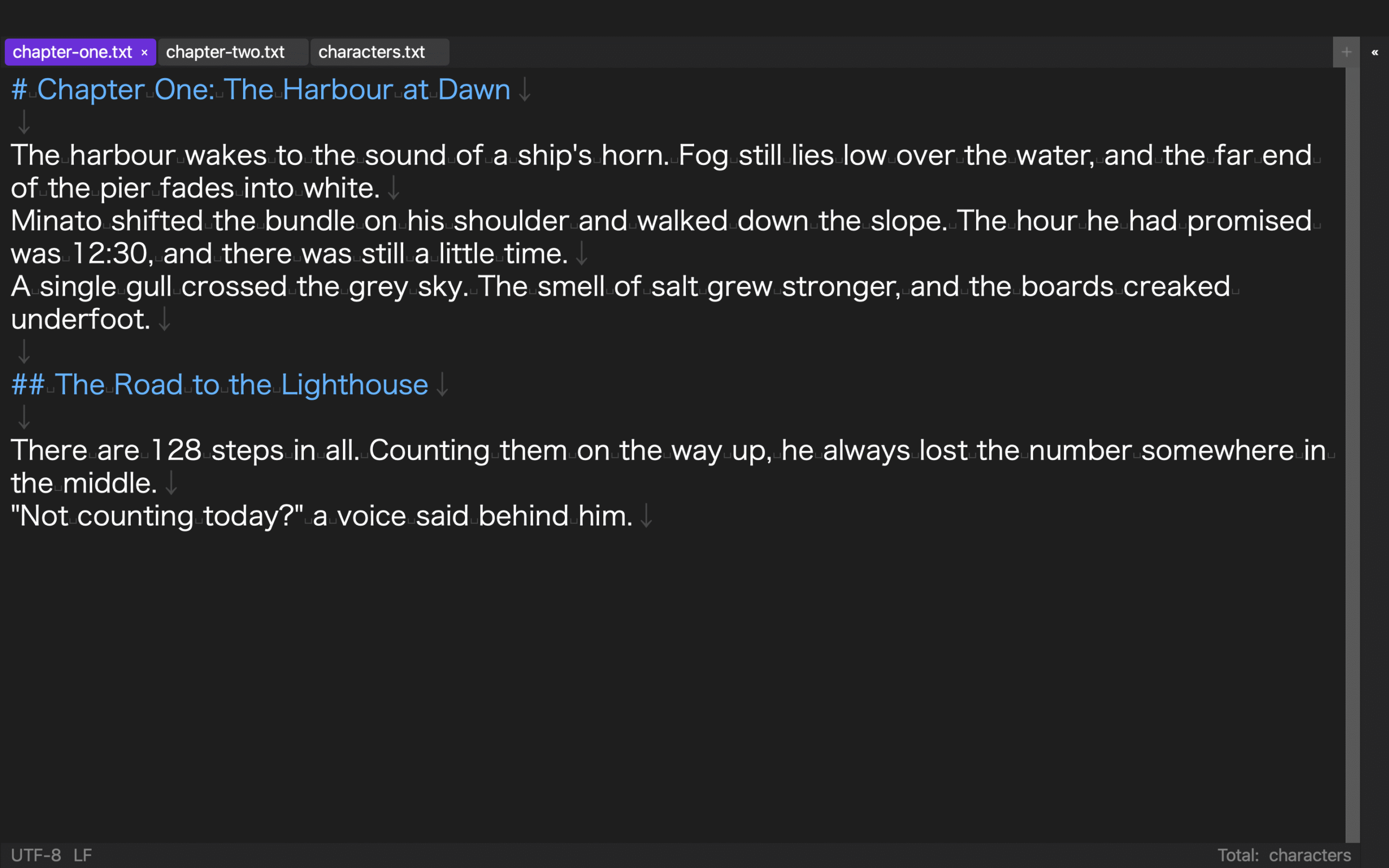
In a hands-on check with a disposable copy on August 14, 2026, the physical file was UTF-8 with LF endings. Changing the tab encoding selection to Shift_JIS succeeded, and the selection metadata remained after closing and reopening. The physical bytes nevertheless remained UTF-8 with LF.
This confirms persistence of the selection metadata. It does not confirm that changing the selection physically converted the file to Shift_JIS. That is why the receipt separates the UI value from stored-byte evidence.
This run did not verify a BOM file, an actual Shift_JIS file, physical conversion to CRLF, red highlighting of incompatible characters, a save warning, or automatic-save suspension. A CRLF spelling used in the test was rejected; another spelling was recognized by the current recorded search result, but no completed physical conversion was established. Those items remain documented or pending rather than observed results.
Decide accept, hold, or return
Accept only when identity, stored bytes, required BOM and line endings, unresolved count, and read-only reopening all pass. Hold when requirements or evidence are incomplete. Return when correction is required.
“UTF-8” shown in a window and readable text are not enough. Conversely, an untested product behavior does not make the entire manuscript unusable. Mark each receipt field as confirmed, pending, or not applicable.
Conclusion: hand off a candidate with evidence
A safe pre-EPUB encoding workflow separates conversion from acceptance. Let the controlled Shift_JIS-to-UTF-8 conversion guide create the candidate, then use this receipt to record inputs, hashes, displayed values, stored bytes, stop conditions, and receiver-side structure check.
Start by writing the candidate path and SHA-256 hash on the receipt. If you are evaluating Rune Studio, review the current encoding feature scope on the Rune Studio product page and keep documented specifications separate from your own observations.


