This guide gives the search “large file text editor” a concrete finish line: separate disabled display aids from editing, search, and save in a feature-survival table. The controlled case is the verified 919,514-character sample and the fixed search token '。'. A pass must demonstrate this outcome: complete the article-specific sample with separate evidence for large-file classification, editing, search, save, disabled display. The excluded range is stated separately: speed guarantees across all Macs and unmeasured edit or save results.
Decision: Separate disabled display aids from editing, search, and save in a feature-survival table
Use every required field as a blocker. A candidate with an unverified large-file classification or disabled display stays on hold, even if its unrelated features look attractive.
The article-specific evidence card has these fields: large-file classification, editing, search, save, disabled display. Do not count the following excluded range as evidence: speed guarantees across all Macs and unmeasured edit or save results.
The exact sample and its return path
Use the verified 919,514-character sample and a fixed search token. Record large-file detection and any disabled display aids separately from editing, search, and save; then make a one-character change in a copy, save, and reopen. Search evidence must not be extended to untested editing or saving, and display reduction is not text loss.
This case addresses the failure behind the search: losing the authoritative input or acceptance evidence while trying to separate disabled display aids from editing, search, and save in a feature-survival table. Name the source, working copy, and delivered or reopened result so that another editor can locate each one without relying on a filename such as final.
The path to the inspected result
Use the following product-independent sequence on the named sample. It is an acceptance method, not a claim that Rune Studio has already completed this particular case.
- 1. Record character count and large-file status. Attach the observed large-file classification evidence to this step.
- 2. List disabled display aids. Attach the observed editing evidence to this step.
- 3. Run the fixed search. Attach the observed search evidence to this step.
- 4. Change one character in a copy and save. Attach the observed save evidence to this step.
- 5. Reopen and judge the three core tasks. Attach the observed disabled display evidence to this step.
Acceptance fields
Do not infer one row from another. Record pass, revision, or not tested beside the actual target, date, output path or artifact ID.
- Large-file classification — expected state: written before the run; hold the row if disabled display is described as text loss.
- Editing — expected state: written before the run; hold the row if search evidence is extended to edit and save.
- Search — expected state: written before the run; hold the row if an unreopened save is called successful.
- Save — expected state: written before the run; hold the row if disabled display is described as text loss.
- Disabled display — expected state: written before the run; hold the row if search evidence is extended to edit and save.
Do not hide these blockers
A second pass is meaningful only when its source and changed condition remain identifiable. Keep the earlier result and append the retest instead of replacing the failed row.
- 1. Disabled display is described as text loss; return to the named source.
- 2. Search evidence is extended to edit and save; preserve the failed artifact.
- 3. An unreopened save is called successful; change only the responsible condition.
Where Rune Studio may reduce handoffs
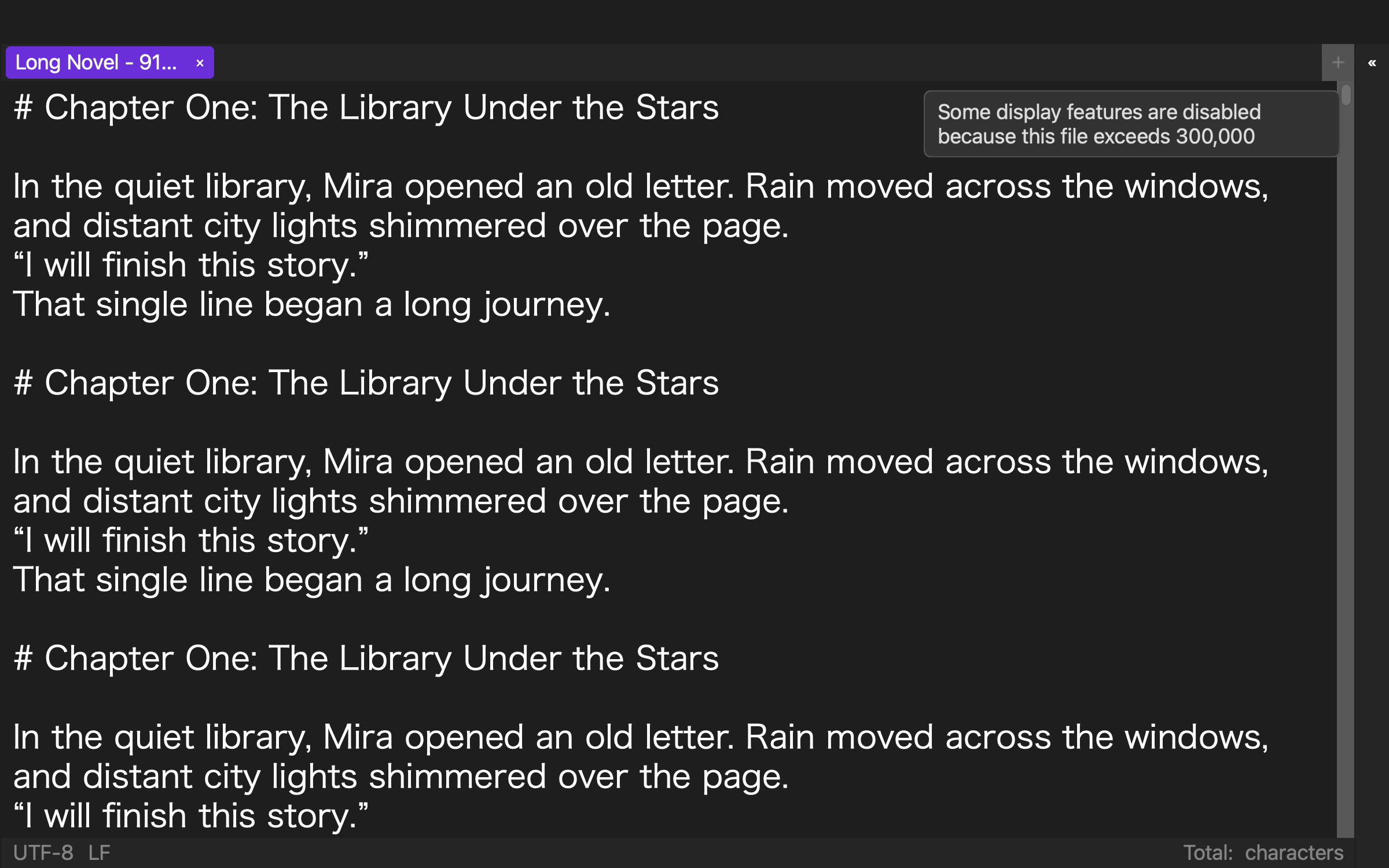
Current product documentation covers capabilities relevant when you need to reduce expensive display aids above 300,000 characters while retaining core editing and search. That scope can justify a trial, but it does not show that the verified 919,514-character sample and the fixed search token '。' passed this article's acceptance card.
Rune Studio is a plausible candidate when fewer source, setting, or reference handoffs help you separate disabled display aids from editing, search, and save in a feature-survival table. Use another tool or destination check for the excluded range stated here: speed guarantees across all Macs and unmeasured edit or save results.
Start with the smallest revealing case
For the search phrase “large file text editor,” the conclusion is to separate disabled display aids from editing, search, and save in a feature-survival table. The result is accepted only when the record establishes this outcome: complete the article-specific sample with separate evidence for large-file classification, editing, search, save, disabled display.
Begin here: make a survival table for display, edit, search, and save. If disabled display is described as text loss, stop at that row and return to its source. Check the Rune Studio product page for the current Mac feature scope before applying the same acceptance card to a product trial.