Three different save accidents can affect a manuscript on a Mac: mojibake, newline changes, and BOM changes. They may all appear after saving, but they are not the same phenomenon. This article classifies the first branch; it does not execute a repair or conversion.
Mojibake is unreadable or incorrect text caused by an encoding interpretation mismatch. A newline change replaces LF with CRLF or the reverse. A BOM change adds or removes leading UTF-8 bytes EF BB BF. A newline or BOM change is not, by itself, mojibake.
Branch 1: the text itself appears as different characters
Unreadable symbols or substituted text belongs to the character branch. Check the declared source encoding and original bytes. Keep decoding mismatch separate from loss caused by writing a character that the target encoding cannot represent.
Do not repair the source here. Hand reversible conversion to STUDIO-534 and the detailed save-block state to STUDIO-065.
Branch 2: only line boundaries change
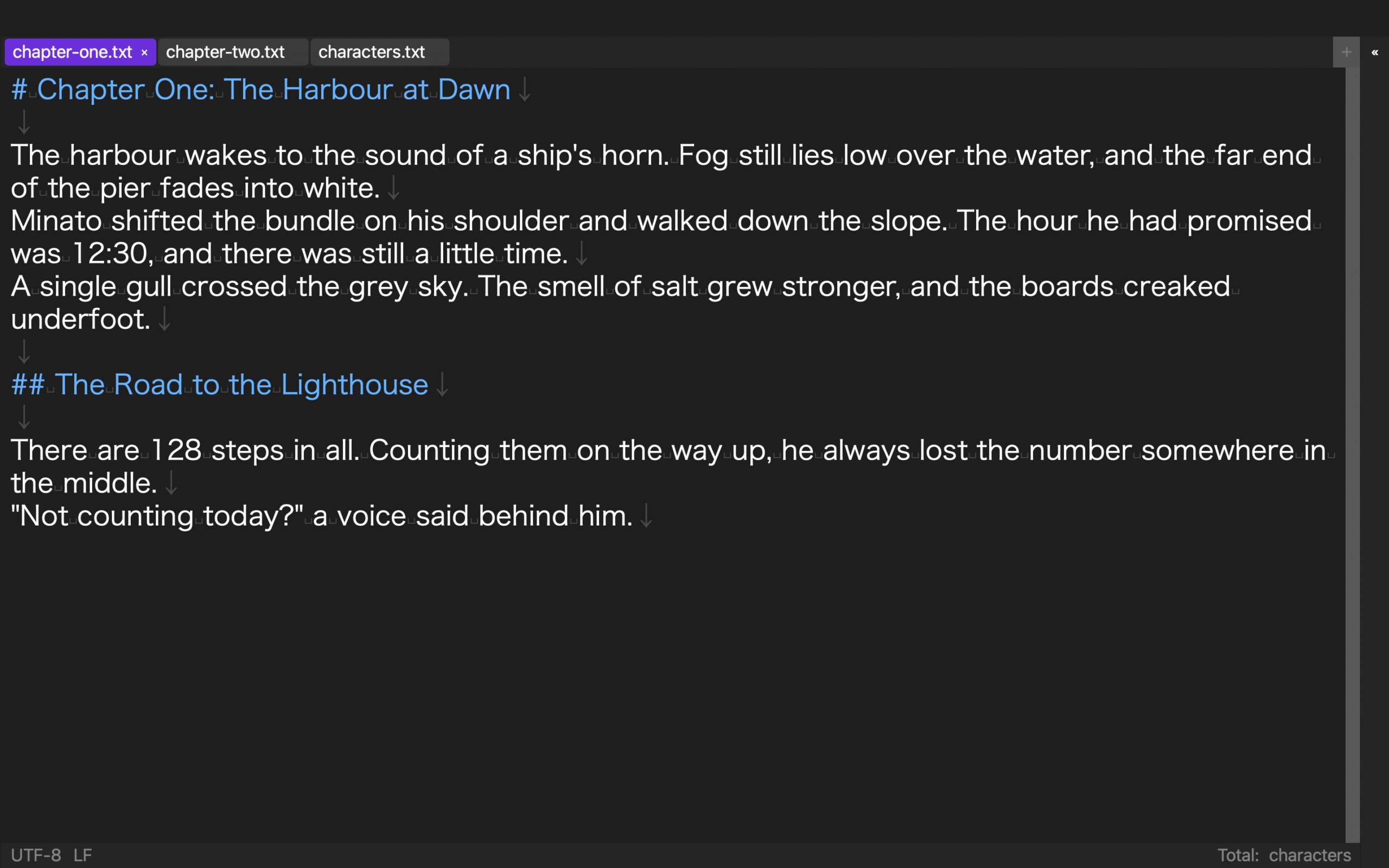
If the text remains readable but every line appears changed in a diff or an external processor sees one line, inspect newline bytes. LF is 0A; CRLF is 0D 0A.
Calling this mojibake encourages the wrong response. Record “text readable” and “line-ending attribute changed” separately. STUDIO-521 owns the byte observation.
Branch 3: only the first three bytes change
A file may add or lose EF BB BF while text and newlines remain the same. That is a UTF-8 BOM change, not necessarily mojibake. Keep BOM presence independent from LF/CRLF, and let the handoff specification decide which state is required.
Do not exchange acceptance evidence
| Branch | Main symptom | First evidence | Not done here |
|---|---|---|---|
| Mojibake | text unreadable or substituted | source encoding, original bytes, warning | repair or conversion |
| Newline change | line structure changes | 0A / 0D 0A |
calling it mojibake |
| BOM change | leading attribute changes | presence of EF BB BF |
merging it with newline data |
Use three rows on one routing sheet. A single “file problem” result hides which evidence is missing.
Give the sheet five routing states: unclassified, characters, line endings, leading bytes, or multiple. “Multiple” still opens the three independent rows. Write “not observed” rather than “unchanged” for an unchecked attribute, and bind both the received and saved file identifiers to the sheet.
This is an intake route, not a final diagnosis. Readable text does not clear the BOM row, and an unchanged BOM does not prove that character content is intact.
Do not mark a row repaired on the intake sheet. Keep it unobserved or under investigation until the responsible inspection returns evidence.
Limit Rune Studio to the character-side evidence
Stage 3 materials confirm major Japanese encoding detection, red highlighting of unconvertible characters, and automatic-save blocking while an issue remains. There is no evidence that Rune Studio automatically preserves or audits newlines and BOMs.
Keep simultaneous changes on separate rows
A file can contain unreadable text, changed newlines, and a removed BOM at the same time. Do not call the bundle one mojibake result. Give all three rows the same file identifier, then attach encoding evidence, line-ending evidence, and leading-byte evidence independently. Fixing one row does not prove the other two are resolved.
The first action is classification, not correction. Route changes in characters, line endings, and leading bytes to their respective owners, keeping each item independent even when more than one changed. Close the three rows independently.