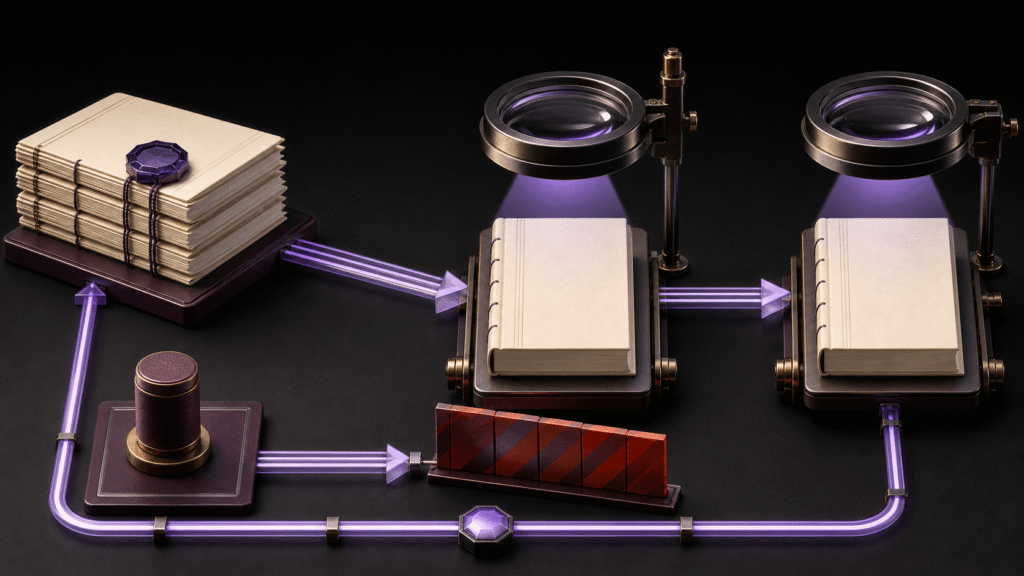
The place where an EPUB defect appears is not always the place where it should be fixed. Return a typo to the manuscript source, an author name to metadata, a chapter label to the navigation source, and a cover problem to cover settings. A nav mismatch may be found during artifact inspection, but its cause must return to an owning input. A five-zone responsibility map shows what to correct and what to recheck without treating the generated EPUB as the source of truth.
Use only five zones
The zones are manuscript, metadata, navigation, cover, and artifact inspection. Each zone identifies an authoritative source, owner, next artifact ID, and recheck point. Do not add the entire application feature list or production-time scoring to this map.
| Zone | Defect returned here | Example source | Recheck point |
|---|---|---|---|
| Manuscript | Typo or body wording | source/ch01-v04.md |
Matching body text in regenerated EPUB |
| Metadata | Author name or title | metadata-R2 |
OPF metadata |
| Navigation | Chapter label or link | toc-R3 |
nav and NCX |
| Cover | Cover image or reference | cover-settings-R1 |
Manifest, cover reference, inspection |
| Artifact inspection | Discovery of spine or nav mismatch | Inspection record | New ID after returning to the cause |
Artifact inspection is not an editing source. It discovers a problem and sends it to one of the four input zones.
Define zones by responsibility rather than file format. An author name may be visible in XHTML, but when metadata generates that value, the correction belongs to the metadata zone. The file in which a defect was discovered does not determine the durable return path.
Return a typo to the manuscript zone
When a typo is found in a generated EPUB, do not make the durable correction only in packaged XHTML. Read the manuscript row, update its authoritative source, and give the regenerated package a new artifact ID. Recheck the same paragraph in that package.
This route prevents the typo from returning on the next generation. The recheck can stay focused on the affected text instead of mixing unrelated metadata and cover decisions into the same status.
Keep author names and chapter labels in different zones
An author-name error belongs to metadata. Point to a source such as metadata-R2, then verify the corrected OPF metadata. A chapter-label error belongs to navigation. Update the navigation source and recheck both nav and NCX.
A label may also appear in body text, but that does not make body replacement the correct navigation fix. The map identifies which input generates nav and NCX.
Treat cover image and reference as one responsibility
The cover zone records the image file, the selected cover setting, and the package reference separately. A present image does not complete the zone when its reference does not resolve. Recheck the manifest, cover reference, and inspection result after correction.
Do not transfer a successful cover-free result to a covered artifact. STUDIO-232 contains the detailed cover evidence; this article only identifies the authoritative zone to which a cover defect returns.
Enter artifact inspection through a new ID
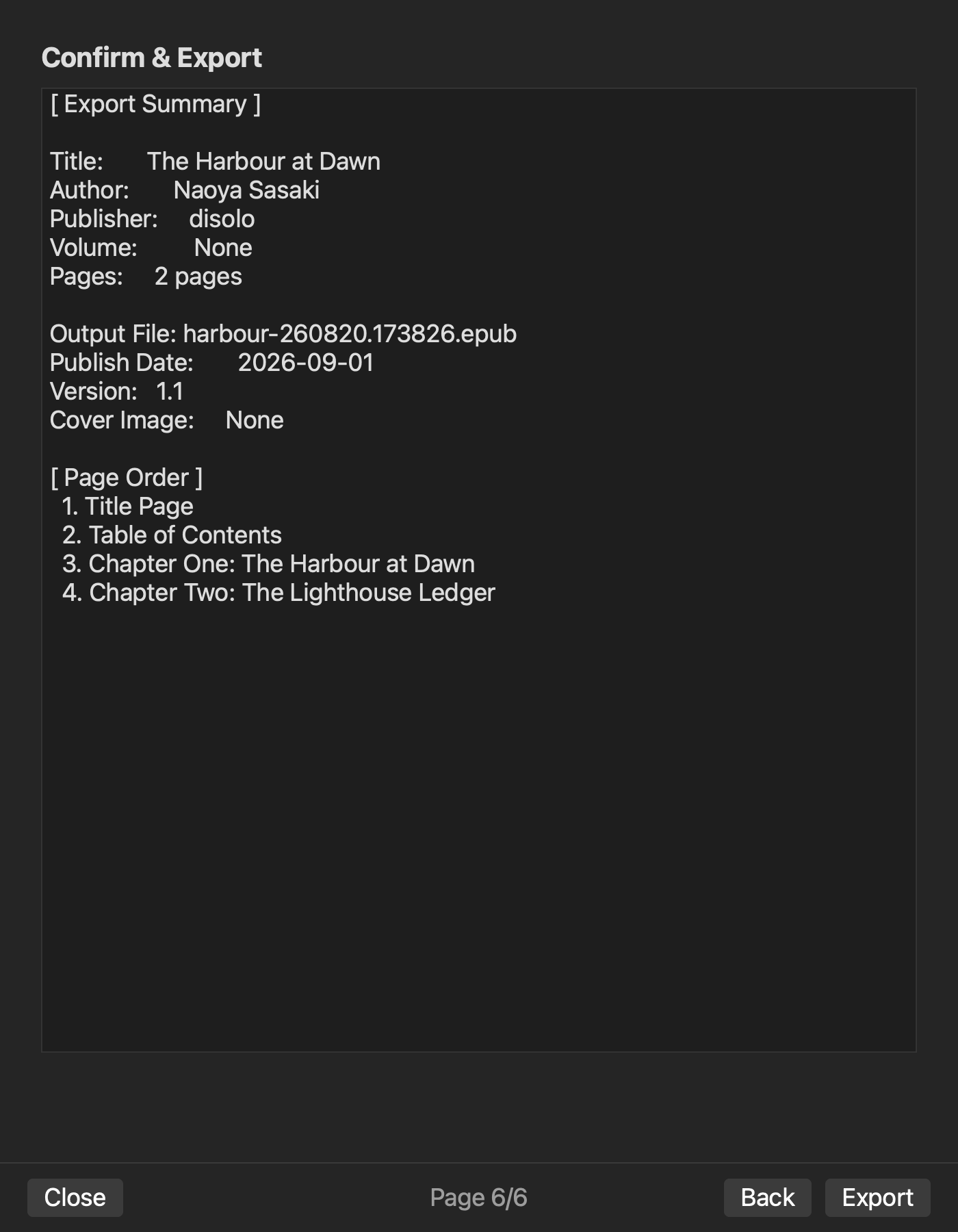
On August 11, 2026, a cover-free two-chapter EPUB returned valid=true, with nav, NCX, OPF metadata, and spine order confirmed. This Stage 4 result belongs in the artifact-inspection zone. The covered artifact and regeneration after a defect correction have not been completed.
Regenerate under a new artifact ID instead of overwriting the previous EPUB. One inspection row connects old-ID defect, owning zone, changed source, new ID, and recheck point. This prevents an older package from being mistaken for the corrected result.
Limit Rune Studio statements to verified output
The product-specific statements in this article are limited to the verified cover-free result: valid=true, nav, NCX, OPF metadata, and spine order. Do not infer an integrated manuscript-to-output result from the product’s general feature scope.
The responsibility map is an editorial practice, not an automatic product feature. Store acceptance, fixed layout, reader rendering, and permanent direct edits to a generated EPUB remain outside scope.
Fill five rows before correcting a whole book
Begin by writing the source and owner for manuscript, metadata, navigation, cover, and artifact inspection. When a defect appears, draw its return path, then add the new artifact ID and recheck point.
The conclusion is not “fix everything inside one app.” It is “return five defect types to the right input and verify the corresponding point in a new artifact.” That map preserves responsibility from manuscript to EPUB output.
Your next step is to place one recently discovered defect on the map. Point to the source that will survive the next generation, not merely the file in which the problem appeared. Add the owner and recheck point. Once one path is complete, other defects can be added to the same five zones.
Before adding product scope to the map, confirm the current evidence level on the product page and in the feature documentation.