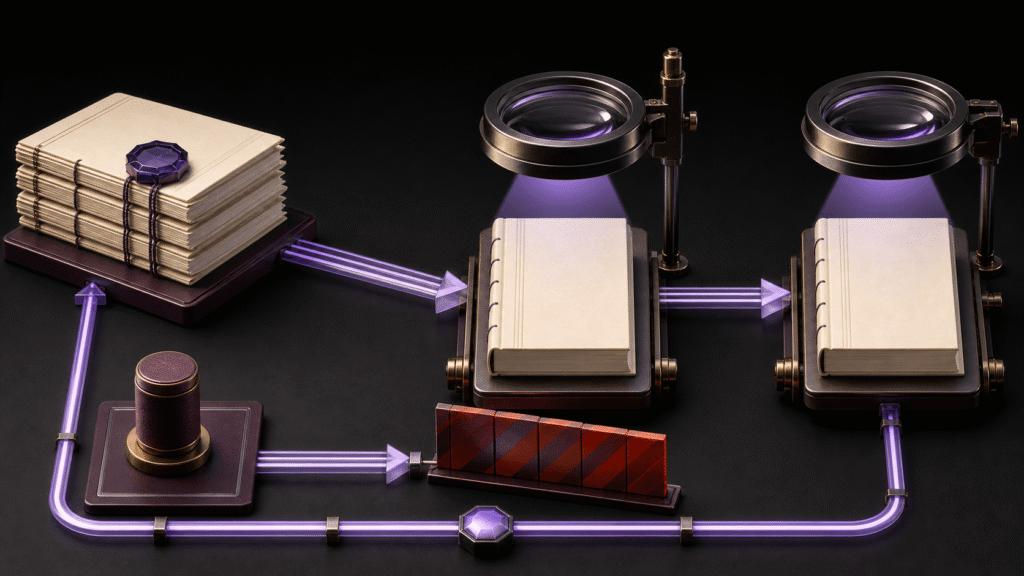
A generated file from an integrated EPUB editor is not accepted merely because its preview looks complete. Freeze one EPUB as the inspection target and examine four static areas inside it: cover, EPUB navigation document, package document, and spine. Advance only a book whose required resources and references connect to real files and whose default reading order can be explained.
This article inspects one already-generated delivery-candidate-01.epub once. It does not revise source, regenerate the book, compare candidates A and B, or test settings retention twice. Unlike STUDIO-030’s selection test or STUDIO-097’s lineage recovery, this workflow keeps the received artifact unchanged and decides whether its present structure is acceptable.
Freeze one artifact before inspection
Record the EPUB filename, receipt time, size, and, when useful, a hash before opening it in inspection tools. Without a fixed target, someone can inspect the cover in one build and the spine in another without noticing that the evidence comes from different files.
An inspection copy is acceptable, but retain the source ID such as delivery-candidate-01.epub. Do not promote files unpacked by an inspection tool into editable source. Return findings to the acceptance record.
The record has four rows:
- Cover
- EPUB navigation document
- Package document
- Spine
A blank row does not pass. If cover is outside the project requirement, mark it out of scope explicitly. If cover is required and no cover resource exists, reject that artifact.
Trace the cover resource, registration, and designation
A file named cover.png somewhere in the container is not sufficient evidence. Confirm that the image resource exists, that the package manifest registers it, and that the cover designation resolves to that resource. A broken reference fails even when the filename looks plausible.
Visual quality and artistic approval are separate decisions. This check asks whether the package contains an identifiable cover resource and a working internal relationship. Do not infer that relationship only from a thumbnail shown by one reading application.
For a cover-free EPUB, write “absent” in the cover row. That result fails a covered-delivery requirement and may be out of scope only when the test explicitly excludes cover. Other passing rows cannot compensate for a missing required cover.
Verify navigation labels and destinations
EPUB 3 uses an EPUB navigation document for navigation. Confirm that the package can resolve that document and that its visible chapter entries point to real body destinations.
For a two-chapter book, follow the chapter-one and chapter-two links. Reject the artifact if a destination is missing, both labels point to the same chapter, or the labels do not correspond to the body. Use the generated navigation document as evidence rather than an editor’s on-screen chapter list.
An NCX may also be present, but it is not one of this article’s four required rows. Add it as an optional project row only when backward compatibility with EPUB 2 reading systems is required. Do not substitute NCX presence for an EPUB 3 navigation result.
Inspect package metadata and required resources
The EPUB package document carries bibliographic information and information about included resources and the default reading order. Compare the work title, author, and language with the delivery requirement.
Then verify that the manifest registers the body documents, EPUB navigation document, images, and other resources required for this book. A physical file that is absent from the manifest, or a manifest reference whose target is missing, blocks acceptance. Inspect generated package values rather than values remembered from an editor screen.
When a project requires additional metadata such as publisher, add it as a condition within the package row. Keep general EPUB structure and project-specific requirements distinguishable in the record.
Verify the spine’s default reading order
The spine defines the default order in which the publication is read. In a two-chapter book, the chapter-one body resource should precede chapter two. A filename sort or a visually ordered TOC is not a substitute.
Confirm that each spine reference connects to a manifest item and that the referenced body resource exists. A chapter-two-first order, missing ID, or sequence that omits the body fails the artifact.
This is a static result. It does not test whether a one-character source revision preserves order after regeneration. That separate two-pass question belongs to STUDIO-030. The current article judges only the current values inside one generated EPUB.
Apply the four rows to the Rune Studio cover-free artifact
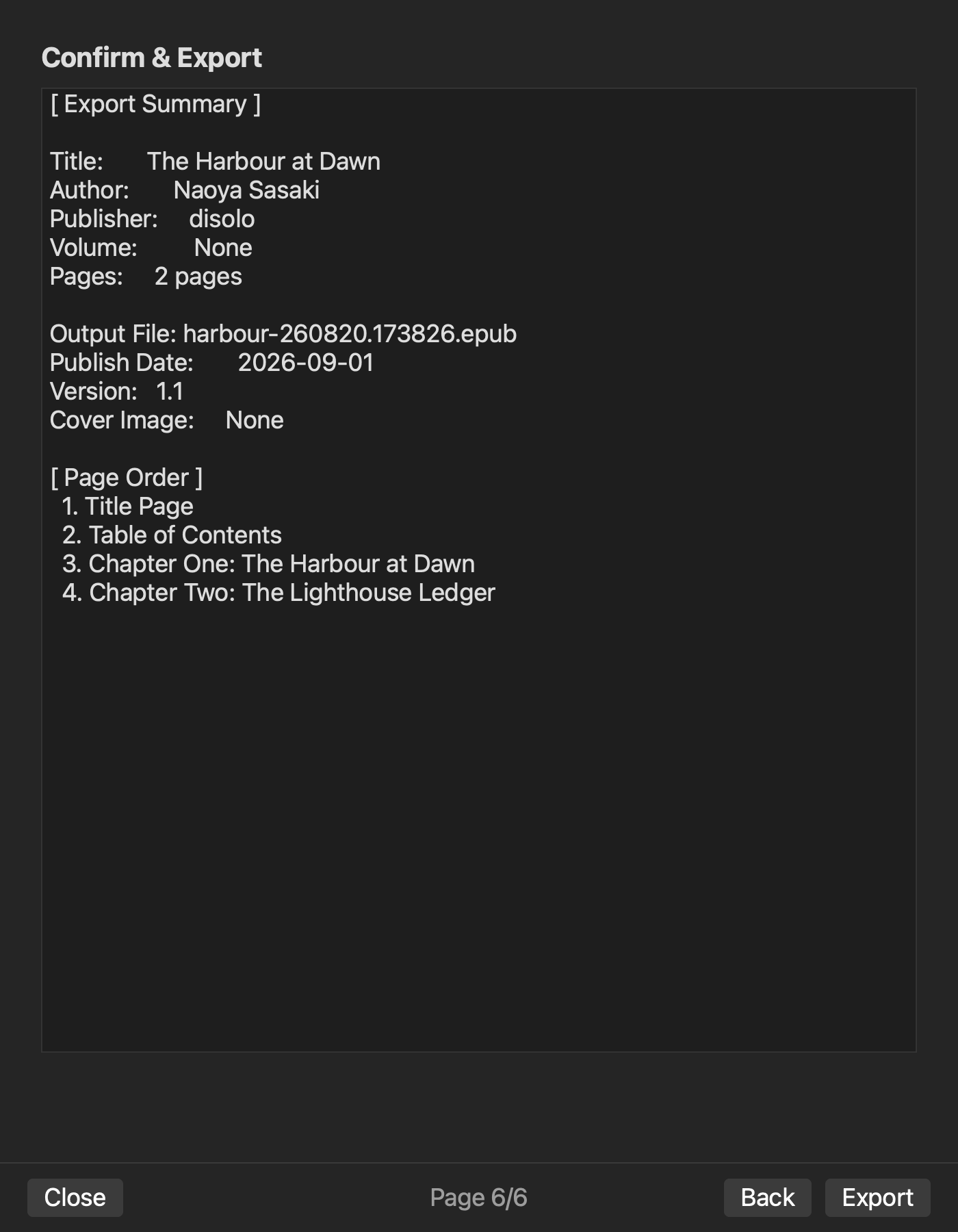
On August 11, 2026, Rune Studio’s cover-free-01.epub returned valid=true. Inspection confirmed the EPUB navigation document, title, author, language, and publisher in the package document, and spine order from chapter one to chapter two. An NCX was also present as supplemental output.
Applied to the four-row record, navigation, package, and spine have confirmed evidence. Cover does not. The artifact therefore does not satisfy a delivery requirement that requires a cover. Passing three rows cannot be expanded into “covered book complete.”
This result does not guarantee valid covered output from Rune Studio, store approval, or successful regeneration after source revision. It states only what was observed in one fixed artifact.
Advance only a book with every required row supported
Judge the result of an integrated EPUB editor in the generated package, not the generation screen. Freeze the artifact ID, then inspect the cover relationship, navigation links, package metadata and manifest, and spine order once.
Start by assigning an ID to one received EPUB and creating the four-row acceptance record. Do not advance the artifact while a required row remains unknown or failed. Close the task at static acceptance instead of expanding it into source revision, regeneration, or product comparison.