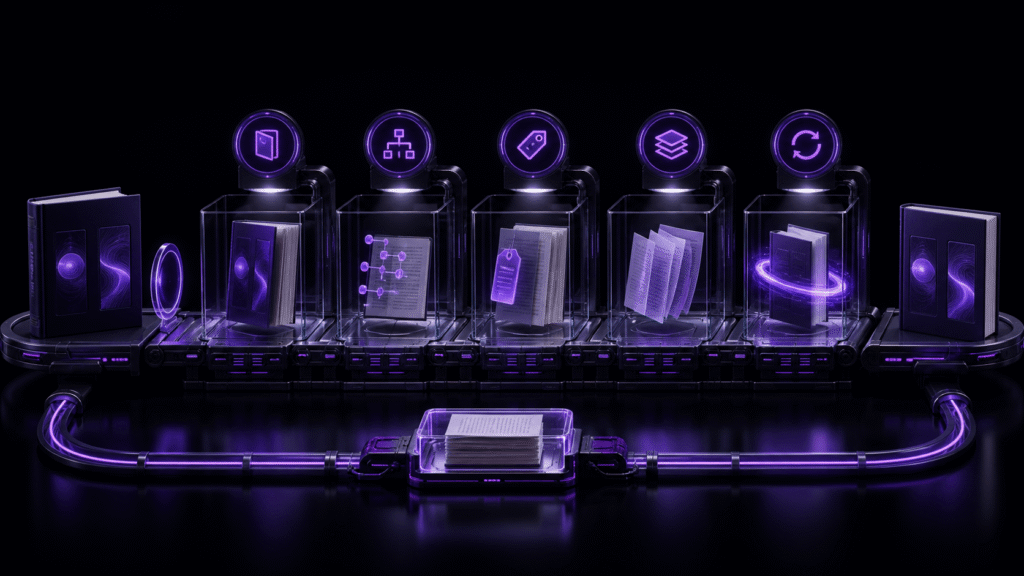
For reliable EPUB creation, prevent garbled text and broken images with four separate records: character candidates, image existence, relative references, and packaged resources. A clean result in one record cannot cancel an unresolved item in another.
When creating a new EPUB, use four records from the beginning rather than one last-minute checklist: a character-candidate record, an image-existence record, a relative-reference record, and a packaged-asset record. Each catches a different failure and has its own return point.
The sample is a new four-chapter book with four inline images and one cover. This is not the two-check workflow used after editing an existing source.
Record 1: character candidates and their meaning
When a rare or private-use character enters the manuscript, record its chapter, line, surrounding text, proposed substitute, and approval. A warning disappearing is not enough if the replacement changes a name or quotation.
Rune Studio’s published documentation describes major Japanese encoding detection, surfaced unconvertible characters, and suspended autosave until they are resolved. The specific one-candidate repair assumed by this example was not directly exercised through a zero-issue recheck. Test candidate location, approved substitution, and the final result on your own duplicate.
Record 2: the four image files
Before inserting figures, list figure-01.png through figure-04.png, their formats, and their source locations. Confirm that each file exists and opens. This record answers only whether the file exists; it does not yet prove that a chapter points to it.
Keep cover-main.png in a separate row and role. Mixing the cover into the figure sequence makes the expected package count harder to reason about.
Record 3: relative references and stale paths
Extract the image reference from each chapter and resolve it from that chapter’s location. From chapters/C02.md, for example, ../images/figure-02.png should reach the real file.
Search for old absolute folders and deleted relative directories. The planned example contains two stale paths, but their repair was not directly exercised in the current run. On your own source, record their locations, repair them, and search the old folder names again until the result is zero.
Record 4: packaged assets after export
Before export, the expected image count is five: one cover plus four figures. After export, record the actual package image count and the missing-asset count. Four suggests an absent item; six suggests that an unintended candidate may have been packaged.
EPUB 3 separates the manifest, spine, and navigation document. The EPUB 3.3 specification is the general reference. Matching the image count does not, by itself, establish correct chapter order, so inspect the spine separately.
Update the records at different times
During writing, update the candidate and image-existence records. After inserting images, update the relative-reference record. Only after export should you write an observed value into the packaged-asset record. Do not copy the planned value “five images, zero missing” into the result column before a package exists.
When something fails, return to one record: candidate meaning, real file, source reference, or package result. The separation prevents a broken path from triggering unrelated character changes.
What the four-chapter output established
The horizontal EPUB used four source chapters, four inline images, and one cover. Its spine contained cover, title, navigation, four content documents, and colophon. Inspection found five packaged images, no missing assets, navigation and NCX, and valid=true.
This directly supports the packaged-asset record. It does not establish repair of one private-use candidate or two stale paths. The local valid=true result also does not prove retailer acceptance or identical rendering in every reader.
Conclusion: keep planned and observed values apart
To create EPUB without garbled text or broken images, maintain four separate records and distinguish expected values from observed results. The sample directly confirmed five packaged images and zero missing assets; the character candidate and stale-path repairs still need to be run on your own duplicate.
Start the four records before adding more content. Current Mac features and download options are available on the Rune Studio website.