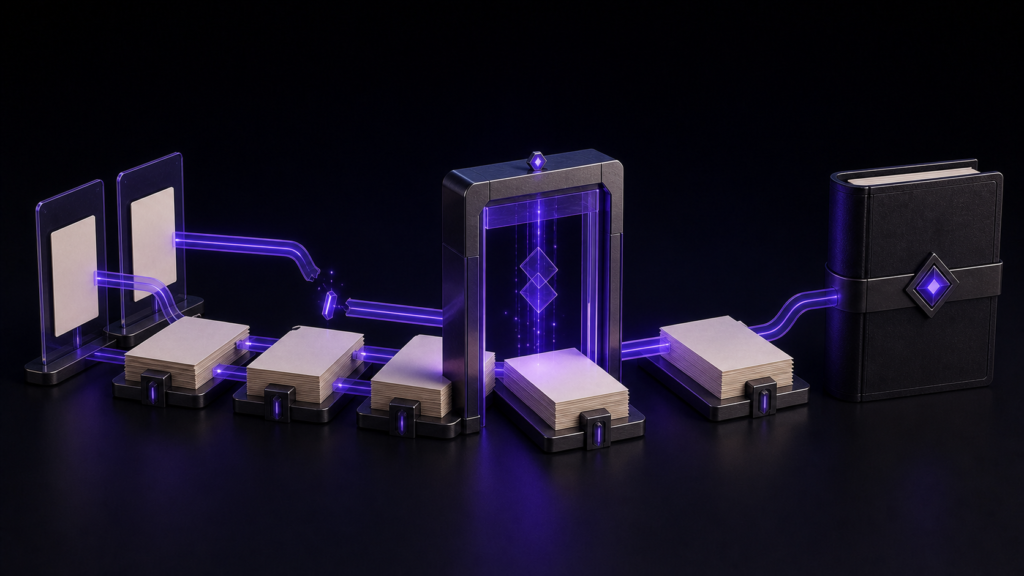
An image at the beginning of Chapter 1 is not automatically the EPUB cover. Choose one cover source, assign it to the cover role separately from inline images, and then inspect the cover reference, packaged image count, and missing assets after export.
This example uses one 1600-by-2560 cover, two inline images, and one alternate cover. It addresses package registration, not copyright clearance, visual design, or retailer-side recompression.
Cover and inline images have different jobs
A large first-page image can look like a cover in a reader while still being only an inline resource. Conversely, assigning an image as the cover does not require every chapter to reference it as an ordinary figure.
Make the roles visible in filenames: images/cover-main.png, images/cover-alt.png, images/figure-01.png, and images/figure-02.png. The decision rule is that the cover setting points to one accepted cover, while the two body references point to the two figures. The alternate may remain in the source folder, but it should not be selected for the same volume.
Freeze the selected cover input
The sample starts with a 1600-by-2560 portrait image. Record its dimensions, format, and filename before assignment so it cannot be confused with the alternate. Those dimensions describe this test input; they are not presented as a universal retailer requirement.
Visual quality is a separate judgment. The package check asks whether the selected source is referenced as the cover and whether it is present, not whether its typography is attractive.
Assign the cover in the EPUB Wizard
Rune Studio’s published documentation states that cover settings can be reflected in EPUB output. Choose the accepted image in the EPUB Wizard’s publication-information flow, separately from inserting image markup into chapter text.
In the controlled sample, the cover assignment read back as images/studio-038-01.png. The selected chapter sources were C01.md, C02.md, and C03.md, all included in navigation. Two other images were referenced from the body.
At this point, the useful expectations are concrete: one configured cover path, two distinct inline images, and no missing assets.
Inspect the package rather than trusting the thumbnail
EPUB 3 separates packaged resources, reading order, and navigation. The EPUB 3.3 specification defines the manifest, spine, and navigation document as different components. A visible cover thumbnail does not prove that body images or reading order are correct.
The horizontal three-chapter output produced a spine containing cover, title, navigation, three content documents, and colophon. Inspection found three packaged images—the expected cover plus two inline images—and no missing images. Navigation and NCX were present, and the local structural result was valid=true.
The recorded run confirms the configured relative cover path and a package with a cover page, three images, and zero missing assets. It did not separately extract and record the literal OPF cover-image property. If your delivery checklist requires that exact property string, unpack your own EPUB and inspect the package document.
Diagnose mismatched counts
If the wrong alternate appears, return to the cover assignment. If an inline figure is missing, return to its source path and file location. A packaged image count of two suggests that one expected asset is absent; a count of four suggests that an unintended candidate may have entered the package.
Make corrections in the source settings or chapter references and rebuild. Directly patching the exported package can leave the next build wrong again.
What this result does not establish
The local result does not establish retailer acceptance, identical sizing in every reader, or freedom from retailer recompression. It also does not assess image rights or design quality. Check those separately against the current rules and previews for your destination.
Conclusion: reconcile one cover and two figures
To register an ebook cover correctly in EPUB 3, keep it distinct from inline images, assign the accepted file to the cover role, and inspect the resulting cover reference and assets. For this sample, the expected count was one cover plus two figures, with zero missing files.
Try the procedure on a duplicate three-chapter book. Current Mac features and download options are available on the Rune Studio website.