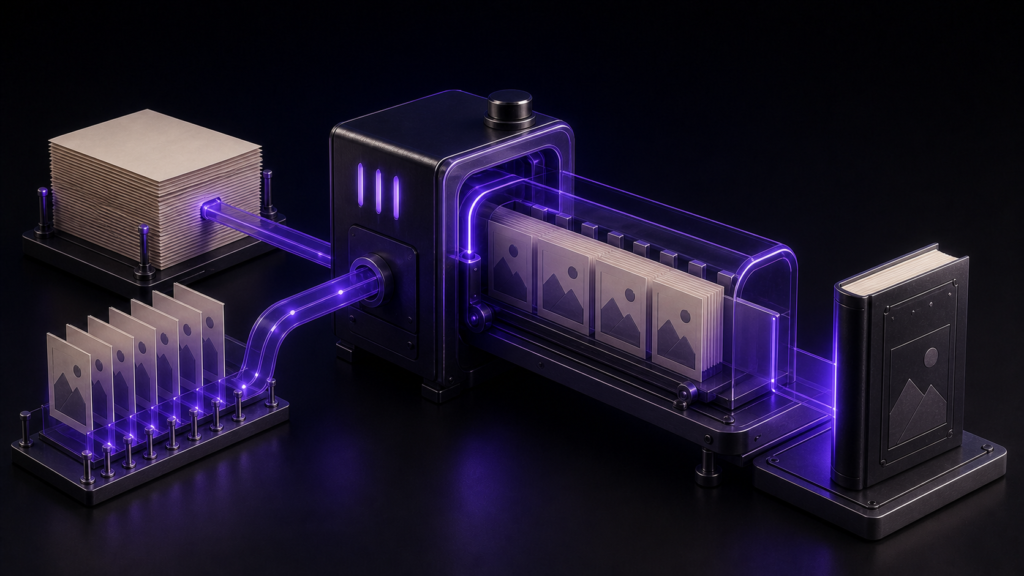
A horizontal KDP manuscript is not automatically reflowable just because its text runs from left to right. Treat writing direction and layout behavior as separate checks. For this article, I exported a three-chapter sample with two inline images and one table, then inspected the EPUB package for reading order, missing assets, and any fixed-layout declaration. The local structural test passed, while visual behavior in Kindle Previewer and on reading devices remains outside the verified result.
Start by separating horizontal writing from fixed layout
Horizontal describes the direction in which text is read. Reflowable describes content that can be repaginated as the viewport or font size changes. A horizontal book can still be built around fixed positions, so the two labels should never be used as substitutes for one another.
Under the EPUB 3.3 specification, rendition:layout identifies whether a publication is reflowable or pre-paginated. Reflowable is the default when a pre-paginated layout is not declared. That package-level fact does not prove that every image and table will look right on every screen. A reliable workflow therefore has two gates: inspect the internal EPUB structure first, then inspect the rendered book in Kindle Previewer and on the target devices.
Fix the sample at three chapters, two images, and one table
The sample used here contained three horizontal body chapters, two inline images, and one XHTML table. It used no fixed coordinates. Those counts were recorded before export: three chapter inputs, two image inputs, and one table. If an output count is lower, the problem is a missing resource or conversion issue, not evidence about reflow behavior.
The structural acceptance list was deliberately narrow:
- the publication was exported in horizontal writing mode;
- the package did not declare
pre-paginated; - the spine and logical navigation preserved the three-chapter order; and
- both images and the table remained in the exported EPUB.
Font resizing and viewport rendering were not included in this run. No screenshot or image-production step is part of this article revision, so visual reflow must remain an explicit follow-up rather than an implied success.
Use the same package checks without Rune Studio
The general procedure does not depend on a particular editor. Work on a copy of the manuscript, record the chapter order and asset counts, and generate an EPUB. Inspect the package document for layout metadata and spine order, inspect the EPUB navigation document for chapter links, and inspect the unpacked XHTML for image references and the table.
Before submission, consult Amazon KDP’s supported eBook manuscript formats and open the same EPUB in Kindle Previewer. Change the font size and viewport, then examine paragraph flow, image placement, and table usability. Package inspection catches structural omissions; Previewer catches visible layout problems. Passing one gate does not pass the other.
The nine-command Rune Studio run passed locally
In a dedicated test workspace, I set the series to Japanese and horizontal writing, set the volume information, selected the three body chapters, confirmed their order and table-of-contents inclusion, reviewed the export plan, exported the EPUB, and ran the local inspection. The evidence records a command_count of 9.
The result was valid=true, with a spine count of 6 and zero missing images. Both the EPUB navigation document and the NCX were present, each with three chapter entries. Their targets followed p001.xhtml, p002.xhtml, and p003.xhtml in order. Both input images were packaged, one XHTML table was found, and no pre-paginated declaration was present.
This makes the article-specific Stage 4 result passed for local structure: horizontal output, three preserved chapters, two packaged images, one table, and no fixed-layout declaration. It does not establish how the images or table move when a reader changes the font size.
Return to the failed layer instead of restarting everything
KDP acceptance, Kindle Previewer rendering, physical-device pagination, and consistent appearance across all reading systems were not tested. Until those checks are complete, claims such as “it cannot break on KDP” or “font resizing always works” would exceed the evidence.
Use the failed observation to choose the return point:
- If
pre-paginatedappears, return to the export settings and any source assumptions that require fixed positioning. - If the spine or navigation order differs, return to chapter ordering and TOC inclusion in the file-selection step.
- If fewer than two images are packaged, return to the source image references and the package manifest.
- If the table is absent, return to the source table markup and inspect the converted XHTML.
- If Kindle Previewer later shows a visual defect, keep the structural result separate, revise the relevant CSS or image dimensions, and repeat the visual gate.
Rune Studio covers EPUB generation and local inspection
The documented features of the current macOS version of Rune Studio include an EPUB 3 export wizard for writing direction, language, volume information, source files, chapter order, TOC inclusion, and metadata. Its EPUB output includes the package document, EPUB navigation document, NCX, and body XHTML. Those are Stage 3 product capabilities documented on the Rune Studio product page and in the product reference.
The counts above are different evidence: they are Stage 4 observations from this article’s dedicated sample. The EPUB standard, Rune Studio’s documented capabilities, this test run, and unverified KDP or device behavior belong in separate statements.
Conclusion: follow structural success with visual testing
To prepare a horizontal reflowable KDP format without fixed-layout assumptions, do not stop at the horizontal setting. Compare the three starting counts with the exported package, verify reading order, and confirm that pre-paginated is absent. This sample passed those local structural checks. The next step is to open the same EPUB in Kindle Previewer and test font-size and viewport changes as a separate visual review.