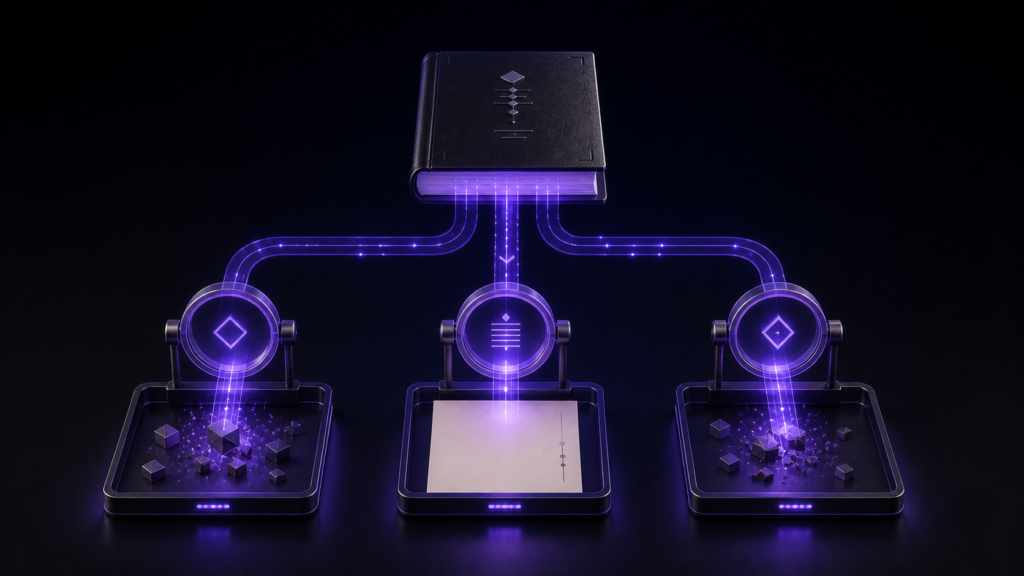
When text appears garbled, do not save it. Preserve the file’s bytes and reopen the same file with candidate encodings until several known characters are correct at once. This can repair a decoding mistake. It cannot reconstruct characters that were already replaced or lost in an earlier save.
Distinguish a bad reading from damaged data
Mojibake often means Shift_JIS bytes were interpreted as UTF-8, or the reverse. In that case the original information may still be present, and choosing the right decoding can reveal it. If someone saved the garbled view, however, the new bytes may encode the wrong characters permanently.
That distinction changes the first response. A decoding mistake calls for reopening without writing. Damaged data calls for backups, a second source, or author confirmation. Repeatedly changing the encoding of an already damaged copy does not bring the missing characters back.
Pick five anchors with known answers
Choose a personal name, Japanese punctuation, a katakana word, a short ASCII sequence, and a sentence near the end. Spread the anchors through the file. A candidate encoding passes only if all five are correct; a readable first paragraph is not enough.
Checks with representative files identified UTF-8, Shift_JIS, EUC-JP, UTF-16LE, and UTF-16BE. UTF-16 required separate attention to the byte-order mark before the text comparison aligned. This demonstrates the candidate-and-anchor method for the samples, not a guarantee for every damaged byte stream.
Try candidates in Rune Studio without saving
Open a duplicate and switch the tab’s encoding interpretation. Each time, inspect the same five anchors. Keep notes rather than relying on memory. Do not edit or save while candidates are being tested, because writing the wrong interpretation can turn a reversible reading problem into permanent damage.
Once one candidate makes every anchor correct, record it. Use Save As if you want a UTF-8 working copy, close the result, and reopen it from disk. Recheck the anchors and the final sentence before making any editorial changes.
Know when to stop trying encodings
If no candidate restores all anchors, consider mixed encodings, truncated bytes, or a previous destructive save. Stop the trial-and-error cycle. Locate the attachment, cloud history, exported original, or another recipient’s copy. Perform recovery on duplicates only.
The same caution applies when replacement glyphs are already stored. An editor can show where they are, but it has no evidence about the characters that used to occupy those positions.
The recovery rule is simple
Preserve, identify, reopen, and only then convert. Rune Studio makes Japanese encoding choices available beside the editing tab, which is convenient for this controlled comparison. It is not a forensic reconstruction system and should not be presented as one.
If you receive legacy Japanese text regularly, review current support on the Rune Studio product page. For the file in front of you, begin by making a duplicate and writing down five anchors before changing a single setting.