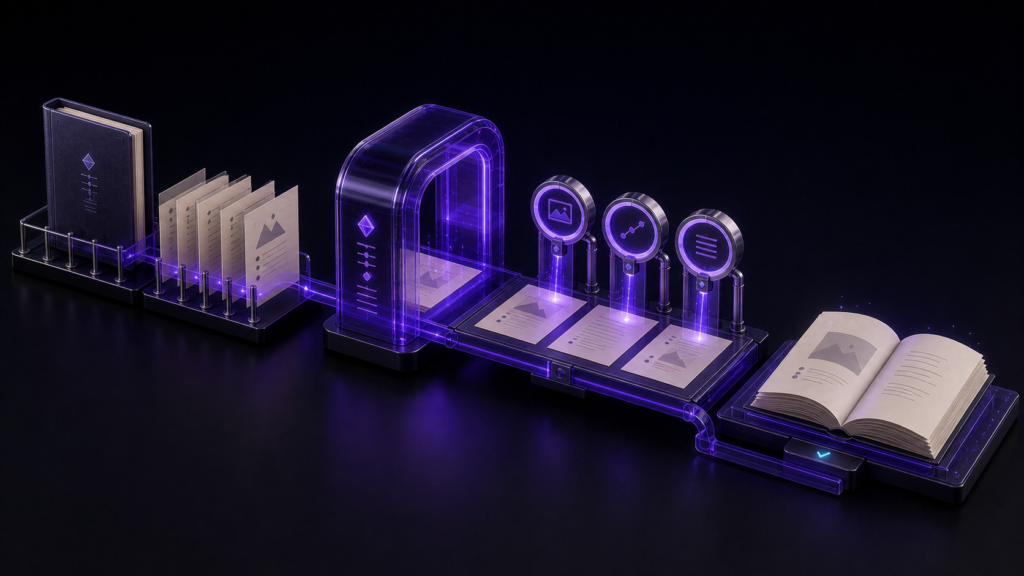
Generating an EPUB with images is not complete when the progress indicator reaches the end. The finished package must contain the intended assets and report no broken references. Separate the work into preparation, generation, and inspection so that a missing picture has a clear place to investigate.
Give every image a stable source address
Use a two-chapter manuscript, two body images, and one cover. Give the illustration in chapter one and the chart in chapter two distinct names, then verify their paths relative to each chapter file. Keep the cover out of the prose and select it as publication metadata. Choose an output folder and edition name that will not overwrite a useful earlier build.
Meaningful alternative text belongs in the manuscript before export. “Image” is not useful when the asset cannot be displayed. Dimensions and compression are visual-quality questions; keep them separate from the narrower broken-reference check.
Freeze inputs while the generator runs
In Rune Studio, inspect the chapters and assets in the workspace file tree, then start the EPUB wizard. File Selection chooses the two sources. Chapter Order establishes reading sequence and navigation inclusion. Metadata selects the cover. Review and Export shows page order, cover, and output name before writing the file to the workspace's EPUB folder.
Do not reorganize image folders in the middle of this run. When source names, references, and export settings change together, the cause of a failure becomes ambiguous. If an error names an image, inspect that exact manuscript destination before launching another build.
Inspect three counts in the artifact
Read the number of chapters, packaged images, and missing images from the finished result. Compare them with the plan rather than with an arbitrary ideal. An exporter may rename image files internally; what matters is that each chapter can resolve the intended packaged resource.
In a two-version rebuild, both artifacts passed the local structural check, retained seven spine entries, and changed after one source edit. A separate image package contained two images and reported no missing asset. These observations support local packaging and repeatability. They do not establish identical scaling in every reader.
Diagnose one missing asset before rebuilding
For a missing body image, inspect the Markdown destination, count the path from the chapter's folder, and confirm the file at that location. For a missing cover, revisit the Metadata choice rather than editing body markup. An unused image being absent from the package may be correct, so distinguish “not referenced” from “broken reference.”
EPUB's resource inventory, reading order, and navigation have distinct responsibilities under the EPUB 3.3 specification. Use that structural model for package checks, then use the target reading apps for visual judgment.
The generation step is complete when the two chapters remain ordered, all referenced images are packaged, the missing count is zero, and the cover occupies the cover role. A useful next trial moves one image in a project copy and repeats the build. Rune Studio's current output scope is documented on its Mac product page.


